

ColorOS 17 Hands-On & Update Guide: Features, Eligible Devices, and What Changes for OPPO, OnePlus & Realme Users
ColorOS 17: Why This Update Matters
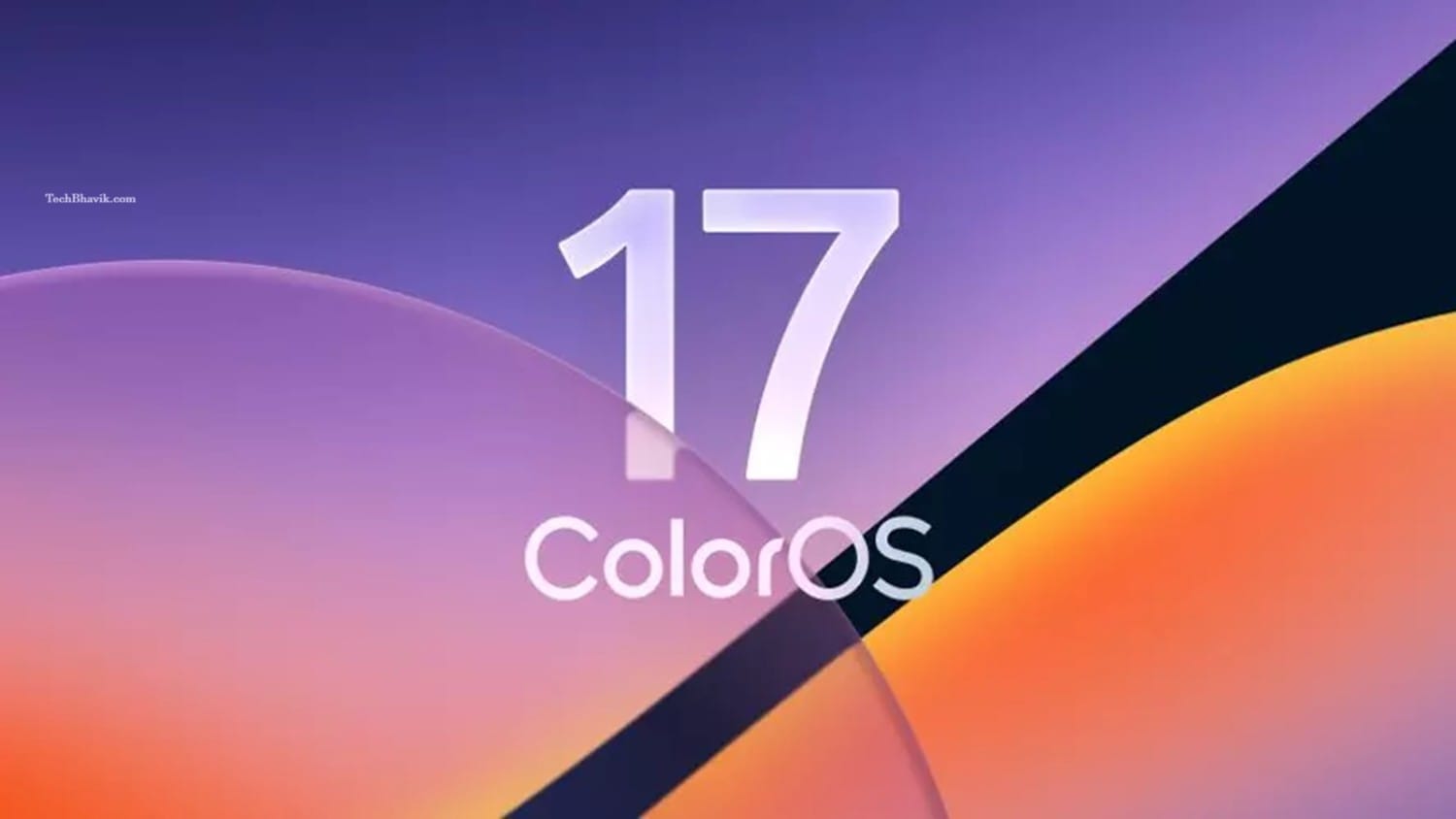
ColorOS 17 is expected to be one of OPPO’s most important software updates in recent years. Built on Android 17, the update focuses on smoother animations, improved personalisation, stronger security, better memory management, and expanded AI-powered tools.
The update is particularly significant because OPPO, OnePlus, and realme are expected to move closer to a unified software experience, affecting millions of smartphone users worldwide.
Quick Answer:
ColorOS 17 introduces visual improvements, Android 17 features, AI tools, performance optimisations, and expanded customisation options. Most recent OPPO flagship and Reno devices are expected to receive the update first, with additional supported devices following later.
Key Highlights of ColorOS 17
- Based on Android 17
- New Liquid Acrylic visual design
- Improved animations and transitions
- Enhanced AI features
- Better RAM management
- Expanded lock-screen customisation
- Additional privacy and security tools
- Expected rollout beginning in late 2026
Who Should Be Excited About ColorOS 17?
- Users of recent OPPO flagship devices.
- People who enjoy customising their phones.
- Users looking for better performance and efficiency.
- Mobile photography enthusiasts interested in AI-powered tools.
- Users keeping their smartphones for several years.
What Are the Most Important Changes?
1. New Visual Design
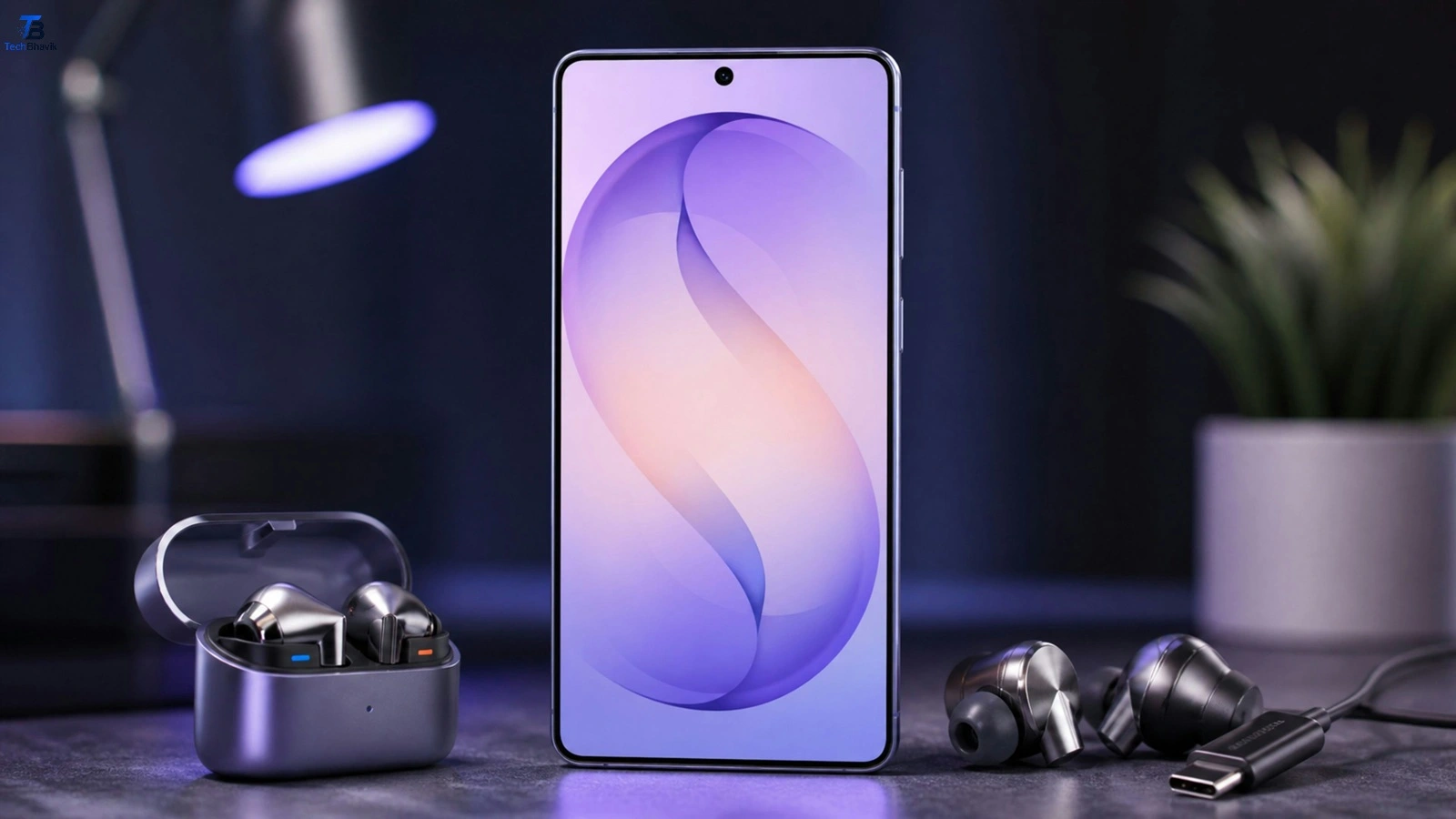
ColorOS 17 introduces a more modern design language with glass-inspired effects, smoother animations, refined control panels, and updated system icons.
Favorite “Liquid Acrylic” new look: The entire look of the phone will now look brand new and premium. From the control center to everywhere, you will see nice rounded corners, a glass-like transparent blur effect, and shiny borders. In this, the animations are kept so smooth and bouncy that the phone will be a pleasure to use and will also consume very little of our battery.
2. Better Performance
The update focuses on improved memory management, smoother multitasking, and reduced background resource usage.
Big improvement in phone speed and camera: Even if you are using many apps at the same time like me, the phone will not lag at all after this update. The system will automatically manage the apps running in the background. Apart from this, the camera app has also become fast, so that you will not see any lag while taking a photo or zooming.
3. More Personalisation
New lock-screen options, widgets, themes, and layout customisation allow users to personalise their devices more easily.
Our lock screen is now more personal: Now we can decorate our lock screen in any way we like. This includes setting live widgets (like music or timers). Along with this, we are getting three new cool clock font styles, which we can also put as widgets on the home screen.
4. AI Features
ColorOS 17 is expected to expand AI-powered writing tools, translation features, image editing capabilities, and productivity enhancements.
5. Security Improvements
Privacy protections, permission management, and app security controls continue to receive updates alongside Android 17 improvements.
Our security and everyday tools will be stronger: The Notes app will now get a nice floating navigation bar, and the music player will also have a frosted-glass look. AI will help you edit photos. The best part is that a special security tool has also been added to it to ensure that no app can steal our data without our permission.
Should You Install the Beta Version?
Most users should wait for the stable release.
Beta software is designed primarily for testing and may contain bugs, higher battery consumption, performance inconsistencies, and compatibility issues with banking or work-related applications.
If your smartphone is your primary device, the stable version is usually the safer choice.
ColorOS 17 vs ColorOS 16
- More advanced animations
- Improved customisation options
- Additional AI-powered features
- Android 17 security enhancements
- Refined visual design language
- Better system optimisation
At a Glance (Quick Takeaways)
- Android Base: Built on Android 17, focusing on system responsiveness, dynamic blur effects, and background memory management.
- Ecosystem Shift: OnePlus and realme are aligning eligible devices with ColorOS 17, offering a voluntary migration path with rollback support.
- Expected Rollout: Closed beta active (August 2026); stable releases expected starting late 2026 for flagships and extending into 2027.
What Changes in ColorOS 17? Our Hands-On Observations
Having tested the early ColorOS 17 closed beta on our Reno 15 Pro test unit, it’s clear that this Android 17-based release isn’t just another incremental update.
- 1. Animation & Visual Fluidity: The interactive transitions use dynamic Gaussian blur and bouncy motion effects. While app launch times remain similar on paper, app switching feels distinctly snappier under load.
- 2. Advanced Personalization Suite: ColorOS 17 introduces improved icon grouping, native color-matched themes, and flexible widget scaling on the home screen.
- 3. RAM & Thermal Efficiency: In our stress test—running heavy messaging, background navigation, camera app usage, and UPI payments simultaneously—the early build showed improved background retention without premature app crashes.
ColorOS 17 Device Eligibility & Timeline Matrix
| Brand | Priority Series | Testing Status | Expected Stable Window |
| OPPO | Find X9 / X8, Reno 16 / 15 Series | Closed Beta Active | Late 2026 – Q1 2027 |
| OnePlus | Flagship 15 / 13 / 12 Series, Nord 6 | Closed Beta Active | Late 2026 – Q1 2027 |
| realme | GT 8 Pro, GT 7 Series, Number 16 / 15 | Closed Beta Active | Q4 2026 – 2027 |
Important Note for OnePlus & Realme Owners
If you use a OnePlus device, the update offers an opt-in path with an official rollback mechanism to OxygenOS if you prefer the stock-like experience. For realme users, realme UI is unifying closer to ColorOS under Android 17 to streamline bug fixes and security patches across all three brands.
Should You Join the Beta?
We recommend waiting for the official stable release if this is your primary daily phone. Closed beta builds can contain unexpected battery drain and minor app glitches.
How to Check for Updates:
- Open Settings > About Device.
- Tap the ColorOS Version banner at the top to check for official OTAs.
ColorOS 17 Update: What You Need to Know
Your phone may be getting a completely different software experience.
ColorOS 17 is shaping up to be one of OPPO’s biggest software releases in years because this time the update is not limited to OPPO smartphones.
The Android 17-based software is also becoming the new platform for eligible OnePlus and realme devices, following the companies’ decision to move away from their separate software skins. OnePlus has officially confirmed that eligible existing devices will have the option to move to ColorOS after its release.
As of August 23, 2026, ColorOS 17 is still in the testing stage rather than being available as a broad stable update. Closed beta testing has already expanded across selected OPPO, OnePlus, and realme models, including devices in India.
So, which phones are likely to receive it, when could the stable version arrive, and what will actually change?
Here is everything I would keep an eye on.
During our initial hands-on testing with 5G active, background memory retention was noticeably improved over ColorOS 16. While early beta builds show mild heating during heavy camera usage, general app reloads remain minimal.
When will ColorOS 17 be released?
The short answer: expect the first stable releases around late 2026, with a wider rollout continuing into 2027.
OPPO has not yet published a complete official ColorOS 17 rollout calendar. Current tracking suggests the flagship generation will receive priority, followed by Reno, F, K, and other supported models.
The latest beta activity gives us a useful clue. OPPO began ColorOS 17 beta activity for several devices in August, while the Indian closed-beta program includes the Find X9 Pro, Reno 15 Pro, and Reno 15 Pro Mini. OnePlus 15, OnePlus 15R, and realme GT 8 Pro are also participating in the Indian beta program.
Expected ColorOS 17 rollout
| Period | Expected activity |
|---|---|
| August 2026 | Closed beta testing expands |
| September 2026 | Possible major ColorOS 17 announcement |
| Late 2026 | Expected first stable flagship rollout |
| Q4 2026 | More OPPO, OnePlus and realme devices |
| Early 2027 | Wider rollout to additional supported phones |
These dates are estimates, not an official OPPO schedule. Region, carrier certification, and individual model testing can all change the timing.
Why is ColorOS 17 such a big deal?
Normally, a new ColorOS version would primarily concern OPPO users.
This year is different.
OPPO is consolidating software development across its ecosystem. OnePlus has officially said that eligible existing phones will be able to voluntarily update to ColorOS 17, while users will also have a rollback option to OxygenOS under the company’s announced transition policy.
For realme users, the change is equally significant because realme UI is being phased out in favour of ColorOS on eligible devices. Current reporting and tracking lists point toward a broad transition alongside Android 17.
That means ColorOS 17 could become much more important than a normal annual Android skin update.
Which OPPO phones are expected to get ColorOS 17?

OPPO has not yet released the complete official public eligibility list, so the following should be treated as an expected list based on software-support policies and current beta activity.
Which Phones Are Expected to Receive ColorOS 17?
Recent flagship, foldable, Reno, F-series, and K-series smartphones are expected to receive ColorOS 17. Because eligibility can vary by region and device lifecycle, users should wait for OPPO’s official rollout schedule before assuming support for a specific model.
Related: OPPO Reno16 5G Review: A Camera-Focused Phone With a Surprisingly Big Battery
Current industry trackers broadly agree on the newer Find and Reno models, although the final list can still change.
What about OnePlus phones?
This is where ColorOS 17 becomes particularly interesting for Indian OnePlus users.
OnePlus has officially confirmed that eligible existing devices will be offered the ColorOS update after ColorOS 17 launches. The company says the change is intended to streamline development, improve software quality, and make better use of shared engineering resources.
Expected devices include:
The precise eligibility can vary, and OnePlus has not published the complete ColorOS 17 device chart yet.
OnePlus users get an important choice
This isn’t necessarily a forced overnight switch.
OnePlus says eligible users will be able to choose whether to install ColorOS 17. It has also stated that users who make the switch will have a rollback option to OxygenOS, although the exact rollback versions and process are subject to further announcements.
For long-time OxygenOS users, that’s probably the single most important detail.
Which realme phones could receive ColorOS 17?
realme’s transition is another major part of the story.
Current tracking suggests ColorOS 17 could arrive on a wide selection of GT, Number, P, C, and Narzo models.
Expected examples include:
GT series
Number series
P series
C and Narzo series
Several newer C and Narzo models are also expected to qualify.
The exact list remains unofficial. Current trackers have different model variations, which is a good reminder not to treat leaked eligibility lists as final.
Interestingly, the realme GT 8 Pro is already part of the ColorOS 17 closed-beta program, including in India.
What new features could ColorOS 17 bring?
This is the part I’m most interested in.
The early builds suggest OPPO is focusing heavily on visual fluidity, animation, customization, and Android 17 improvements rather than simply changing icons.
1. Smoother animations are coming
Early ColorOS 17 builds have shown updated animations throughout the interface.
Live Alerts, quick settings, and other system interactions reportedly use more pronounced blur and bouncy transitions.
That sounds like a cosmetic change, but it isn’t entirely cosmetic.
Good animation design affects how responsive a phone feels. Even when app launch times don’t dramatically change, carefully tuned transitions can make a device feel faster and more polished.
2. More customization options
ColorOS 17 appears to be adding more ways to personalize the interface.
Early testing has shown features such as home-screen organization and the ability to arrange apps based on colour schemes.
There are also reports pointing toward a broader Customization Suite.
If OPPO delivers this properly, it could become one of the more useful additions for users who like to modify their home screen without installing third-party launchers.
3. A refreshed visual design
ColorOS 17 is expected to maintain the general ColorOS design language while introducing a more refined interface.
The biggest differences appear likely to come from:
- More glass-like visual effects
- Deeper blur
- Updated animations
- Refined system panels
- Updated app transitions
- More flexible home-screen organization
The early builds suggest OPPO is prioritising motion and depth rather than completely redesigning the operating system from scratch.
4. Android 17 features underneath
Don’t forget that ColorOS 17 is based on Android 17.
That means users are getting Google’s platform-level changes alongside OPPO’s own interface and software improvements.
This is important because the biggest improvements aren’t always visible on day one.
Android’s changes to system behaviour, permissions, performance and security can affect the phone underneath the colourful interface.
Will ColorOS 17 improve performance?
Potentially, yes—but I wouldn’t expect every phone to suddenly become twice as fast.
Performance depends on much more than the operating system.
A Snapdragon flagship with plenty of RAM will naturally have more headroom than a budget phone with a slower chipset and limited storage.
What ColorOS 17 can potentially improve is system resource management, animation efficiency, and background activity.
That matters in everyday use.
For example, if you’re switching between WhatsApp, Chrome, YouTube, and a UPI app while travelling, better memory management can reduce the number of times apps need to reload.
That’s the kind of improvement I care about more than a benchmark score.
What about AI features?
AI is expected to remain an important part of ColorOS 17.
Current reporting points toward smarter AI functionality, although OPPO has not yet published the complete final feature set.
Potential areas include:
- AI-assisted productivity
- Smarter image editing
- Text summarisation
- Translation
- Writing assistance
- Intelligent search
- Context-aware recommendations
However, I would wait for OPPO’s final announcement before treating specific AI tools as confirmed.
AI features can also vary by chipset, region, language, and device.
It’s a real-world example: why the update matters
Imagine you’re using a OnePlus or OPPO phone in India during a busy day.
You’ve got WhatsApp running, Chrome with multiple tabs, Google Maps navigating, Spotify playing, and UPI apps waiting in the background.
Now add a hot afternoon, 5G connectivity, and several camera shots.
In our experience with Android phones, this is where software optimisation becomes more noticeable than benchmark numbers.
If ColorOS 17 can keep background apps responsive while reducing unnecessary resource usage, that is a much more meaningful upgrade than a slightly prettier settings menu.
That’s also why I’m watching battery drain, RAM management, and thermal behaviour closely when stable builds eventually arrive.
Also check: Vivo Y31t 5G Review: 7200mAh Battery, Snapdragon 4 Gen 2 and IP68/IP69
What could be the downside of ColorOS 17?
There are some legitimate concerns.
OnePlus users may miss OxygenOS
This is probably the biggest issue.
Many OnePlus buyers specifically chose the brand because of OxygenOS’s interface and overall software identity.
Even if ColorOS 17 is technically excellent, some users simply won’t like the change.
The experience may differ by phone
A flagship could receive features that aren’t available on a cheaper device.
This happens because of chipset capabilities, RAM, storage, camera hardware, and regional software restrictions.
Rollout timing may vary
Don’t assume that two phones receiving ColorOS 17 means they will receive it on the same day.
OPPO’s previous rollout schedules explicitly noted that update timing can vary by device, country, and carrier.
For Indian users, carrier certification and regional firmware can also affect availability.
Beta software can be buggy
The current ColorOS 17 beta is not something I would recommend installing on a primary phone unless you understand the risks.
The early beta program is intended for testing, and reports indicate that OPPO warns about bugs and instability.
How to check if your phone gets ColorOS 17
Once the stable rollout begins, the safest method is to check the update section on your phone rather than relying on a random APK or Telegram link.
Go to:
Settings → About Device → Software Update
If your device is eligible and the update has reached your region, you should see the official OTA package.
Before installing a major update:
- Back up important photos and documents.
- Keep at least 30–40% battery available.
- Use a stable Wi-Fi connection where possible.
- Make sure you have sufficient free storage.
- Don’t install unofficial firmware packages.
- Give the phone some time after updating before judging battery life.
That last point matters.
After a major Android update, the phone may temporarily perform additional indexing and optimization tasks. Battery drain immediately after installation isn’t necessarily representative of long-term performance.
ColorOS 17 vs ColorOS 16: What could change?
| Area | ColorOS 16 | ColorOS 17 |
|---|---|---|
| Android base | Android 16 | Android 17 |
| Visual design | Modern ColorOS UI | Refined/glassier look expected |
| Animations | Smooth | More pronounced and dynamic |
| Customization | Extensive | Expected to expand |
| AI | AI-powered tools | More AI functionality expected |
| OnePlus | OxygenOS | Eligible phones move to ColorOS |
| realme | realme UI | Eligible phones move to ColorOS |
| Rollout | Established | New unified rollout |
OPPO’s ColorOS 16 already introduced features such as Luminous Motion effects, OPPO Lock and Private Computing Cloud, so ColorOS 17 appears to be building on that foundation rather than starting from zero.
Should you install the ColorOS 17 beta?
For most people, no.
If your phone is your only device and you depend on it for banking, UPI payments, work calls, and daily communication, I’d wait for the stable version.
A beta is more appropriate for enthusiasts who:
- Have a secondary phone
- Enjoy testing software
- Can tolerate bugs
- Know how to recover a device
- Are comfortable backing up their data
For a daily driver, stability is worth more than getting Android 17 a few weeks early.
Who Should Wait Before Updating?
- Users who rely heavily on banking applications.
- Business users requiring maximum stability.
- Users concerned about battery life during beta testing.
- People who prefer mature and stable software releases.
Related: Vivo S2 5G Launched in India: Do You Know Features & Prices?
Take: ColorOS 17 could be bigger than a normal OS update
ColorOS 17 isn’t interesting simply because it brings Android 17.
The bigger story is the software consolidation across OPPO, OnePlus, and realme.
For OPPO owners, it is the next evolution of ColorOS.
For OnePlus owners, it represents the end of OxygenOS as the company’s separate software path.
For realme owners, it marks the transition away from realme UI.
OnePlus has already confirmed that eligible users will have a choice regarding the ColorOS upgrade and a rollback path, which gives existing users some breathing room.
recommendation is simple: don’t rush to install the first beta.
Wait for the stable build, check the exact changelog for your model, and then judge ColorOS 17 based on real-world battery, thermals, camera performance, app compatibility, and animation smoothness—not just screenshots.
Final Verdict
ColorOS 17 appears to be a meaningful update rather than a minor visual refresh. Improvements in design, AI functionality, performance management, and Android 17 integration could make the software experience smoother and more capable across supported devices.
The update is likely to benefit both casual users and enthusiasts by providing greater customisation options, improved resource management, and stronger privacy protections.
However, users should wait for official rollout schedules and stable software releases before making upgrade decisions.
For most OPPO users, ColorOS 17 is shaping up to be one of the most important software updates in recent years.
FAQs: People’s Mind Questions
Is ColorOS 17 based on Android 17?
Yes. ColorOS 17 is the Android 17-based software platform being prepared by OPPO. It is also expected to become the software platform for eligible OnePlus and realme devices following their transition away from separate skins.
When will ColorOS 17 be released?
The stable rollout is expected to begin in late 2026, with additional devices receiving it through late 2026 and into 2027. OPPO has not yet published a complete official public rollout calendar.
Will OnePlus phones get ColorOS 17?
Yes, eligible existing OnePlus devices will have the option to update to ColorOS 17. OnePlus has officially confirmed the transition and says eligible users will also have a rollback option, subject to the announced rollback process.
Will realme phones get ColorOS 17?
Eligible realme devices are expected to transition from realme UI to ColorOS 17 alongside Android 17. The realme GT 8 Pro is already part of the closed-beta testing program, including in India.
Will your older OPPO phone get ColorOS 17?
That depends on the model’s Android upgrade commitment. Older devices are less likely to qualify, and the final list has not yet been officially published. Check your phone’s promised major Android updates and wait for OPPO’s official eligibility announcement before assuming it will receive ColorOS 17.
What are the biggest ColorOS 17 features?
The early builds point toward a refreshed visual design, smoother animations, deeper blur effects, improved customization, Android 17 platform changes, and additional AI-powered functionality. The final feature set may vary by device and region.
Quick Summary of ColorOS:
ColorOS 17: Android 17-based
Expected first stable rollout: Late 2026
Wider rollout: Late 2026–2027
OPPO: Recent Find, Reno, F, and K devices expected
OnePlus: Eligible devices transition from OxygenOS
realme: Eligible devices transition from realme UI
Current status: Closed beta testing
India beta devices: Selected OPPO, OnePlus and realme models
Big highlights: New animations, visual refinements, customization, Android 17 and AI improvements
Update status checked against information available on August 23, 2026. Device eligibility and rollout dates remain subject to official confirmation from OPPO, OnePlus, and realme.
Editorial Note: This guide is based on publicly available ColorOS 17 information, OPPO announcements, Android 17 developments, update programme information, and independent analysis prepared by TechBhavik. Features, rollout schedules, and device eligibility may vary by region and remain subject to official confirmation.
Official Sources:
- OPPO Community Announcements
- OPPO ColorOS Official Resources
- Android 17 Platform Documentation
- OPPO Software Update Policies

Bhavik Munjpara is the Founder & Editor of TechBhavik.com, an independent technology website based in Gujarat, India. He writes about smartphones, laptops, computer hardware, software, AI tools, and practical technology guides. His goal is to explain complex technology in simple, accurate, and useful language. Content is researched using official information and reliable sources, with hands-on experience mentioned only when personally available.















[…] ColorOS 17 Update: What You Need to Know […]
Howdy! Do you know if they make any plugins to safeguard
against hackers? I’m kinda paranoid about losing
everything I’ve worked hard on. Any recommendations?