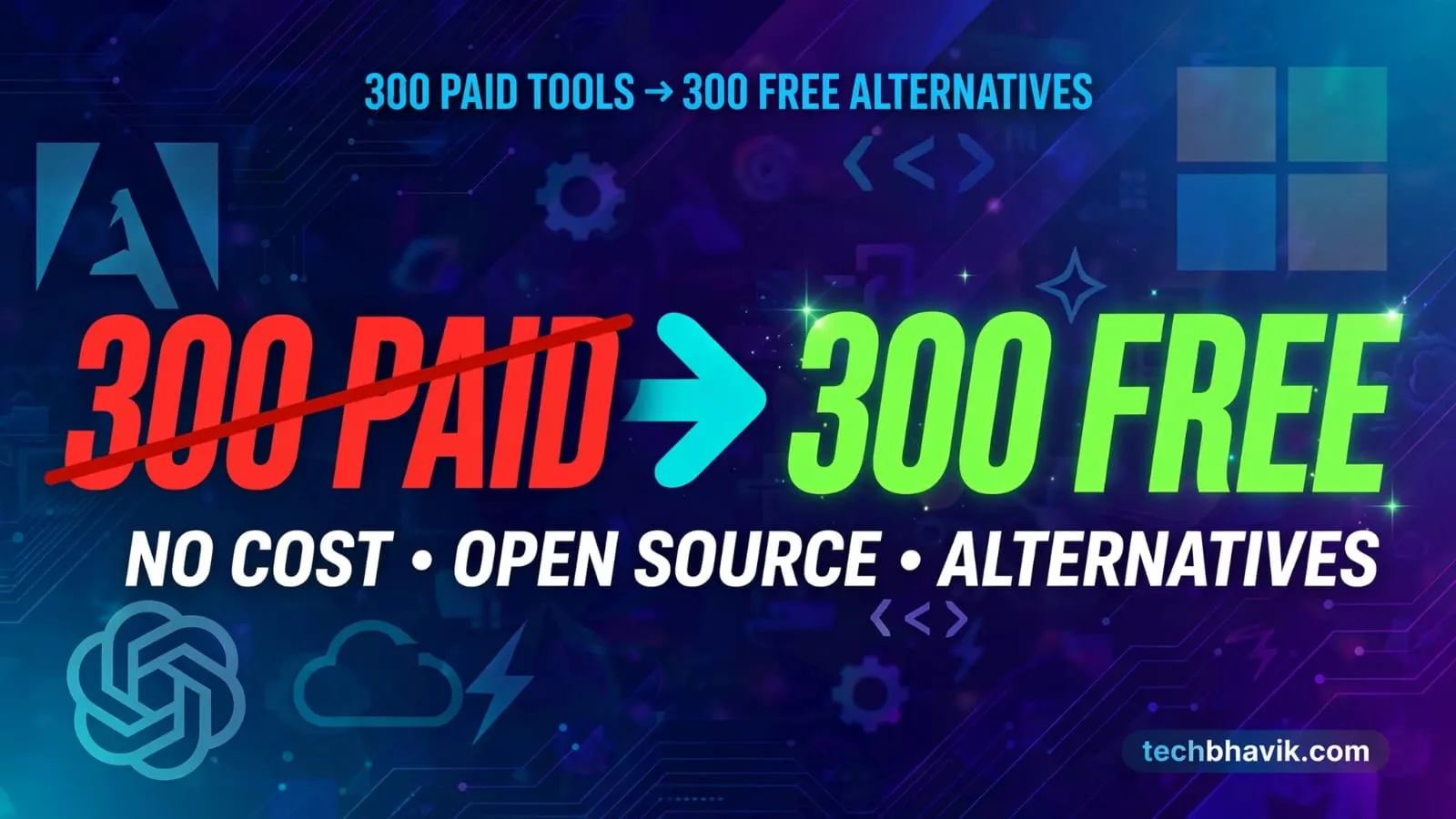

Why pay monthly when free tools do 90% of the job? I compiled 300 paid tools and their best free alternatives for AI, design, video, marketing, dev, and more. Bookmark this before your next subscription.
Techbhavik Author Find this very value Information about Very useful and creative free tools list which is help to use for who’s peoples they all have not paid or money for subscription.
Why This List Matters
Every month, subscriptions eat your budget. ChatGPT Plus, Adobe, Notion AI, Zoom Pro — it adds up fast.
But here’s the truth: Most paid tools have a free version that’s good enough.
You don’t need 20 subscriptions to build, create, and grow. You need the right free tools.
So I made this mega-list. 300 paid tools → 300 free alternatives. No fluff. Just swaps that work.
How to Use This List
- Ctrl+F your tool – Paying for Canva Pro? Search “Canva” and see the free option
- Test before you cancel – Try the free alternative for 1 week. If it works, cancel the paid plan
- Stack smart – Combine 2-3 free tools to replace 1 expensive suite
The Mega List: 300 Paid Tools → Free Alternatives
AI + Chatbots
| Paid Version | Free Alternative | What It Does |
|---|---|---|
| ChatGPT Plus | Google Gemini | AI chat, coding, research |
| Claude Pro | Google Gemini | Long documents, analysis |
| Perplexity Pro | You.com | AI search with sources |
| Midjourney | Microsoft Designer | AI image generation |
| DALL·E | Craiyon | AI art from text |
| Jasper AI | Writesonic | AI copywriting |
Video + Audio Editing
| Paid Version | Free Alternative | What It Does |
|---|---|---|
| Adobe Premiere Pro | DaVinci Resolve | Pro video editing |
| Final Cut Pro | Kdenlive / Shotcut | Video editing for Mac |
| After Effects | Blender | Motion graphics, VFX |
| CapCut Pro | DaVinci Resolve | Mobile + desktop video |
| Adobe Audition | Audacity | Audio editing, podcasts |
| Descript | Audacity | Edit audio by editing text |
Design + Photo
| Paid Version | Free Alternative | What It Does |
|---|---|---|
| Canva Pro | Adobe Express | Social media graphics |
| Adobe Photoshop | GIMP / Photopea | Pro photo editing |
| Adobe Illustrator | Inkscape | Vector design, logos |
| Figma Pro | Penpot / Lunacy | UI/UX design, collab |
| Adobe Lightroom | Darktable / RawTherapee | Photo color grading |
| Sketch | Penpot | Mac UI design tool |
Office + Productivity
| Paid Version | Free Alternative | What It Does |
|---|---|---|
| Microsoft 365 | LibreOffice / ONLYOFFICE | Word, Excel, PowerPoint |
| Notion AI | Obsidian | Notes, docs, knowledge base |
| Evernote | Joplin / Standard Notes | Note taking, web clipper |
| Todoist Pro | Microsoft To Do | Task management |
| Airtable | Baserow / NocoDB | Spreadsheet + database |
Marketing + Business
| Paid Version | Free Alternative | What It Does |
|---|---|---|
| Semrush | Ubersuggest | SEO keyword research |
| Ahrefs | Google Search Console | Backlinks, site SEO |
| Mailchimp Premium | Brevo / MailerLite | Email marketing |
| Hootsuite | Buffer / Metricool | Social media scheduler |
| HubSpot | Mautic / Bitrix24 | CRM + marketing automation |
| Salesforce | HubSpot | Sales CRM |

Developer + Tech
| Paid Version | Free Alternative | What It Does |
|---|---|---|
| GitHub Copilot | Codeium / Continue | AI code autocomplete |
| Postman Pro | Insomnia / Bruno | API testing |
| Docker Desktop Pro | Podman / Rancher Desktop | Containers |
| Vercel Pro | Cloudflare Pages | Deploy websites free |
| Firebase | Supabase / Appwrite | Backend as a service |
| WebStorm | VS Code | Pro code editor |
Streaming + Entertainment
| Paid Version | Free Alternative | What It Does |
|---|---|---|
| Netflix Premium | Tubi | Free movies & TV shows |
| YouTube Premium | NewPipe | No ads, background play |
| Spotify Premium | SoundCloud | Music streaming |
| Disney+ | Tubi | Free streaming content |
| Audible | LibriVox | Free audiobooks |
Security + VPN
| Paid Version | Free Alternative | What It Does |
|---|---|---|
| 1Password | Bitwarden | Password manager |
| LastPass Premium | Bitwarden / KeePassXC | Save passwords securely |
| NordVPN | Proton VPN / Windscribe | VPN privacy |
| ExpressVPN | Windscribe | Bypass geo-blocks |
AI + CREATOR TOOLS
PAID VERSION → FREE ALTERNATIVE
+ 300 more swaps inside. Scroll to find your tool 👇Click to Expand Full List of 300 Tools
- ChatGPT Plus → Google Gemini
- Netflix Premium → Tubi
- Spotify Premium → SoundCloud
- YouTube Premium → NewPipe
- Canva Pro → Adobe Express
- Microsoft 365 → LibreOffice
- Adobe Photoshop → GIMP
- Figma Pro → Penpot
- Adobe Premiere Pro → DaVinci Resolve
- Grammarly Premium → LanguageTool
- Midjourney → Microsoft Designer
- Notion AI → Obsidian
- Claude Pro → Google Gemini
- Adobe Illustrator → Inkscape
- Zoom Pro → Google Meet
- Slack Pro → Discord
- Dropbox → Google Drive
- Adobe Acrobat Pro → PDFgear
- GitHub Copilot → Codeium
- CapCut Pro → DaVinci Resolve
- After Effects → Blender
- Microsoft Visio → draw io
- 1Password → Bitwarden
- LastPass Premium → Bitwarden
- Webflow → Framer
- Trello Premium → ClickUp
- Calendly Premium → Cal. com
- Audible → LibriVox
- Amazon Prime Video → Pluto TV
- Disney+ → Tubi
- Apple TV+ → Pluto TV
- Xbox Game Pass → Epic Games Store
- Final Cut Pro → DaVinci Resolve
- Adobe Lightroom → Darktable
- Loom → OBS Studio
- Typeform → Google Forms
- Mailchimp Premium → Brevo
- Zapier → Make
- Miro → FigJam
- Google Workspace → Zoho Workplace
- Perplexity Pro → You com
- Cursor Pro → Continue
- Evernote → Joplin
- Todoist Pro → Microsoft To Do
- NordVPN → Proton VPN
- ExpressVPN → Windscribe
- AutoCAD → FreeCAD
- Salesforce → HubSpot
- Shopify → WooCommerce
- Jira Premium → Plane
AI + CREATOR TOOLS
- Jasper AI → Writesonic
- Synthesia → HeyGen
- ElevenLabs → TTSMaker
- Murf AI → TTSMaker
- Runway → Kling AI
- Pika → Luma Dream Machine
- Leonardo AI → Playground AI
- DALL·E → Craiyon
- Ideogram → Microsoft Designer
- Gamma → Google Slides
- Beautiful ai → Google Slides
- Tome → Google Slides
- Otter ai Pro → Notta
- Fireflies ai → Fathom
- Krisp Pro → NVIDIA Broadcast
- Descript → Audacity
- Riverside → OBS Studio
- VEED Pro → CapCut
- InVideo Pro → CapCut
- Camtasia → OBS Studio
- ScreenFlow → OBS Studio
- Snagit → ShareX
- Screen Studio → OBS Studio
- QuillBot Premium → LanguageTool
- Hemingway Editor Plus → LanguageTool
- Freepik Premium → unDraw
- Envato Elements → Mixkit
- Shutterstock → Unsplash
- Adobe Stock → Pexels
- Epidemic Sound → Pixabay Music
- Artlist → Free Music Archive
- Flaticon Premium → SVG Repo
- Icons8 Pro → Lucide
- Font Awesome Pro → Heroicons
- Adobe Fonts → Google Fonts
- Sketch → Penpot
- Affinity Photo → GIMP
- Affinity Designer → Inkscape
- CorelDRAW → Inkscape
- Adobe InDesign → Scribus
- Affinity Publisher → Scribus
- Adobe XD → Penpot
- Cinema 4D → Blender
- Autodesk Maya → Blender
- Autodesk 3ds Max → Blender
- ZBrush → Blender
- Substance 3D Painter → ArmorPaint
- Pro Tools → Audacity
- FL Studio → LMMS
- Ableton Live → LMMS
- Logic Pro → GarageBand
- Adobe Audition → Audacity
- Motion → Blender
- DaVinci Resolve Studio → Kdenlive
- Final Cut Pro → Shotcut
MARKETING + BUSINESS
- Semrush → Ubersuggest
- Ahrefs → Google Search Console
- Moz Pro → Google Search Console
- Surfer SEO → Google Keyword Planner
- Similarweb → Google Trends
- BuzzSumo → Google Trends
- Hotjar Pro → Microsoft Clarity
- Hootsuite → Buffer
- Sprout Social → Metricool
- Later → Buffer
- SocialBee → Buffer
- ConvertKit → Substack
- Beehiiv → Substack
- HubSpot Marketing Hub → Mautic
- Intercom → Tawk to
- Zendesk → Zammad
- Freshdesk → Zammad
- DocuSign → SignWell
- PandaDoc → Jotform
- SurveyMonkey → Google Forms
- Airtable → Baserow
- Asana Premium → OpenProject
- Monday com → Taiga
- ClickUp → OpenProject
- Microsoft Project → ProjectLibre
- QuickBooks Online → Wave
- FreshBooks → Wave
- Xero → Wave
- Dropbox Sign → SignWell
- Nitro PDF Pro → PDF24
- Smallpdf Pro → PDF24
- CamScanner Premium → Microsoft Lens
- TeamViewer → RustDesk
- AnyDesk → RustDesk
- Dashlane Premium → Bitwarden
- NordPass Premium → Bitwarden
- Squarespace → WordPress
- Wix Premium → WordPress
- BigCommerce → WooCommerce
- Elementor Pro → Brizy
- Divi → Brizy
- WP Rocket → LiteSpeed Cache
- Yoast SEO Premium → Rank Math
- Rank Math Pro → The SEO Framework
- WPForms Pro → Forminator
- Gravity Forms → Forminator
- MemberPress → Paid Memberships Pro
- Google One → Proton Drive
- Microsoft OneDrive → MEGA
- Microsoft Teams → Jitsi Meet
DEVELOPER + TECH
- Replit Core → StackBlitz
- Postman Pro → Insomnia
- Docker Desktop Pro → Podman
- Datadog → Grafana
- New Relic → Grafana
- Sentry → GlitchTip
- Firebase → Supabase
- MongoDB Atlas → Supabase
- Vercel Pro → Cloudflare Pages
- Netlify Pro → Cloudflare Pages
- Heroku → Render
- AWS → Oracle Cloud Free Tier
- Twilio → Telnyx
- Algolia → Meilisearch
- Pinecone → Qdrant
- OpenAI API → Google AI Studio
- Claude API → Gemini API
- WebStorm → VS Code
- PyCharm Professional → VS Code
- DataGrip → DBeaver
- IntelliJ IDEA Ultimate → Eclipse
- Rider → Visual Studio Community
- Visual Studio Professional → Eclipse
- Sublime Text → Notepad++
- UltraEdit → Notepad++
- Charles Proxy → mitmproxy
- Splunk → OpenSearch
- Terraform Cloud → OpenTofu
- GitHub Enterprise → Gitea
- GitLab Premium → Gitea
- Elasticsearch Cloud → OpenSearch
- SendGrid → Brevo
- Mailgun → Brevo
- Make → n8n
- PagerDuty → Grafana OnCall
DATA + ENGINEERING + PROFESSIONAL
- MATLAB → GNU Octave
- Mathematica → SageMath
- SPSS → PSPP
- Stata → Gretl
- Tableau → Apache Superset
- Power BI Pro → Looker Studio
- Qlik Sense → Metabase
- Alteryx → KNIME
- Minitab → Jamovi
- ArcGIS → QGIS
- SolidWorks → FreeCAD
- SketchUp Pro → Blender
- Revit → FreeCAD
- Fusion 360 → FreeCAD
- Rhino 3D → Blender
- MATLAB Simulink → Scilab Xcos
- LabVIEW → GNU Radio
- COMSOL → OpenFOAM
- ANSYS → OpenFOAM
- Wolfram Alpha Pro → GeoGebra
- QuarkXPress → Scribus
- Microsoft Project → ProjectLibre
- Microsoft Visio → diagrams net
- Tableau → Metabase
- Power BI Pro → Apache Superset
MORE FREE ALTERNATIVES
- Adobe Premiere Pro → Kdenlive
- After Effects → Natron
- Final Cut Pro → Kdenlive
- Adobe Acrobat Pro → PDF24
- Adobe Express Premium → VistaCreate
- Canva Pro → VistaCreate
- Figma Pro → Lunacy
- Sketch → Lunacy
- Photoshop → Photopea
- Lightroom → RawTherapee
- Illustrator → Vectr
- InDesign → Scribus
- Pro Tools → Cakewalk
- Ableton Live → Cakewalk
- ScreenFlow → OBS Studio
- Loom Business → ScreenPal
- Slack Pro → Mattermost
- Zoom Pro → Jitsi Meet
- Discord Nitro → Telegram
- 1Password → KeePassXC
- LastPass Premium → KeePassXC
- Evernote → Standard Notes
- Todoist Pro → Super Productivity
- Notion → Anytype
- Airtable → NocoDB
- Jira → OpenProject
- Monday com → OpenProject
- Calendly → ZCal
- Typeform → Tally
- Mailchimp → MailerLite
- Hootsuite → Publer
- Sprout Social → Buffer
- HubSpot → Bitrix24
- Adobe Stock → Pixabay
- Shutterstock → Pexels
- Envato Elements → Pixabay
- Freepik Premium → Pixabay
- Epidemic Sound → Free Music Archive
- Artlist → Pixabay Music
- Dropbox → Proton Drive
- Google Drive Storage → MEGA
- NordVPN → Windscribe
- ExpressVPN → Proton VPN
- TeamViewer → RustDesk
- AnyDesk → Chrome Remote Desktop
- AutoCAD → LibreCAD
- SolidWorks → SolveSpace
- MATLAB → Scilab
- SPSS → Jamovi
- Tableau → Metabase
- Power BI Pro → Metabase
- ArcGIS → QGIS
- WebStorm → VSCodium
- PyCharm Professional → VSCodium
- DataGrip → Beekeeper Studio
- Postman Pro → Bruno
- Docker Desktop Pro → Rancher Desktop
- Datadog → Prometheus
- New Relic → OpenTelemetry
- Sentry → Highlight io
- Firebase → Appwrite
- MongoDB Atlas → Neon
- Vercel Pro → GitHub Pages
- Netlify Pro → GitHub Pages
- Algolia → Typesense
- Pinecone → Weaviate
- Elasticsearch Cloud → OpenSearch
- GitHub Copilot → Continue
- Cursor Pro → VS Code + Continue
- Zapier → n8n
- Miro → Excalidraw
- Trello Premium → Taiga
- Asana Premium → Taiga
- Adobe XD → Penpot
- ProtoPie → Penpot
- Zeplin → Storybook
- Adobe Audition → Ocenaudio
- Camtasia → ShareX + OBS Studio
- Microsoft 365 → ONLYOFFICE
- Google Workspace → ONLYOFFICE
- Adobe Acrobat Pro → Stirling PDF
- Microsoft Visio → yEd
- Microsoft Project → GanttProject
- QuickBooks → GnuCash
- Xero → GnuCash
300 PAID TOOLS 300 FREE ALTERNATIVES.
Stop paying for subscriptions when free options exist.
Bookmark this TechBhavik.com Check it before you buy your next tool.
3 Rules Before You Ditch Paid Tools
- Check the limits – Free plans often cap usage. Example: Google Gemini has daily limits vs ChatGPT Plus. Fine for casual use, not for 24/7 work.
- Privacy matters – Free tools may use your data to train AI. For client work, paid versions = more privacy. Read the terms.
- Time = Money – If a free tool takes 3x longer, the “free” version costs you more. Pick battles wisely.
My Top 5 Free Swaps I Actually Use Daily
- DaVinci Resolve instead of Premiere Pro – Hollywood-grade editing, 100% free. No watermark.
- Penpot instead of Figma Pro – Open source, real-time collab, unlimited projects.
- Bitwarden instead of 1Password – Secure, open source, free on all devices.
- OBS Studio instead of Loom/Camtasia – Record screen, stream, no limits.
- Google Gemini instead of ChatGPT Plus – Free, fast, great for research.
Final Word: Stop the Subscription Creep
You don’t need to spend ₹5000+/month on tools.
In 2026, open source and free tiers are insanely good. Companies like Blender, DaVinci, OBS, and Bitwarden prove it.
Your action plan:
- Audit – List all subscriptions you pay for
- Replace – Find the free alternative above
- Save – Put that money into ads, gear, or learning
Bookmark this post. Before you buy any tool next month, check here first.
What free tool saved you the most money? Drop it in comments 👇
Want me to make this into a downloadable PDF checklist or a searchable table for TechBhavik too? Just say the word and I’ll format it.