
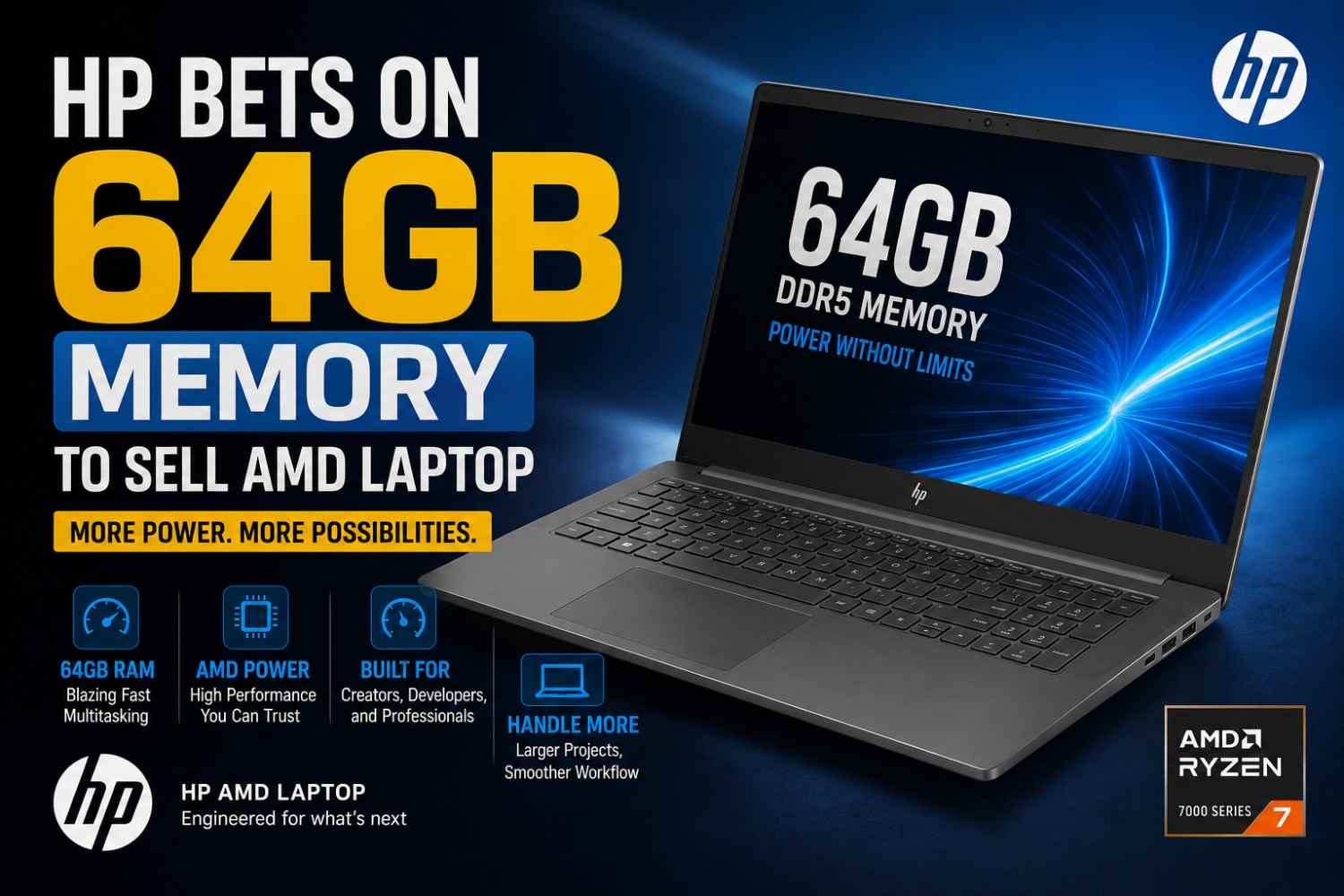

HP’s 64GB AMD Laptop: Why So Much Memory Matters
64GB of RAM sounds excessive—until you run out of memory.
HP’s move toward AMD-powered laptops with configurations reaching 64GB of memory is aimed at people who want desktop-class multitasking in a portable machine.
For a typical student or office user, 64GB is far more than necessary. But for video editors, developers, engineers, AI enthusiasts and professionals working with large datasets, the extra memory can make a surprisingly big difference.
The key question isn’t simply “Is 64GB better?”
It is: “Will your workload actually use it?”
Why Is HP Offering 64GB Memory on an AMD Laptop?
Modern laptops are increasingly being used for workloads that were traditionally handled by desktop PCs.
Think about running Chrome with dozens of tabs while simultaneously using Photoshop, a code editor, Docker containers, a virtual machine and an AI application.
With 16GB RAM, that workload can become uncomfortable.
With 32GB, it becomes much easier.
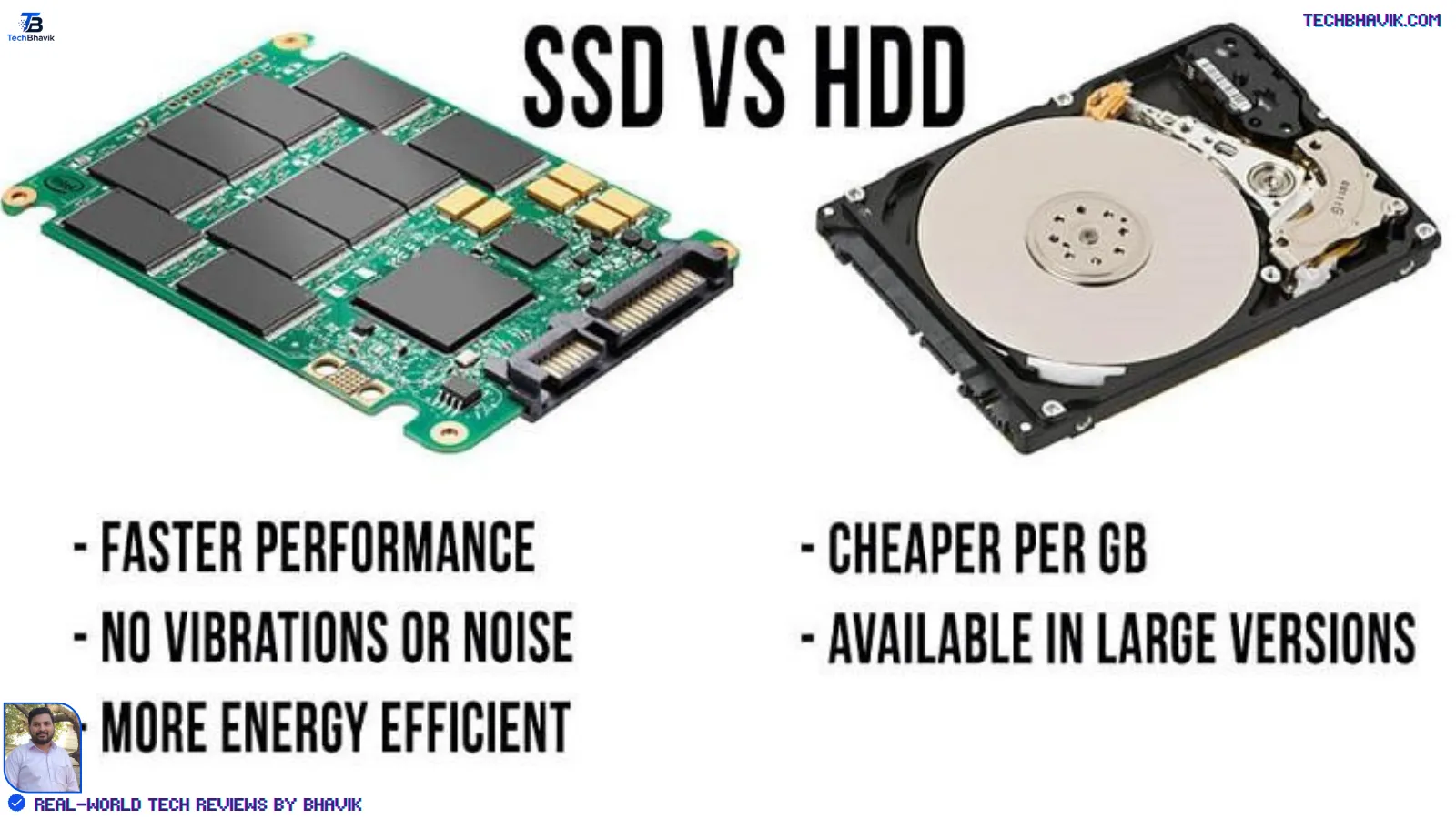
With 64GB, you have considerably more headroom before Windows needs to rely heavily on the SSD as virtual memory.
That matters because RAM is dramatically faster than storage.
64GB RAM is about headroom, not just speed
Adding more RAM doesn’t automatically make every application twice as fast.
Instead, it reduces the likelihood of memory pressure.
When available RAM becomes limited, Windows can move less-active data between RAM and the SSD. This process, commonly associated with paging or virtual memory, can introduce noticeable slowdowns.
A 64GB configuration gives demanding users much more breathing room.
What Does AMD Bring to the HP Laptop?
The AMD processor is another important part of the equation.
Depending on the exact HP model and processor configuration, an AMD-powered system can combine multiple CPU cores with integrated or discrete graphics.
For users buying a laptop for professional workloads, the important specifications aren’t just the RAM capacity.
You should also check:
- AMD processor generation and exact model
- Number of CPU cores and threads
- Integrated versus discrete GPU
- SSD capacity and PCIe generation
- Display resolution and color coverage
- Cooling system
- RAM type and speed
- Whether memory is upgradeable
- Battery capacity
- USB-C and other connectivity
A laptop with 64GB RAM but a weak processor, slow storage or poor cooling isn’t automatically a high-end machine.
Who Actually Needs 64GB RAM?
This is where things get interesting.
For everyday users, 64GB is usually unnecessary.
But there are several groups that can genuinely benefit from it.
1. Video Editors
Editing high-resolution footage can consume a lot of memory.
Users working with 4K footage, multiple video layers, effects and large project files can benefit from additional RAM.
For professional video editing, I would generally look at 32GB as a strong starting point and 64GB as a luxury that becomes useful for heavier workflows.
2. Software Developers
Developers can be surprisingly demanding when it comes to memory.
A typical development setup might include:
- Visual Studio Code or another IDE
- Multiple browser tabs
- Android Studio
- Local databases
- Docker
- Virtual machines
- Development servers
- AI coding tools
Running several of these simultaneously is where 64GB starts making sense.
3. AI and Machine Learning Enthusiasts
This is another interesting use case.
System RAM can be useful when working with larger datasets, local AI applications and models that don’t fit entirely into available GPU memory.
However, 64GB system RAM does not mean the laptop suddenly has a 64GB AI GPU.
GPU memory and system memory serve different purposes.
That’s an important distinction when shopping for an AI-focused laptop.
4. Engineers and 3D Professionals
CAD applications, engineering simulations, 3D rendering and professional design software can benefit from additional memory.
The exact requirement varies significantly by application.
For these users, CPU performance, GPU performance and thermal management can be just as important as RAM capacity.
5. Heavy Multitaskers
Some people simply hate closing applications.
If you’re the type of user who keeps 40 browser tabs open while running Office, Photoshop, Teams, Spotify and several other applications, 64GB provides a huge comfort zone.
- Pixel 10a specs table with Tensor G4, 8GB RAM and 256GB storage

- Vivo V80 5G India Launch: What We Know So Far

My Experience: When 64GB Starts Making Sense
I’ve found that laptop RAM requirements are often misunderstood.
A person may say, “I need 64GB because I want the fastest laptop.”
That’s not quite how it works.
Imagine editing a large video project while keeping a browser with 30 tabs, Photoshop and an AI application open.
On a 16GB machine, you’re much more likely to encounter memory pressure.
On a 32GB laptop, the same workflow can be comfortable.
With 64GB, you have additional room for heavier projects and future software.
That doesn’t mean the 64GB laptop will always benchmark dramatically faster.
It means you’re less likely to hit the RAM ceiling.
What About Gaming?
For gaming, 64GB RAM is usually unnecessary today.
Most gamers will be perfectly comfortable with 16GB or 32GB, depending on the games and other applications running in the background.
If you’re buying an AMD laptop primarily for gaming, I’d rather see money allocated toward:
- A stronger GPU
- Better cooling
- A faster display
- A quality SSD
- A good processor
A 32GB laptop with a substantially stronger GPU can be a better gaming machine than a 64GB laptop with weaker graphics hardware.
64GB vs 32GB vs 16GB: Which Should You Choose?
| RAM | Best For | My Take |
|---|---|---|
| 16GB | Office, browsing, students | Enough for most everyday users |
| 32GB | Gaming, editing, development | Sweet spot for many power users |
| 64GB | Professional workloads, VMs, AI, heavy editing | Excellent for demanding users |
| 96GB+ | Specialized professional workloads | Only for specific use cases |
For most buyers, 32GB is the sensible middle ground.
64GB becomes more attractive when the laptop will be used professionally for several years.
Does 64GB Make an HP AMD Laptop Future-Proof?
It can help, but I wouldn’t call any laptop completely future-proof.
Software generally becomes more demanding over time.
A machine that comfortably handles your workload today may feel less capable several years from now.
Having 64GB RAM gives you a larger memory buffer.
But CPU architecture, GPU capability, storage, battery health and software support will also determine how long the laptop remains useful.
That’s why I would avoid buying 64GB simply because the number looks impressive.
Buy it because your workload justifies it.
A Quick Real-World Buying Example
Imagine two HP AMD laptops.
Laptop A
- 32GB RAM
- Faster processor
- Better GPU
- 1TB SSD
Laptop B
- 64GB RAM
- Slower processor
- Weaker GPU
- 512GB SSD
For gaming or GPU-heavy creative work, I would probably choose Laptop A.
Now change the workload.
Suppose you’re running multiple virtual machines, large development environments and memory-intensive applications simultaneously.
In that situation, Laptop B’s 64GB configuration could become much more attractive.
Specifications need to be considered as a complete system, not isolated numbers.
What About the Price?
The 64GB configuration will generally command a premium compared with lower-memory variants, although the exact price depends on the HP model, processor, storage, display and market.
For buyers in India, I would compare the configuration across HP’s official store and major retailers such as Amazon India and Flipkart before purchasing.
Don’t compare laptops solely by RAM capacity.
A ₹10,000–₹20,000 premium for 64GB may be worthwhile for a professional who actually needs it, but unnecessary for someone primarily browsing the web and using Microsoft Office.
Illustrative Industry Scenario
Consider a freelance video editor working with 4K footage.
Their workflow might involve Premiere Pro, Photoshop, Chrome, cloud storage and several background utilities.
On a 16GB laptop, memory usage can become a bottleneck when several applications are active.
Moving to 32GB can make the workflow substantially more comfortable.
Moving to 64GB provides even more headroom, particularly when projects become larger or additional applications are introduced.
This example is illustrative rather than a benchmark claim for a specific HP model.
Pros and Cons of Choosing 64GB
Pros
- Excellent multitasking capability
- Useful for professional applications
- Better headroom for virtual machines
- Helpful for large creative projects
- Suitable for demanding development workflows
- More comfortable for long-term use
Cons
- Higher purchase price
- Usually unnecessary for basic users
- Doesn’t automatically increase CPU or GPU performance
- Can be poor value if paired with weaker core hardware
- Upgradeability may vary by HP model
Should You Buy HP’s 64GB AMD Laptop?
Here’s my take.
If you’re a student, casual user or office worker, don’t pay extra just because the laptop has 64GB RAM.
I’d rather spend the money on a good processor, 16GB or 32GB RAM, a quality SSD and a better display.
But if you’re a developer, content creator, engineer, professional multitasker or someone planning to run virtual machines and demanding applications, 64GB can be a genuinely useful configuration.
The biggest advantage isn’t that everything suddenly becomes faster.
It’s that the laptop has far more room to breathe.
Final Verdict: Is 64GB Overkill?
For most people, yes.
For the right professional, absolutely not.
HP’s AMD laptop configurations with up to 64GB memory show how modern laptops are moving closer to desktop-class workloads.
My recommendation is simple:
Buy 16GB for everyday computing, 32GB for serious multitasking, and 64GB when you know your workload regularly demands it.
Don’t buy RAM for the specification sheet.
Buy it for the way you actually work.
FAQs
Is 64GB RAM too much for a laptop?
For everyday browsing, Office and streaming, 64GB is usually excessive. For professional editing, software development, virtual machines and other demanding workloads, it can be worthwhile.
Is 32GB RAM enough for an AMD laptop?
For many users, 32GB is the sweet spot. It provides enough memory for gaming, development, creative work and heavy multitasking without the cost of a 64GB configuration.
Does 64GB RAM make a laptop faster?
Not necessarily. More RAM primarily provides additional capacity and prevents memory pressure. If your existing workload doesn’t use more than 16GB or 32GB, moving to 64GB may provide little noticeable performance improvement.
Is 64GB RAM good for AI applications?
It can be useful for local AI workloads, large datasets and applications that consume significant system memory. However, system RAM is different from GPU VRAM, which is particularly important for many AI workloads.
Should I buy an HP AMD laptop with 64GB RAM?
If you’re a professional user who regularly runs memory-intensive applications, it can be a strong choice. For basic computing, 16GB or 32GB is generally better value.



















На нашем портале есть возможность встретить множество познавательных статей.
На страницах ресурса размещены различные руководства на актуальные направления.
Каждый читатель имеет возможность найти что-то полезного и обогатить свой багаж знаний.
Публикации регулярно пополняются, чтобы посетители всегда располагали доступ к наиболее актуальной информации.
Термоизоляция выполняет критическую функцию в удержании тепла внутри помещения.
Надёжная изоляция даёт возможность значительно сократить расходы на обогрев и охлаждение зданий.
Помимо этого, утепление защищает от появление конденсата, грибка и промерзания стен.
Таким образом, правильная теплоизоляция обеспечивает экономию ресурсов и комфортный климат в доме.
Enjoying pictures in a theater is far more fun than streaming them at home.
The big screen and immersive audio create a truly immersive experience.
Viewers can fully focus on the story free from interruptions like phones.
Furthermore, the collective experience of laughing as a crowd renders the movie far more impactful.