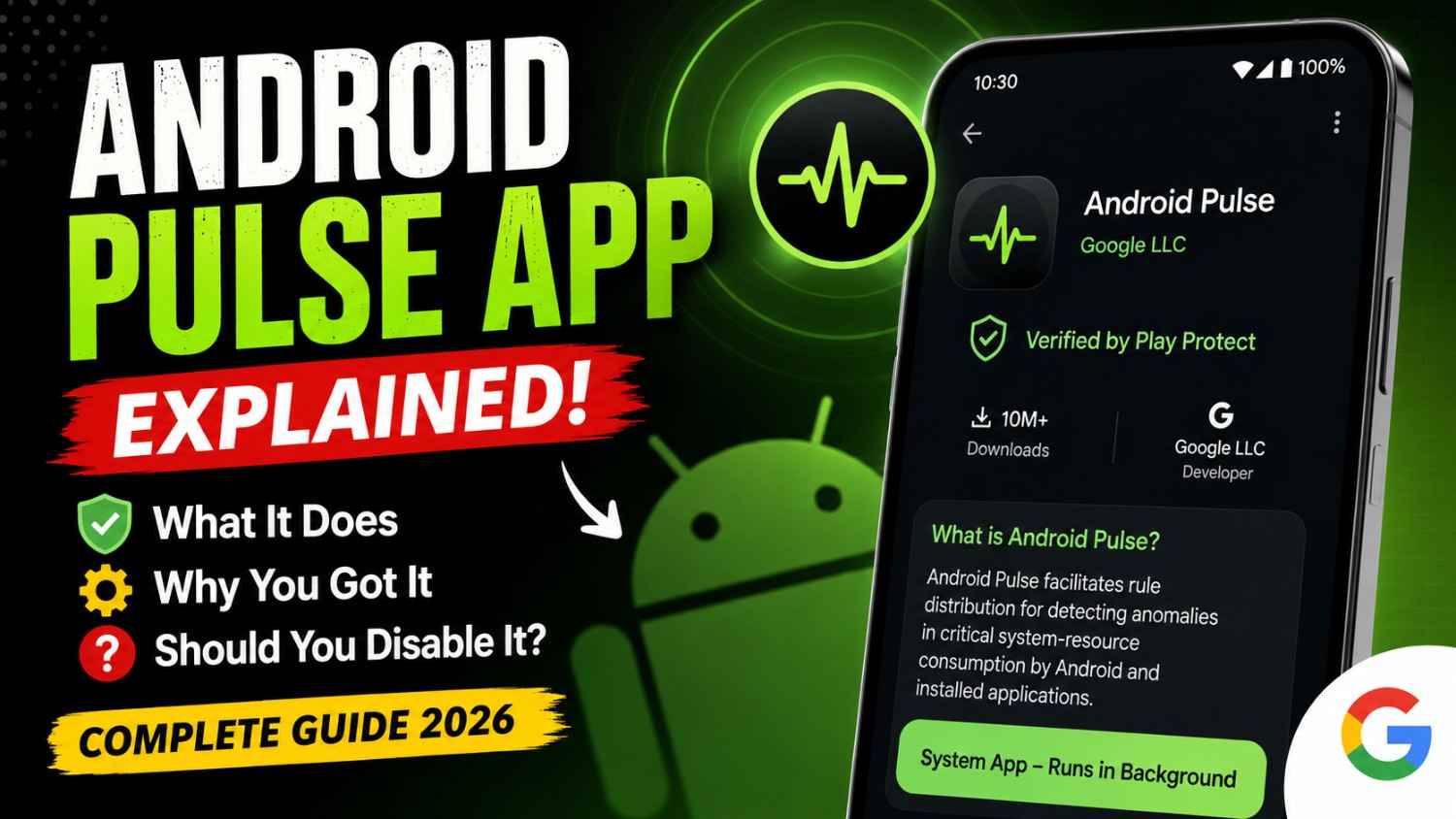

Android Pulse App Explained: What You Actually Need to Know
A strange new app just appeared in your Google Play updates—and it doesn’t even have a normal icon.
If you noticed Android Pulse while checking pending Google Play updates around August 22–23, 2026, you’re definitely not alone. The app has caught attention because its listing looks more like a system component than a normal Android application.
The package name is com.google.android.apps.pulse, and it is published by Google LLC. Google describes it as a service that facilitates rule distribution for detecting anomalies in critical system-resource consumption by Android and installed applications. (9to5Google)
That wording sounds complicated. In practical terms, Android Pulse appears to be part of Google’s behind-the-scenes diagnostic infrastructure for identifying unusual resource behaviour.
And no, this isn’t a heart-rate-monitoring app.
What Is the Android Pulse App?
Android Pulse is a first-party Google system service designed to help Android detect unusual behaviour involving important system resources.
Unlike apps such as Gmail, YouTube or Google Photos, Pulse isn’t designed around a traditional user interface. Reports indicate that it runs in the background and doesn’t provide a normal launcher screen for users to open. (9to5Google)
Google’s official description refers to anomaly detection and critical system resource consumption.
That potentially covers areas such as:
- CPU usage
- Memory consumption
- Battery-related behaviour
- System performance
- Abnormal application resource usage
- Android stability and debugging
Google hasn’t publicly documented every internal function of Pulse, so these specific resource categories should be viewed as the likely scope rather than a complete official feature list.
Why Did Android Pulse Suddenly Appear in Google Play?
This is probably the biggest reason people are talking about it.
Android has always contained numerous background system components. The difference here is that Android Pulse has recently become visible to users through Google Play’s update system.
9to5Google reports that the package has existed since March 2026 and had already received several builds before appearing more prominently in Play Store updates. Google Play also showed more than 10 million downloads. (9to5Google)
APKMirror’s version history likewise shows multiple Android Pulse builds, including a version released on August 22, 2026 for Android 16+. (APKMirror)
So the important point is:
Android Pulse isn’t necessarily a completely new app that Google suddenly installed on everyone’s phone.
It appears to be an existing system component that is now being surfaced and updated more visibly.
What Does Android Pulse Actually Do?
Think of Android Pulse as a background diagnostic and rule-distribution component rather than an app you actively use.
Android phones constantly manage resources. Every time you open a game, stream a video, switch between apps or leave an application running in the background, Android has to decide how much CPU, memory and battery access those processes should receive.
Most of the time, everything works normally.
But occasionally an application can behave abnormally.
For example:
- An app starts consuming unusually large amounts of CPU.
- The phone becomes hotter than expected.
- Battery drain increases.
- Memory pressure rises.
- Android needs to identify the unusual behaviour.
A system-level diagnostic component can help Android recognize these patterns.
That appears to be the kind of problem Android Pulse is intended to help with.
Does Android Pulse Monitor Your Heart Rate?
No.
The green, heart-rate-style icon associated with Pulse can make the name slightly confusing. On Pixel devices, the service can reportedly appear simply as Pulse inside system settings. (9to5Google)
The “pulse” here should not be interpreted as a health-monitoring feature.
There is no indication that this Google system service is designed to measure your physical heart rate.
Is Android Pulse Safe?
Based on the currently available information, Android Pulse appears to be a legitimate Google system application, not malware.
The package is:
com.google.android.apps.pulse
and the app is published by Google LLC. (9to5Google)
That distinction matters.
There are many Android applications with names such as “Pulse,” so simply seeing the word Pulse on your phone isn’t enough to identify this particular component.
If you’re checking your phone, look at the developer and package information, rather than judging the application purely by its name or icon.
Should You Uninstall or Disable Android Pulse?
My recommendation: don’t disable it unless you have a specific reason.
Android Pulse appears to be part of Google’s system-level diagnostic infrastructure. Removing or disabling system components simply because they look unfamiliar can sometimes create unexpected problems with Android services.
If the app appeared through Google Play as an update, the safest approach is generally to leave it enabled and allow Google to update it normally.
If you’re technically experienced and investigating a specific Android problem, you can research the package and its behaviour before making changes.
For everyday users, however, there isn’t a compelling reason to interfere with it.
What I Would Do on My Own Android Phone
If I saw Android Pulse in my Play Store update list, I wouldn’t panic.
I’d check three things:
- Developer: Does it say Google LLC?
- Package: Is it
com.google.android.apps.pulse? - Purpose: Does the listing describe anomaly detection and Android system resources?
If those details match, I’d leave it alone.
I generally prefer letting Android’s own system components receive their security and compatibility updates rather than manually disabling them based on an unfamiliar name.
A Simple Real-World Example
Imagine you’re playing BGMI for an extended session on a hot afternoon.
Your phone starts getting warm, the battery percentage drops faster than usual, and you notice that the system isn’t behaving as smoothly as it normally does.
There could be several reasons: the game itself, background applications, network activity, CPU load, thermal management or memory pressure.
A diagnostic system doesn’t necessarily “fix” everything automatically. Instead, components such as Android Pulse can help Android’s software infrastructure identify abnormal resource-consumption patterns.
That’s why this kind of service can be useful even though you’ll never consciously open it.
The best system services are often the ones you don’t notice.
Android Pulse vs a Normal Android App
| Feature | Android Pulse | Normal Android App |
|---|---|---|
| Main purpose | System diagnostics/anomaly detection | User-facing functionality |
| Normal interface | No | Usually yes |
| Launcher icon | Not necessarily | Usually |
| Developer | Google LLC | Varies |
| Background operation | Yes | Depends on app |
| User interaction | Minimal | Usually frequent |
| Package | com.google.android.apps.pulse | Varies |
The key difference is that Pulse is infrastructure, not something you’re expected to use every day.

Is Android Pulse New?
This is where the story gets interesting.
Although users have only recently started noticing it in Google Play updates, APKMirror’s version history shows Android Pulse builds dating back to earlier in 2026. (APKMirror)
Reports also indicate that the service was already present on some Pixel devices.
So I’d describe it as newly visible rather than necessarily newly created.
Google appears to be moving more system functionality into independently updateable components. That approach can allow certain parts of Android to receive updates without waiting for a complete operating-system release.
Why Would Google Separate System Components Like This?
This architecture makes sense from a software-maintenance perspective.
Android is a massive operating system with many moving parts. Waiting for a full Android version update every time a small system component needs improvement isn’t efficient.
Separately updateable components can potentially allow Google to:
- Deploy improvements faster
- Fix bugs independently
- Update diagnostic rules
- Improve compatibility
- Respond to newly discovered problems
- Reduce dependence on full OS updates
Android Pulse appears to fit into that broader model.
What About Privacy?
This is one area where I wouldn’t make assumptions.
The available public description tells us what the service is intended to do, but it doesn’t provide enough detail to claim exactly what diagnostic data is collected, how long it is retained or what information is transmitted in every scenario.
So I wouldn’t describe Android Pulse as either “completely private” or “spying on your phone” without stronger evidence.
The sensible approach is to distinguish between system diagnostics and unsupported speculation about personal-data collection.
Android Pulse FAQs
What is Android Pulse?
Android Pulse is a Google system application associated with anomaly detection for critical system-resource consumption by Android and installed applications. Its package name is com.google.android.apps.pulse. (9to5Google)
Is Android Pulse a virus?
There is currently no indication that the Google-published Android Pulse package is malware. It is identified as a Google LLC application and is intended as a system service. (APKMirror)
Why did Android Pulse appear in my Play Store updates?
Google appears to be surfacing the previously less-visible system component through Google Play updates. Reports indicate the package had already existed in earlier builds before becoming more noticeable in August 2026. (9to5Google)
Can I open Android Pulse?
Not like a normal application. Reports indicate that it operates primarily in the background without a conventional user-facing interface. (9to5Google)
Should I uninstall Android Pulse?
For most users, no. Since it appears to be a Google system component involved in Android diagnostics, leaving it enabled and updated is the safer choice unless you’re troubleshooting a specific issue.
Does Android Pulse track my heart rate?
No. Despite its name and the reported heart-rate-style icon, Android Pulse is related to Android system diagnostics, not physical heart-rate monitoring.
Final Verdict: Should You Be Worried About Android Pulse?
No—at least based on the information currently available.
Android Pulse looks mysterious because Google hasn’t given it the kind of friendly explanation we normally expect from a Play Store application. The blank-looking icon and technical description certainly don’t help.
But the available evidence points toward a legitimate Google system service designed to help Android detect unusual resource consumption and support debugging. (9to5Google)
My advice is simple: if Android Pulse appeared on your phone through Google Play and the developer/package information matches Google’s component, leave it alone.
You don’t need to open it, configure it or worry about it running in the background.
For most Android users, Android Pulse is one of those invisible pieces of software that is more useful when you never have to think about it.
Related keywords: Android system apps, Google Play system updates, Android diagnostics, Android 16, Android battery management.
Frequently Asked Questions
Does Pulse SMS work with iMessage?
No. Apple keeps iMessage exclusive to its hardware. Pulse SMS is a powerful replacement for Android’s texting framework, but it won’t let you join blue-bubble group chats or use iMessage-specific stickers.
Is Pulse SMS free to use?
The core app—the part you use on your phone to send and receive texts—is completely free and ad-free. However, if you want the “Sync” features (texting from your computer or tablet), you’ll need to choose a subscription plan or a one-time lifetime purchase.
Will I lose my messages if I switch to Pulse?
Not at all. When you install Pulse and set it as your default messaging app, it automatically imports your entire existing text history. Your messages stay on your phone; Pulse just provides a better way to interact with them.