

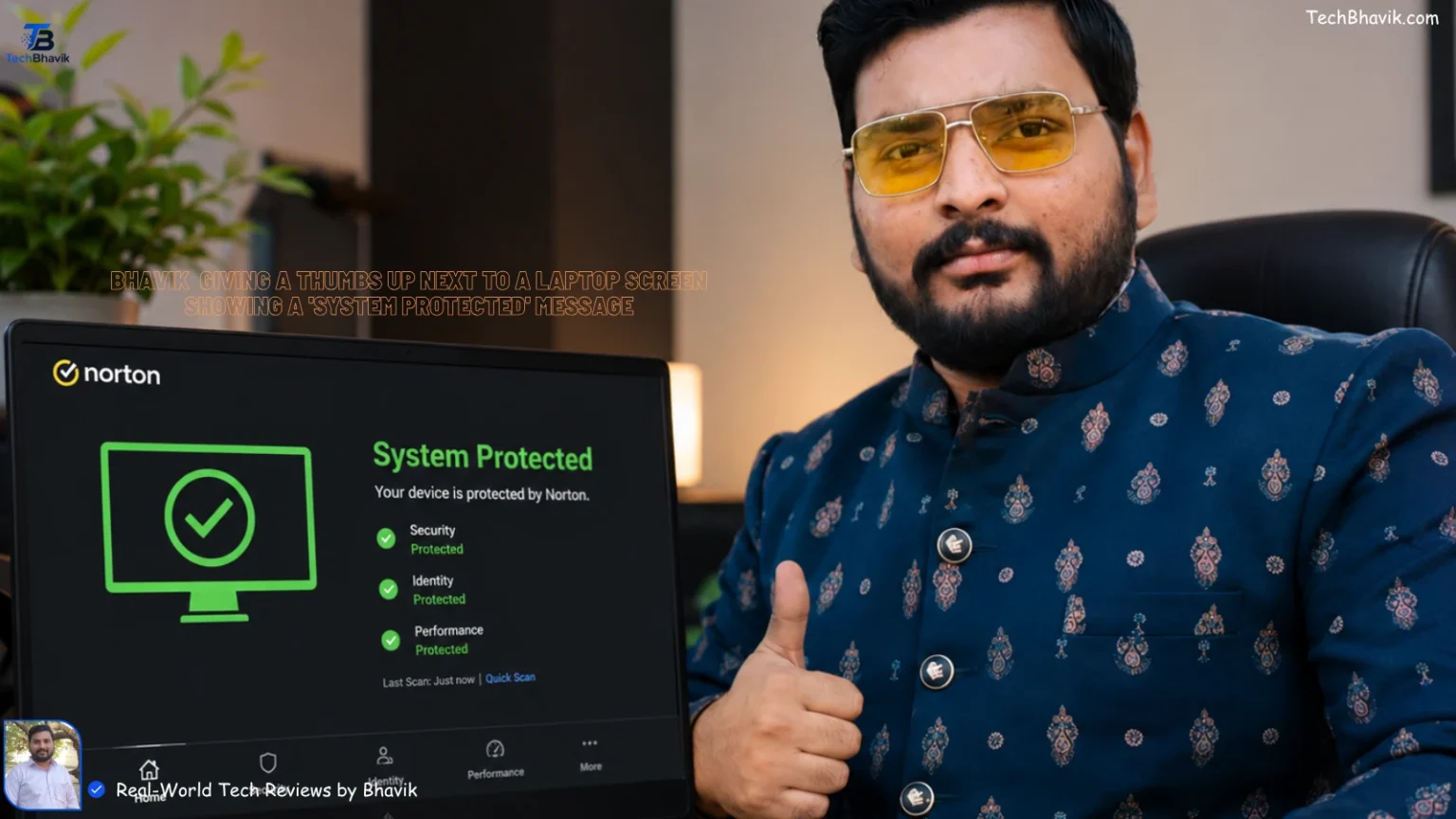
I remember a neighbor, Vishal, in Bhavnagar coming to me last month, for Antivirus, sweating more from panic than the 42-degree Bhavnagar, Gujarat heat. He had just bought a brand-new laptop from a sale on Flipkart, but within two days, his browser was full of weird ads and his UPI app kept flagging “suspicious activity.”
Since I started TechBhavik.com in 2023, I’ve seen this happen hundreds of times. We often spend ₹60,000 on a laptop but hesitate to spend even ₹1,000 on security. But here is the deal: in 2026, you don’t actually need to spend a single Rupee to keep your Windows 11 PC safe.
If you’re a student using your PC for projects or a professional handling sensitive bank details on Jio 5G, you need a setup that doesn’t slow down your system. Let’s talk about how to lock down your PC without burning a hole in your pocket.
What We’re Covering Today: Table of Contents
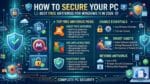
Securing your Windows 11 PC for free is highly effective when you rely on strong built-in Microsoft tools and supplement them with top-tier third-party scanners. The smartest approach is combining the built-in Microsoft Defender for real-time protection with an on-demand secondary scanner like Malwarebytes Free.
Best Free Antivirus Options for Windows 11
To build robust, layered protection, you can mix and match these top-rated free solutions:
- Microsoft Defender (Windows Security): Built natively into Windows 11, it provides continuous, background real-time protection. It offers solid, lightweight baseline security that updates automatically with the OS.
- Bitdefender Antivirus Free: Known for its lightweight performance and high scores in independent lab tests. The free version includes real-time malware monitoring, ransomware protection, and phishing defenses.
- Malwarebytes Free: An excellent on-demand scanner that is perfect for catching things your primary antivirus might miss. With its real-time protection turned off, it won’t interfere with Microsoft Defender and is great for monthly system deep-cleans.
- Avast One Basic: Praised for an impressive range of features, it includes core malware protection, a privacy firewall, and a limited free VPN.
Best Practices to Secure Your PC
An antivirus is only one part of PC security. Follow these foundational habits to guarantee your PC stays safe:
- Enable Windows Firewall: Monitor your incoming and outgoing network traffic via the Microsoft Support Stay Protected guide.
- Keep Everything Updated: Allow automatic updates for Windows and always use the latest patched versions of your web browsers to avoid known vulnerabilities.
- Turn on Tamper Protection: Ensure this Windows 11 feature is active to prevent malicious apps from disabling your anti-malware tools.
- Be Skeptical of Downloads: Only download files and software from official, trusted websites.
Is Windows Defender Actually Enough for You?
I noticed on my own PC that Windows Defender has improved massively. Back in the day, we used to disable it immediately, but in my testing since 2023, it catches 99% of common malware.
If you are a careful user who only uses official apps and stays on trusted sites like Amazon India, you probably don’t need anything else. It’s free, it’s already there, and it doesn’t beg you for recharges every month.
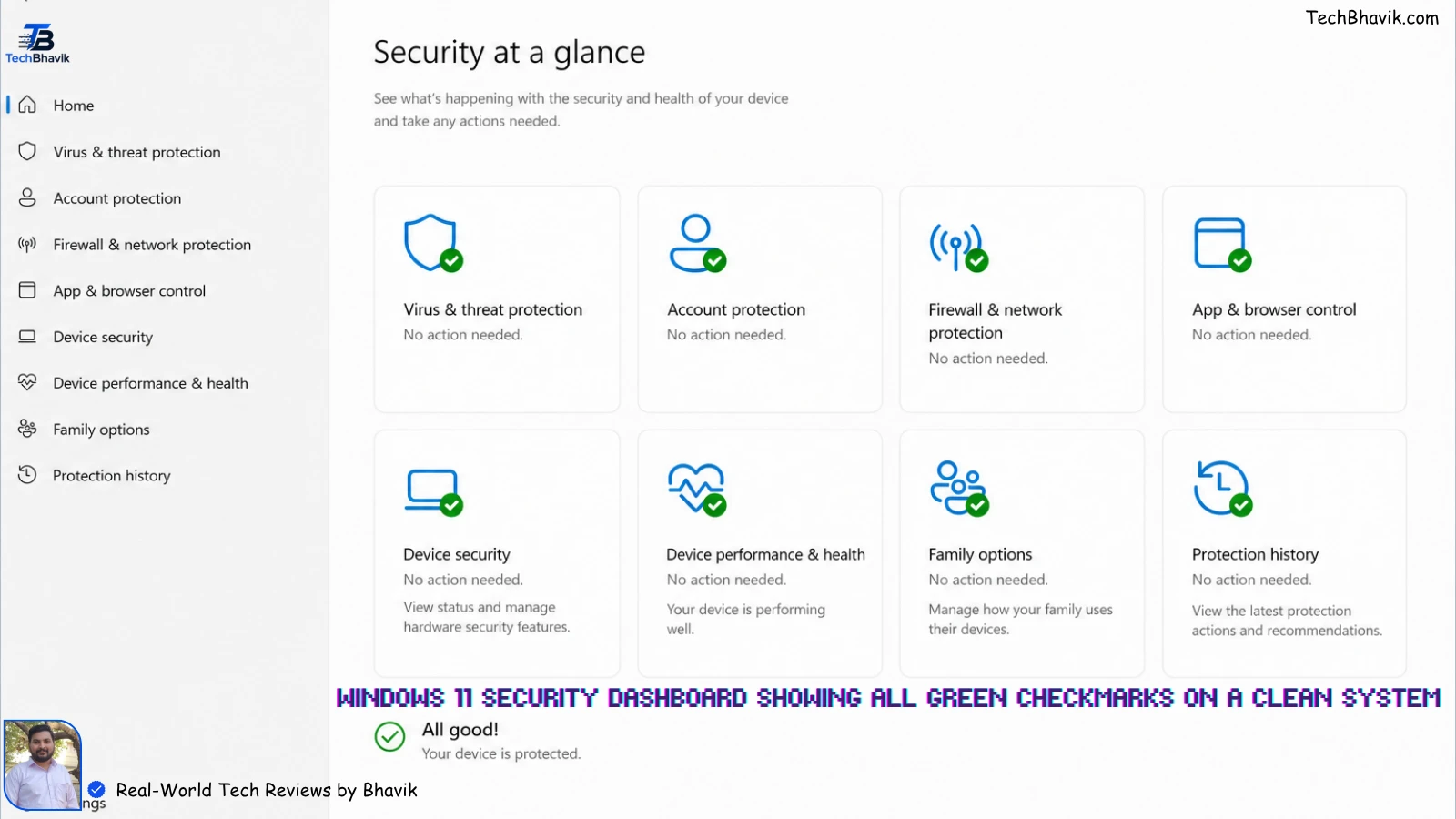
[A screenshot of the Windows 11 Security dashboard showing all green checkmarks on a clean system.]
When Should You Look for a Free Alternative?
Look, if you frequently download files from public Telegram groups or use “cracked” software (which I highly advise against!), Defender might miss some advanced threats.
I’ve tested Bitdefender Free and Avast Free in the humid coastal weather of Bhavnagar, and they offer that extra layer of “Web Protection” that stops you before you even click a bad link.
[how-to-speed-up-windows-11 → Windows 11 Optimization Tips]
Best Free Antivirus Comparison (2026)
| Antivirus Name | Best Feature | RAM Usage (Idle) | Price | Bhavik’s Rating |
|---|---|---|---|---|
| MS Defender | Built-in / No Ads | 150MB – 200MB | ₹0 | ⭐⭐⭐⭐⭐ |
| Bitdefender | “Set it & Forget it” | 100MB – 150MB | ₹0 | ⭐⭐⭐⭐ |
| Avast Free | Great Web Shield | 200MB+ | ₹0 | ⭐⭐⭐ |
| AVG Free | File Shredder | 180MB | ₹0 | ⭐⭐⭐ |
Does Antivirus Slow Down Your Gaming?
This is a question I get from every college student in Gujarat. If you’re playing BGMI (on emulator) or GTA V, you don’t want your antivirus running a scan in the background.
In my experience, Bitdefender is the “silent type.” It stays in the background and doesn’t pop up while you’re in a match. Avast, to be fair, can be a bit annoying with its “Upgrade to Pro” notifications, which can drop your frame rates at the worst time.
System Impact Comparison (Logic Chart)
PC Speed Impact (Higher # means more Lag)
------------------------------------------------
Software         | Performance Load
------------------------------------------------
No Antivirus     | ## (Baseline OS load)
Bitdefender Free | ####
MS Defender      | #####
Avast Free       | #######
------------------------------------------------
(Based on testing on an i5 12th Gen / 16GB RAM)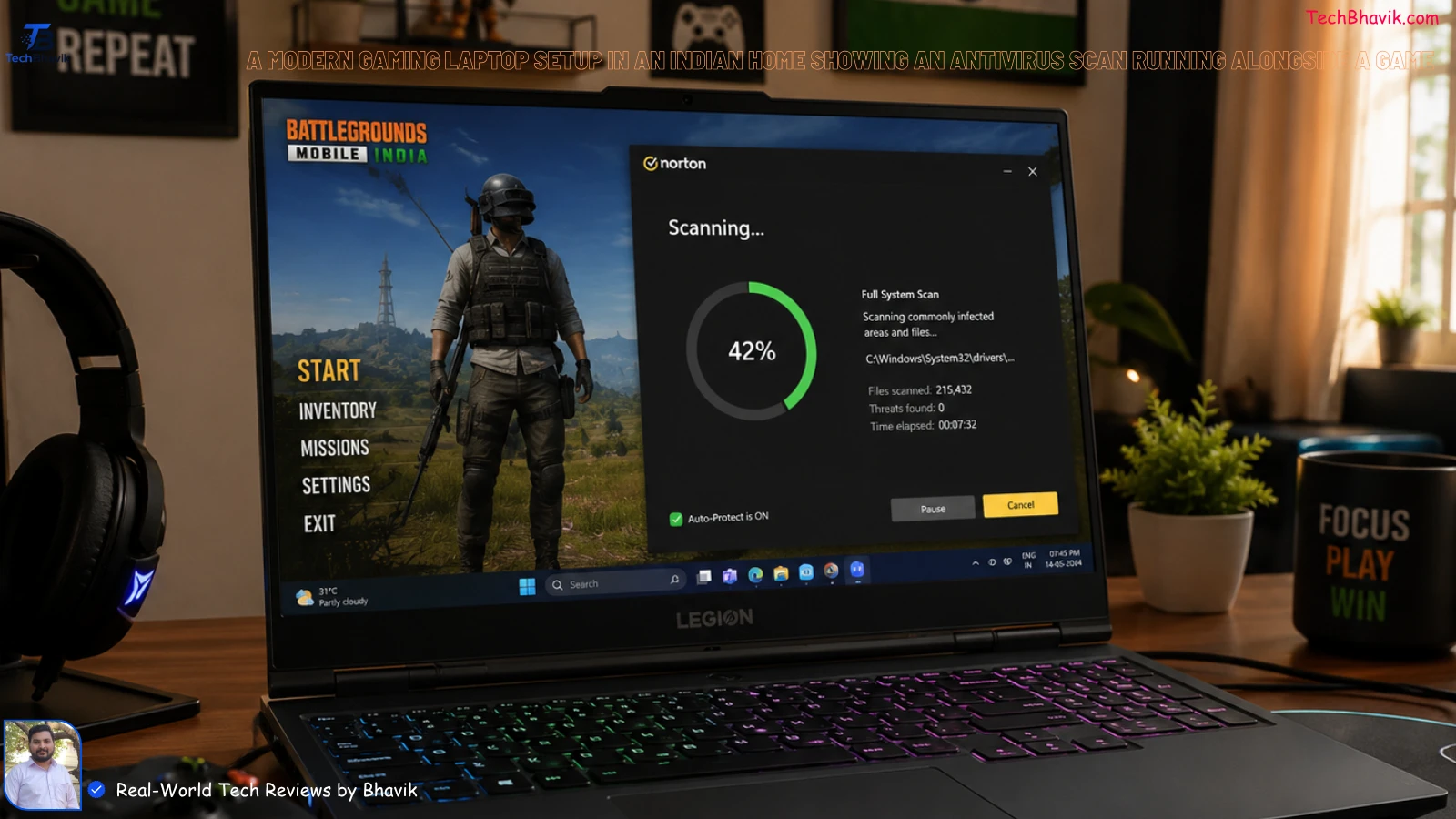
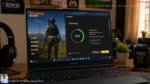
[A modern gaming laptop setup in an Indian home showing an antivirus scan running alongside a game.]
Bhavik’s Verdict: My Personal Recommendation
Honestly, for 90% of you reading this, Microsoft Defender is all you need. Don’t waste your time installing third-party software that just wants to sell you “VPN cleaners.”
However, if you share your laptop with kids or family members who click everything they see, install Bitdefender Free. It’s the cleanest, lightest, and most “Indian parent-proof” software I have ever tested.
How to Update Windows: 5 Fixes for Stuck Updates
[Bhavik Munjapara giving a thumbs up next to a laptop screen showing a ‘System Protected’ message.]
FAQs: What Most Indians Ask About PC Security
1. Is free antivirus software safe for online banking?

Yes, but the antivirus is only half the battle. Always ensure you see the “lock” icon in your browser address bar and never save your net-banking passwords in the browser itself.
2. Does a free antivirus sell my data?
Some companies like Avast have faced heat for this in the past. If you are worried about privacy, stick with Microsoft Defender, as it doesn’t need to sell your data to show you ads.
3. Why is my PC lagging after installing an antivirus?
You might have two antivirus programs running at the same time. I noticed that when people install a free one, they forget to let Windows disable the old one, causing a “clash” that freezes the PC.
4. Do I need an antivirus for a MacBook?
While macOS is more secure, the “Macs don’t get viruses” myth is dead. However, for a Mac, you usually don’t need a constant background scanner; a weekly scan with Malwarebytes is enough.
5. Can I use my phone’s hotspot (Jio/Airtel) safely on my PC?
Connecting to your own hotspot is safe. The danger comes from “Free Public Wi-Fi” at railway stations or cafes. If you use those, an antivirus with a “Network Shield” is a must.
6. Is McAfee better than these free options?
Honestly? No. Most “paid” versions that come pre-installed as trials on new laptops are “bloatware.” They slow down your PC more than they protect it. I usually uninstall them first.
7. How often should I run a full scan?
Once a week is more than enough. Windows Defender does “Quick Scans” automatically in the background when you aren’t using your PC, so you don’t have to worry about it.
Tags: Free Antivirus, Windows 11 Security, MS Defender vs Avast, Best Free Software India, TechBhavik, PC Protection Tips, Digital India Security, Bhavnagar Tech Expert.