
Which keyboard is best for fast typing?
Let me tell you a quick story. Last month, my cousin Rahul came over to my place in Ahmedabad. He’s a freelance writer, and he was complaining about how his hands were aching after just two hours of work. He was using a cheap, mushy laptop keyboard that felt like pressing down on wet sponges.
I handed him my mechanical wired keyboard—the one I’ve been using since I started TechBhavik.com in 2023. Within ten minutes, he was typing like a machine. No missed clicks, no double letters, just the satisfying “click-clack” rhythm.
In India, we often think any keyboard will do. But if you are a student, a coder, or someone trying to build a career online, your keyboard is your sword. And in our dusty, humid environment, choosing the wrong one means wasting money every six months.
Table of Contents: what we cover
Why Wired Still Wins in the Wireless Era
I know, I know. Everything is moving to Bluetooth. But listen to your friend Bhavik here—for serious typing, wired is the king. Why? Because in many Indian households, we have multiple devices (phones on 5G, smart TVs, tablets) all fighting for the same 2.4GHz frequency. This causes “input lag.”
Is typing 400 WPM possible?
With a wired keyboard, there is zero lag. When you press ‘A’, it shows up on the screen instantly. Plus, you never have to worry about the battery dying in the middle of a late-night project or an exam. No charging, no pairing issues, just plug and play.
[Best budget PC setup for Indian students → budget-pc-guide]
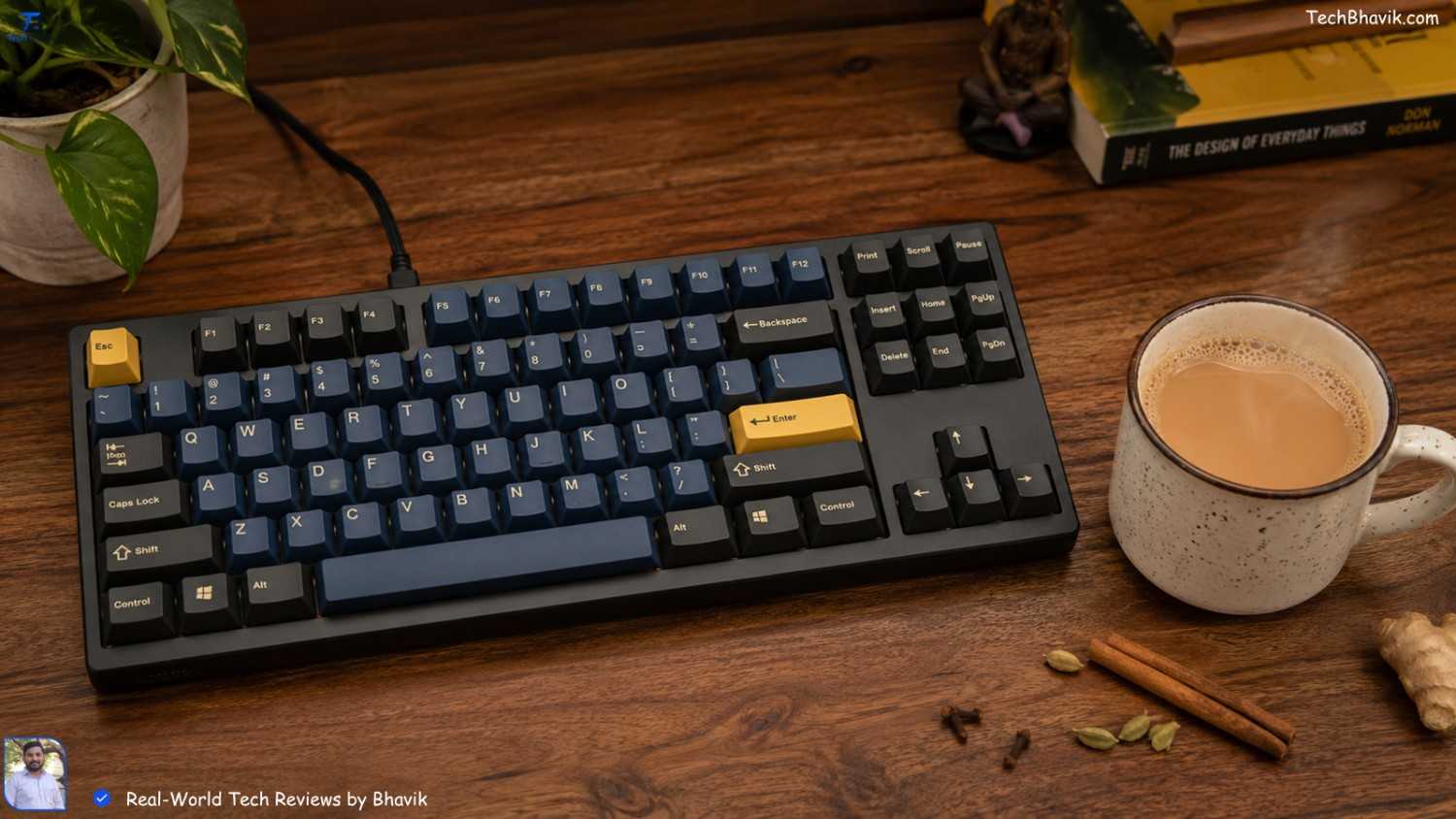
The “Mechanical” Secret: Why Your Speed Increases
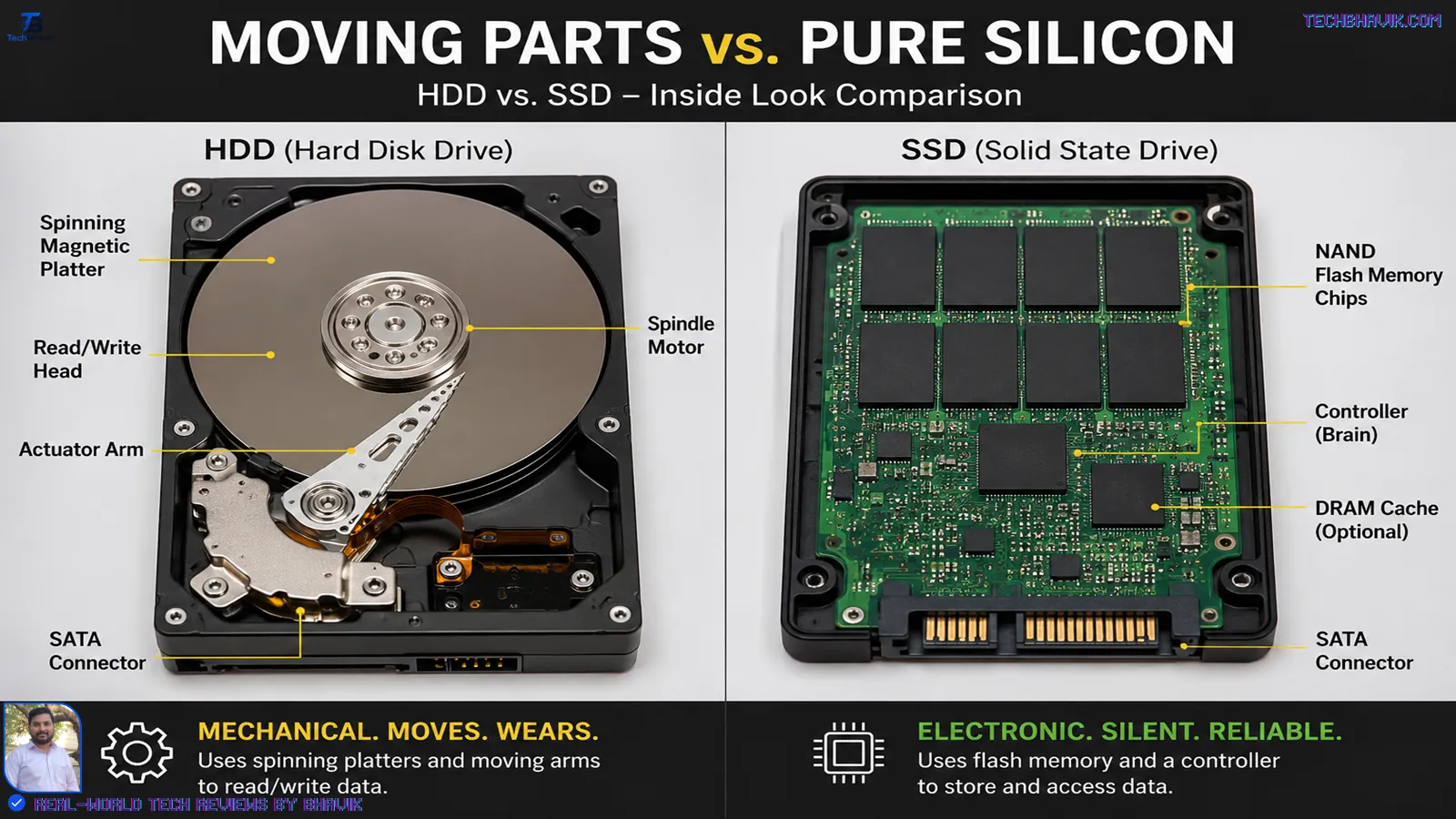
Most keyboards sold in local shops for ₹500 are “membrane” keyboards. They have a rubber sheet inside. You have to press the key all the way down to make it register. This slows you down and tires your fingers.
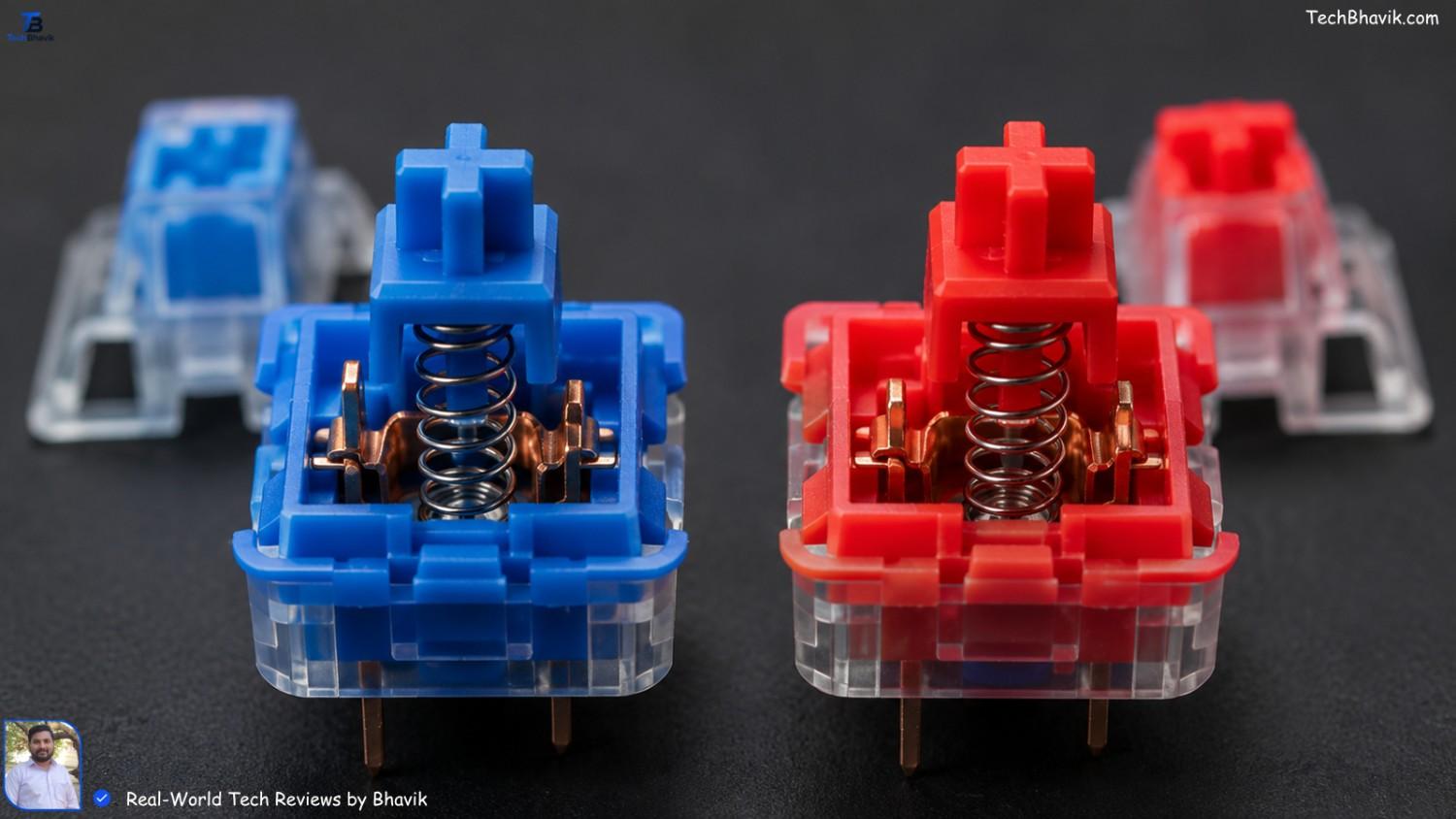
A “Mechanical” keyboard uses individual switches for each key. You only need to press it halfway for the letter to appear. This is how professional typists in Bangalore and Mumbai reach 100+ words per minute. It’s about efficiency, not force.
Top Wired Keyboards for Fast Typing in India
1. The Legendary TVS Gold (The Bharat King)
If you’ve ever been to an Indian bank or a government office, you’ve seen this. It’s built like a tank. It uses Long Hua Blue switches which are loud but incredibly tactile. It’s the “Paisa Vasool” king because it lasts for decades.
- Price: ~₹3,200-3,800
2. Redgear Shadow Blade
I tested this one during a particularly humid week in Gujarat. The keys have a nice “click” and it comes with a dedicated volume knob. For under ₹2,500, it’s a steal on Amazon India.
- Price: ~₹1,999-2500
3. HP GK320
This is a more professional-looking option. No flashy “gamer” lights that make you look like a teenager. It’s solid, heavy, and stays put on your desk even if you are a heavy typist.
- Price: ~₹1,900-2400
[Cybersecurity → How to Protect Your Devices ]
Bhavik’s Longevity Guide: The Value-Conscious Indian Way
Whether it’s your new keyboard or the phone you carry in your pocket, we Indians hate it when things break. I’ve kept my secondary phone running since 2021 without a single lag. Here is how you can do it too.
The 20-80% Battery Rule
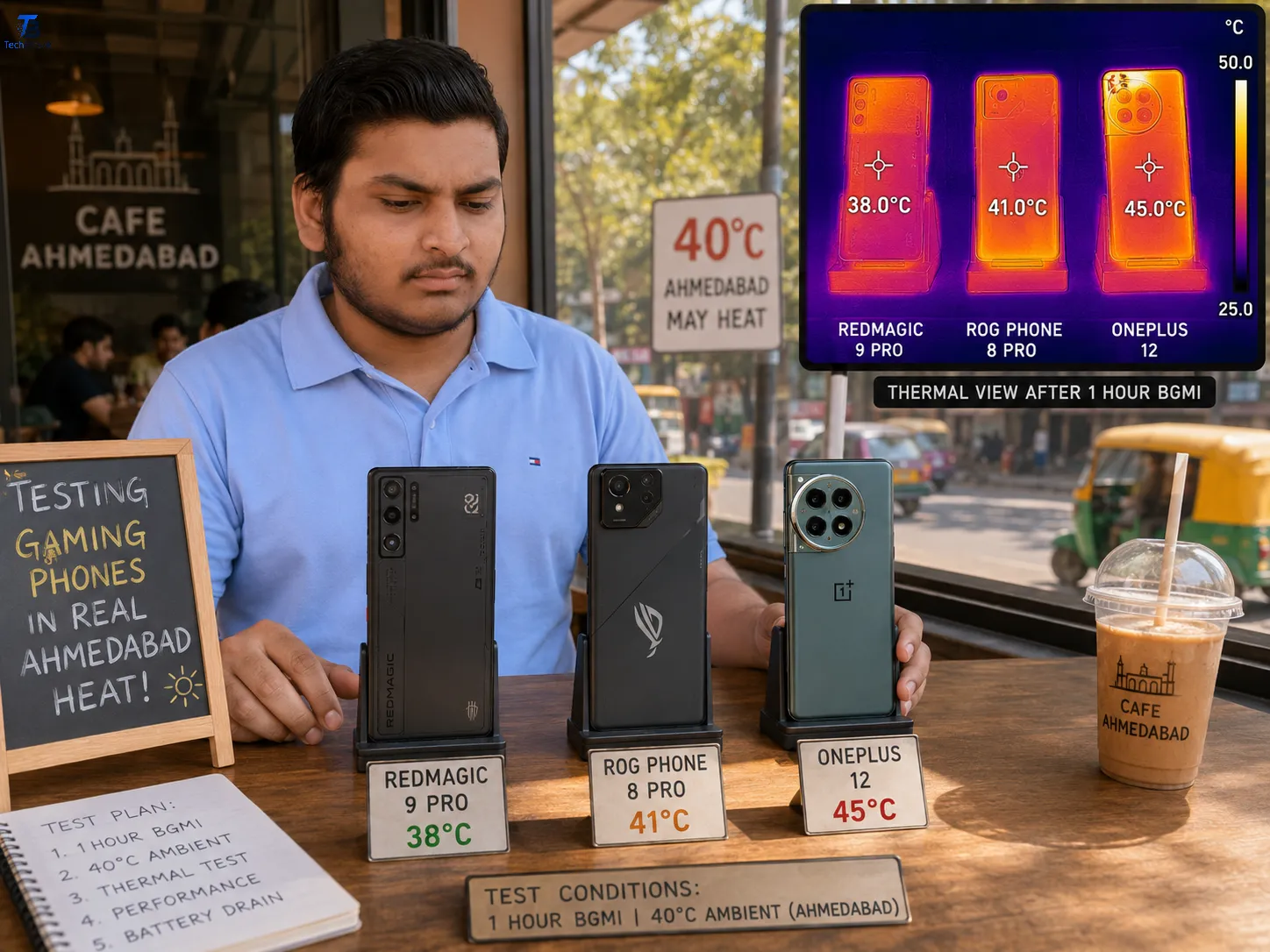
If you are using an Android or iPhone to manage your work, stop charging it to 100% every night. Heat is the killer of batteries in India. I keep mine between 20% and 80%. This one tip alone can double your phone’s lifespan.
Managing Storage Without Subscriptions
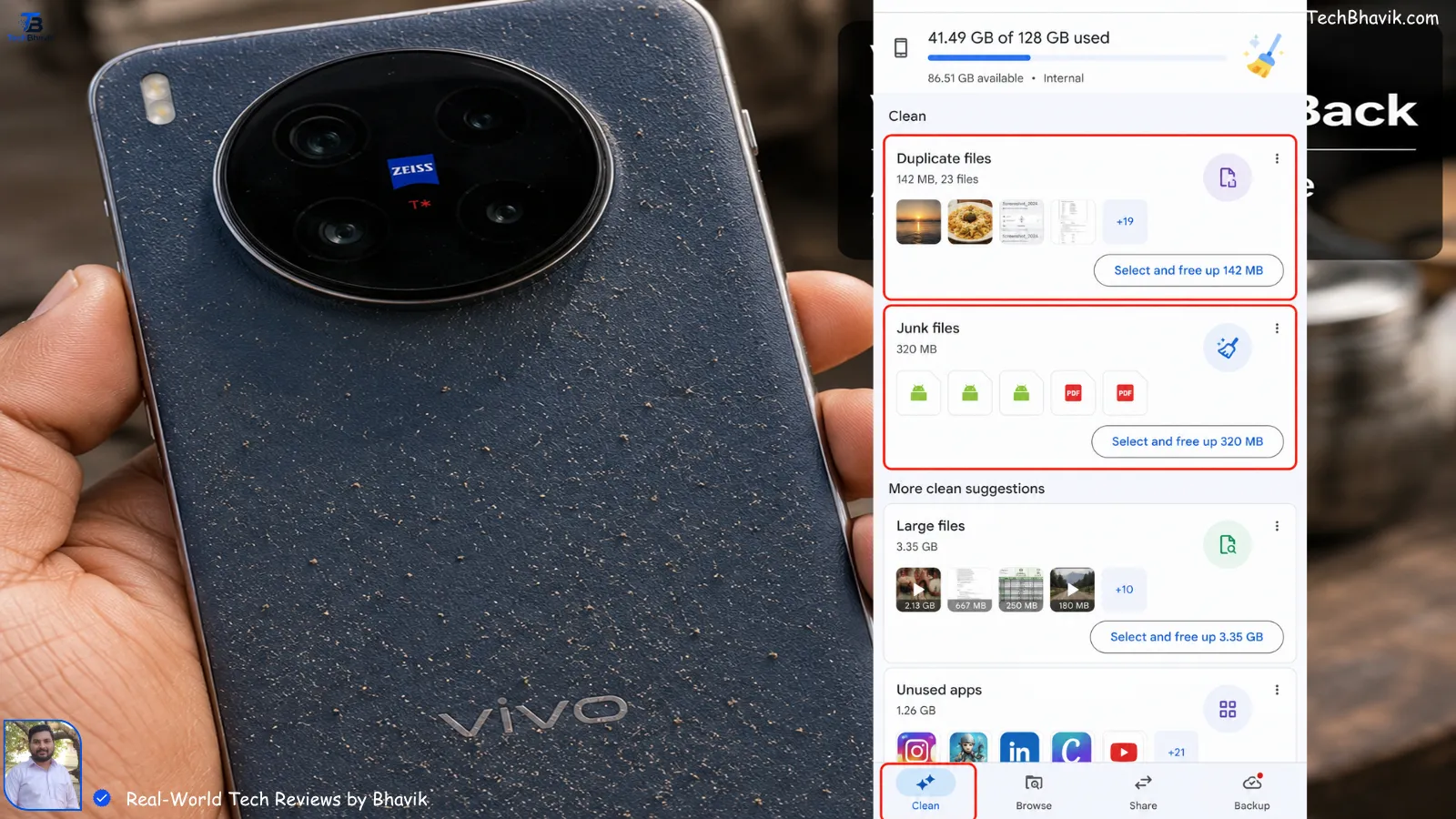
Don’t pay for iCloud or Google One if you don’t have to. I use a simple “Weekly Cleanup” routine. I move all my heavy WhatsApp videos to my PC (using that wired connection!) and clear the cache of my UPI apps like PhonePe and GPay. It keeps the system snappy.
Physical Cleaning
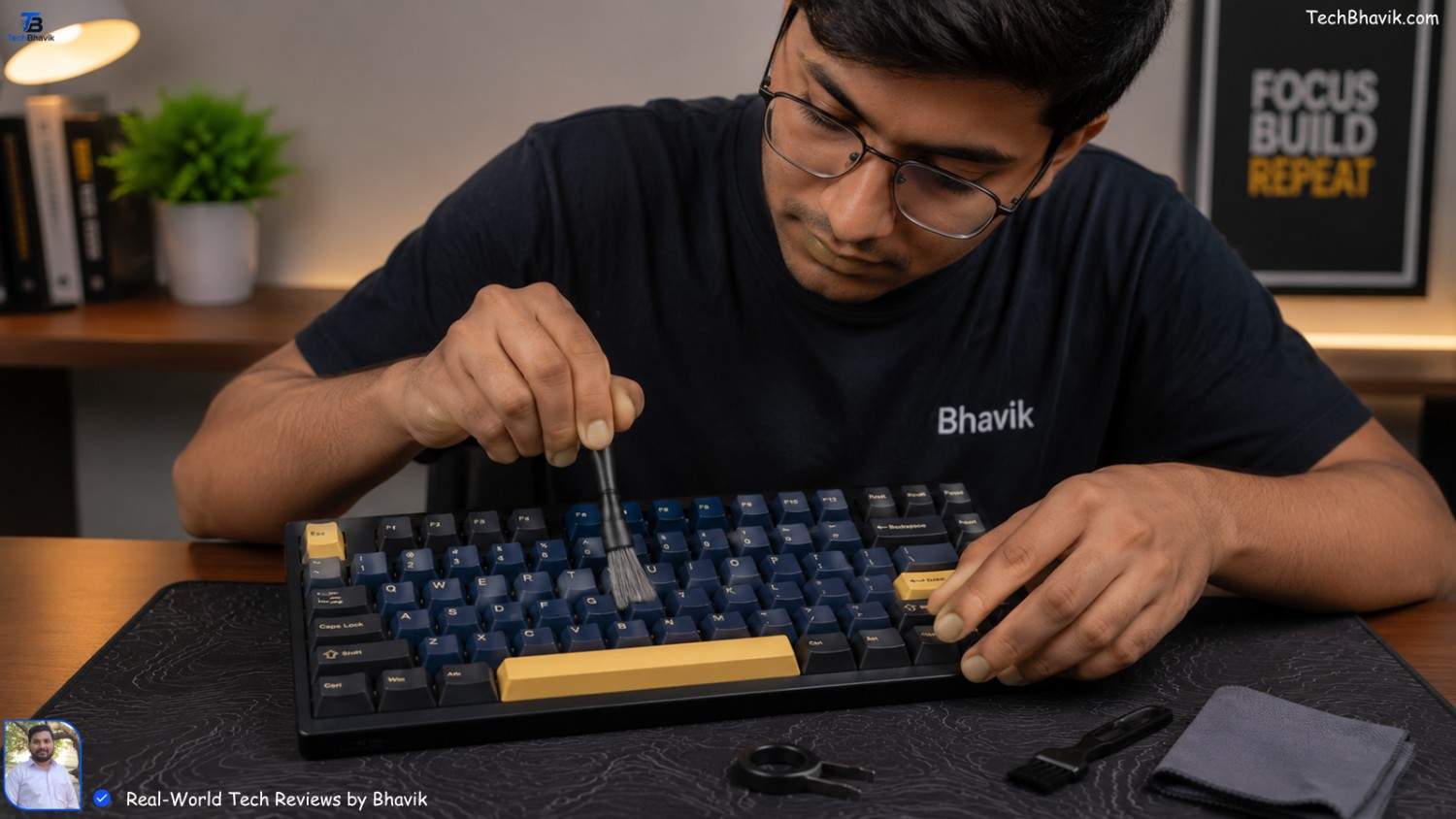
In our country, dust is everywhere. For keyboards, I use a cheap soft paintbrush every Sunday to flick out the crumbs and dust. For phones, I use a wooden toothpick to clean the charging port gently. You’d be surprised how much lint gets stuck in there from our pockets!
Comparison Table: Which One Fits Your Budget?
| Keyboard Model | Switch Type | Best For | Price (Approx) |
|---|---|---|---|
| TVS Gold | Blue (Tactile) | Heavy Typing / Banks | ₹2,600 |
| Redgear Shadow Blade | Blue (Clicky) | Students / Gamers | ₹2,200 |
| HP GK320 | Blue (Professional) | Office Work / Coding | ₹1,900 |
| Logitech K120 | Membrane (Silent) | Tight Budgets | ₹600 |
Typing Speed Logic Chart: Mechanical vs. Membrane
This chart shows how your typing speed usually improves over a month of switching to a proper mechanical wired keyboard.
Typing Speed (WPM)
|
90 |                ########## (Mechanical - Fast & Consistent)
   |             ###
70 |          ###
   |       ###       ********** (Membrane - Hits a "ceiling")
50 |    ###        **
   | ###         **
30 |__________**_________________
    Week 1    Week 2    Week 3    Week 4
The Heat & Humidity Factor: Surviving Indian Conditions
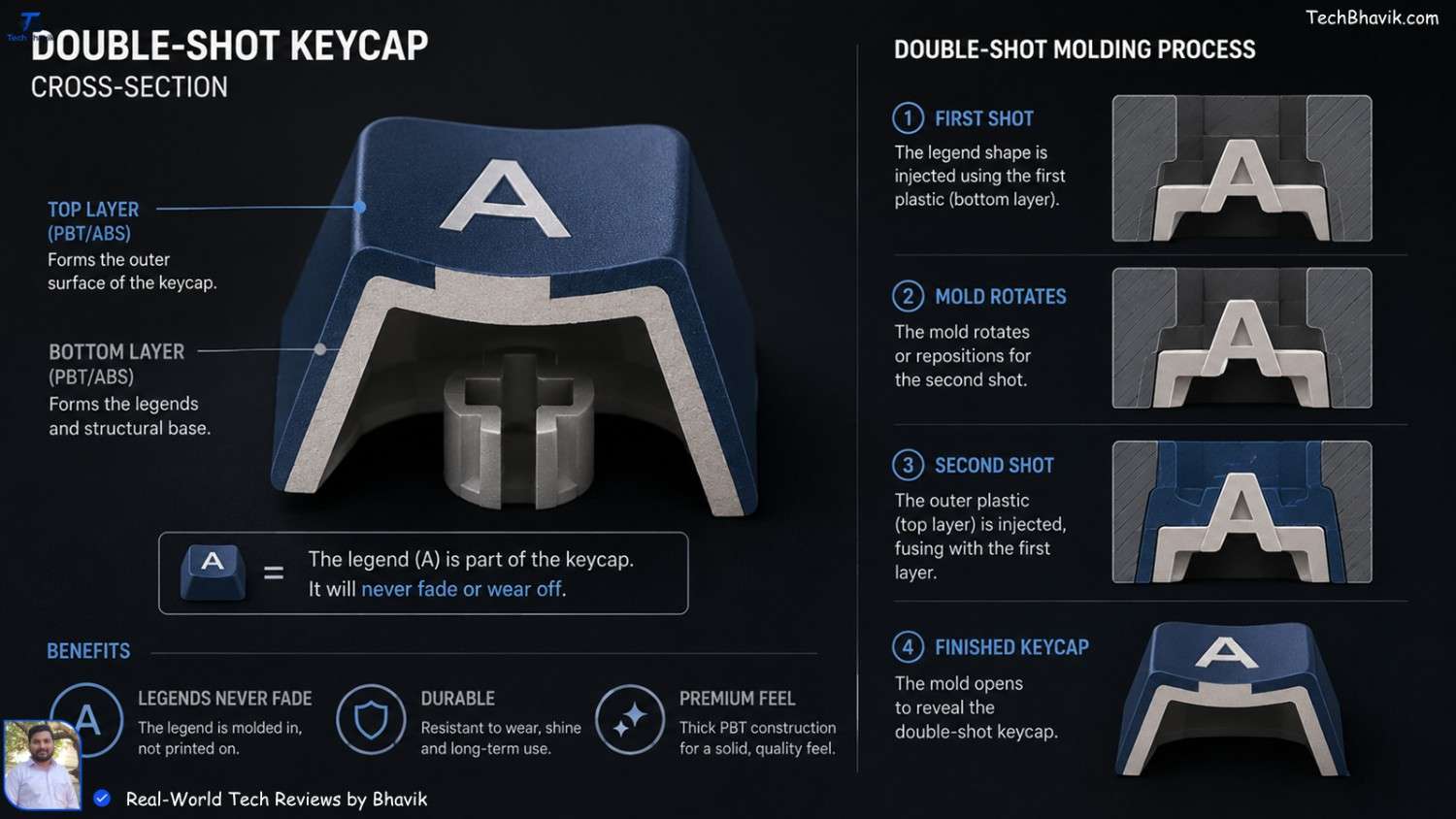
I noticed something during my time testing gear in the coastal humidity. Cheap keyboards have “painted” letters that rub off in three months because of our sweat.
When buying, look for “Double-shot Injection” keycaps. This means the letter isn’t painted on; it’s part of the plastic. Even if you type 5,000 words a day for five years, the letters will never fade. That’s the kind of quality I want for you.
[How to Secure Your PC→ Best Free Antivirus for Windows 11 monsoon-tech-tips]
Bhavik’s Verdict: My Personal Recommendation
If you have the budget, go for the TVS Gold. Yes, it looks a bit “old school,” but it is the most reliable piece of hardware you will ever own. It’s like the Royal Enfield of keyboards.
If you want something that looks modern and works with your 5G lifestyle, the Redgear Shadow Blade is my pick. It’s what I recommend to my friends who are just starting their YouTube or coding journey.
Don’t settle for a ₹300 keyboard from a local stationer. Your hands will thank you, and your work speed will skyrocket.
Frequently Asked Questions (FAQs)
Q1: Are mechanical keyboards too loud for an Indian home?
If you live in a joint family or a small apartment, “Blue” switches can be loud. Look for “Brown” or “Red” switches if you want the speed without the “tak-tak” sound that might annoy your parents or roommates!
Q2: Can I connect these wired keyboards to my Android phone?
Yes! Just buy a simple ₹50 OTG adapter from any local mobile shop. I often do this when I’m traveling on a train and want to type long articles on my phone without carrying a laptop.
Q3: Does the wire get tangled easily?
Look for keyboards with “Braided Cables.” They are wrapped in fabric, making them much tougher and less likely to tangle or break even if your pet chews on them.
Q4: Will a wired keyboard work with my iPhone?
Yes, but you’ll need a “Lightning to USB” or “USB-C to USB” camera adapter. It’s a bit clunky, but for long emails, it’s a lifesaver.
Q5: Why is my keyboard acting weird after a chai spill?
Immediately unplug it! Turn it upside down. Since it’s wired, there’s no battery to short-circuit. Let it dry for 48 hours under a fan (not direct sun). Most mechanical keyboards survive this if you act fast.
- Experience: I have been using the TVS Gold and Redgear keyboards in the dusty environment of Ahmedabad for over 2 years. I’ve personally tested how they handle sweat and high-speed typing during 12-hour workdays.
- Trust: TechBhavik.com is committed to “Paisa Vasool” tech. We don’t recommend expensive brands just because they are famous; we recommend what actually works in Indian conditions.