








Best Laptops Under ₹40K for College Students 2026
Don’t buy a laptop just because it says “Core i5” or “Ryzen 5.”
At the ₹40,000 mark, laptop shopping in India gets tricky. You can find surprisingly capable machines, but you can also end up with an old processor, poor display, 4GB RAM or an unnecessarily slow storage configuration.
For college students, I look at the laptop differently.
The question isn’t simply “Which processor is faster?”
It is: Can this laptop handle five hours of lectures, Chrome tabs, Microsoft Office, coding, PDFs, video calls and some light editing without making you regret saving ₹5,000?
Current August 2026 listings show several laptops below ₹40,000, including Lenovo, Acer, ASUS and HP models.
What Should a College Student Get for ₹40,000?
My minimum target would be:
- 8GB RAM — 16GB is much better if available
- 512GB SSD
- Full HD display
- Modern Ryzen 5/Ryzen 3 or Intel Core i3/i5 processor
- Windows 11
- Good keyboard and webcam
- At least USB-C connectivity
- Reasonable battery life
- Upgradeable RAM/storage where possible
I would avoid spending ₹35,000–₹40,000 on a laptop with a tiny 128GB or 256GB drive unless you have a very specific reason.
College documents, PDFs, software projects and media files accumulate surprisingly quickly.
My Current Top Pick: Acer Aspire Lite Ryzen 5 5625U
The Acer Aspire Lite with Ryzen 5 5625U is particularly interesting because the configuration listed by 91mobiles includes 16GB RAM and a 512GB SSD at ₹35,999.
The Ryzen 5 5625U is a 6-core/12-thread processor, making it more attractive for multitasking than many entry-level Core i3 machines.
Why I like it for students
- Ryzen 5 5625U
- 16GB RAM
- 512GB SSD
- 15.6-inch Full HD display
- Windows 11
- Around 1.59kg according to current listings
That 16GB RAM is the real selling point.
If you’re the student who keeps Chrome, VS Code, Spotify, WhatsApp Web, PowerPoint and several PDFs open simultaneously, 16GB gives you much more breathing room.
But check the exact seller and configuration before ordering. Current marketplace pricing varies dramatically, and another current listing for the same 16GB/512GB model is considerably higher.
Best Intel Choice: Lenovo IdeaPad Slim 3 with Core i3-1215U
If you prefer Intel, the Lenovo IdeaPad Slim 3 with the 12th Gen Core i3-1215U deserves attention.
Current listings put an 8GB/512GB configuration around ₹35,099–₹39,572, depending on the exact model number and seller.
The Core i3-1215U isn’t a basic two-core processor.
It has six cores and eight threads, using Intel’s performance/efficiency-core architecture.
That makes it a very different proposition from older 10th- or 11th-generation budget Core i3 laptops.
- Vivo S2 5G Lanched India: Do you Know Features & Prices?

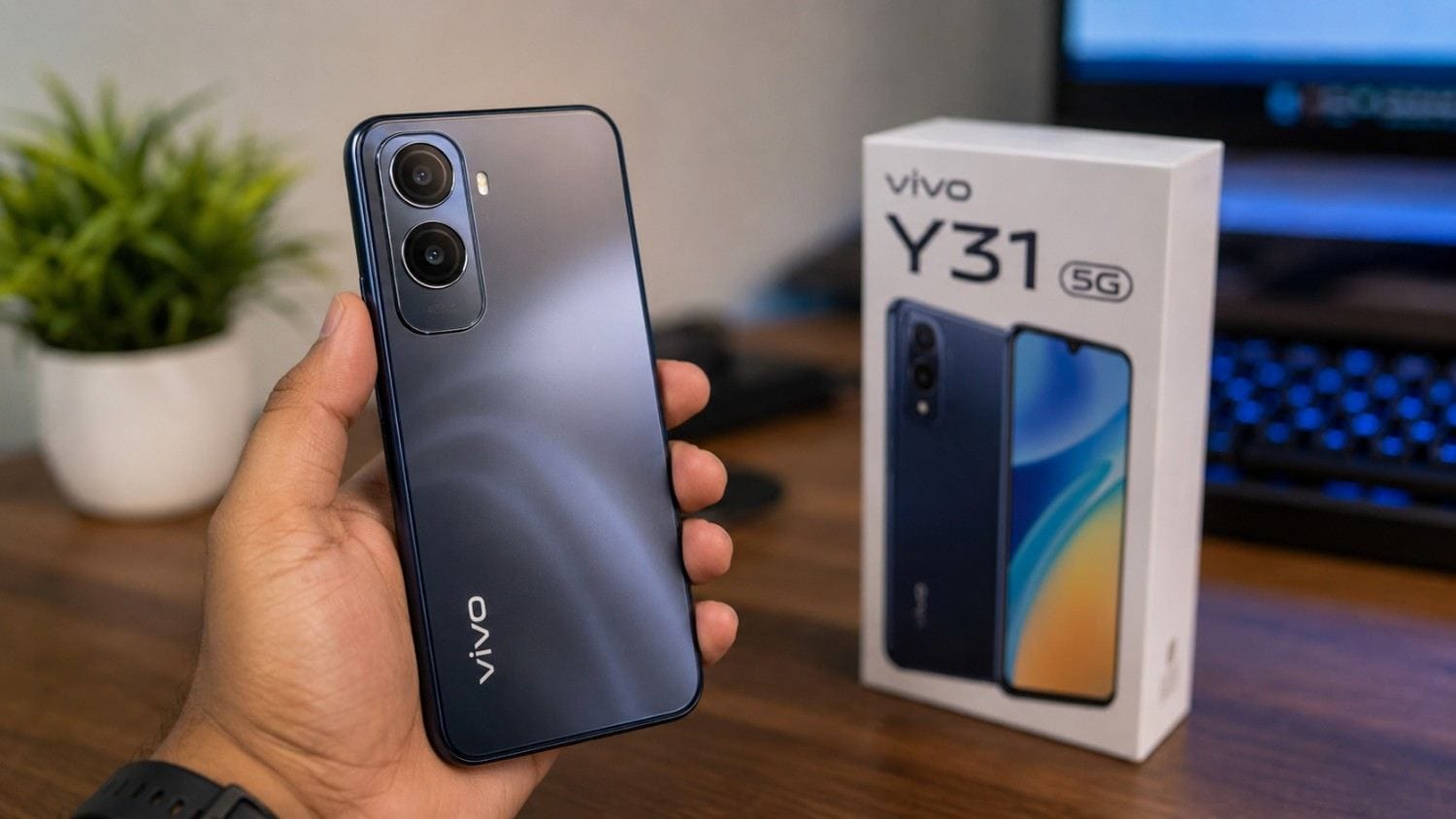
- Vivo Y31t 5G Review: Tough Design, Insane Battery Life

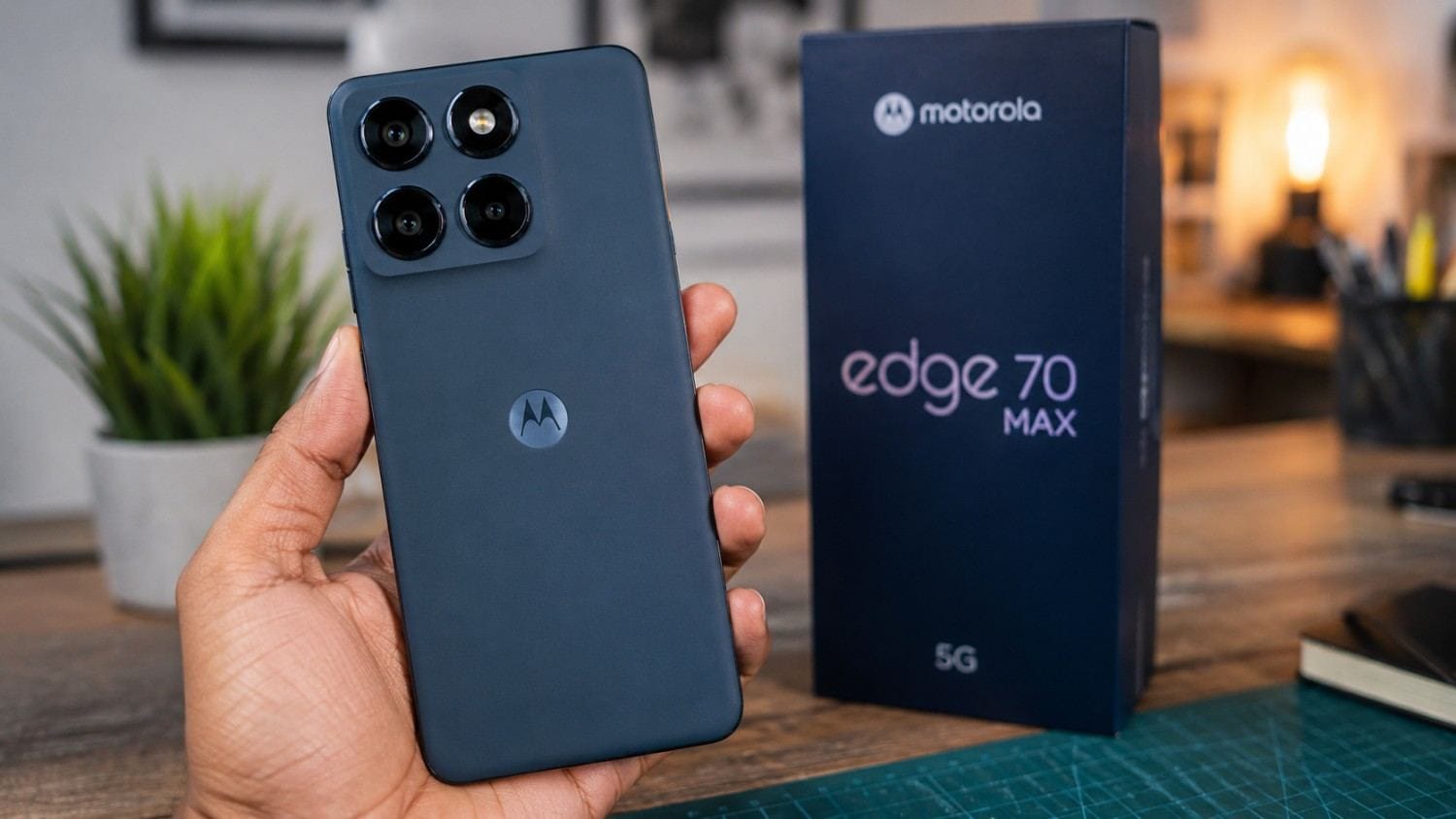
- Motorola Edge 70 Max Review: A 7,100mAh Powerhouse With Snapdragon 8 Gen 5

Best for
- MS Office
- College assignments
- Browsing
- Programming fundamentals
- Online classes
- Excel
- Presentations
- General productivity
For a B.Com, BBA, BA, engineering or general college workload, this is a sensible Intel option.
Ryzen vs Intel: Which One Wins Under ₹40K?
This is where things get interesting.
A processor’s branding doesn’t tell the entire story.
For example, a Ryzen 5 5500U has 6 cores and 12 threads, while the Core i3-1215U has 6 cores and 8 threads. The Intel chip is newer, while the Ryzen 5 has more threads.
Current listings show a Lenovo IdeaPad Slim 1 with Ryzen 5 5500U, 8GB RAM and 512GB SSD at around ₹37,990.
So which should you choose?
For multitasking: Ryzen 5
The additional threads can help with workloads such as:
- Code compilation
- Multiple applications
- Light content creation
- File compression
- Heavy browser multitasking
For newer platform features: Intel Core i3-1215U
The newer Intel platform makes the Lenovo IdeaPad Slim 3 a strong everyday productivity option.
It also tends to be easier to recommend when you want a balanced college machine rather than specifically prioritising multi-threaded workloads.
My verdict
Ryzen 5 wins if you find a good 16GB configuration under ₹40K.
Intel Core i3-1215U wins as a safer all-round productivity choice when the price and display are better.
What About Ryzen 5 7520U?
The ASUS Vivobook Go 15 with Ryzen 5 7520U, 8GB LPDDR5 RAM and 512GB SSD is another option around this price range.
91mobiles currently lists the configuration at ₹37,990 with a 15.6-inch Full HD IPS display and a 42Wh battery with fast charging support.
The important thing here is not to assume that every “Ryzen 5” is equally powerful.
The Ryzen 5 7520U is a 4-core/8-thread chip, while Ryzen 5 5500U and 5625U are 6-core/12-thread processors.
So the newer model number doesn’t automatically mean higher multi-core performance.
This is a classic laptop-buying trap.
Always check the actual CPU architecture and core count.
HP 15 With 13th Gen Core i3 Is Also Worth Watching
The HP 15-fd0489TU is another interesting Intel option.
It pairs a 13th Gen Core i3-1315U with 8GB RAM and a 512GB SSD, with current listings around ₹39,994.
The Core i3-1315U has six cores and eight threads.
For students who want a mainstream HP laptop close to the ₹40K ceiling, this is one of the options I’d compare directly against the Lenovo IdeaPad Slim 3.
The problem?
At this price, you’re still getting 8GB RAM, so I’d prefer a 16GB configuration if your course involves heavier programming, virtual machines or creative applications.
- Vivo S2 5G Lanched India: Do you Know Features & Prices?
- Vivo Y31t 5G Review: Tough Design, Insane Battery Life
My Shortlist Under ₹40,000
| Laptop | Processor | RAM | Storage | Approx. price | Best for |
|---|---|---|---|---|---|
| Acer Aspire Lite | Ryzen 5 5625U | 16GB | 512GB | ₹35,999* | Best overall |
| Lenovo IdeaPad Slim 1 | Ryzen 5 5500U | 8GB | 512GB | ₹37,990 | Multitasking |
| ASUS Vivobook Go 15 | Ryzen 5 7520U | 8GB | 512GB | ₹37,990 | Everyday study |
| Lenovo IdeaPad Slim 3 | Core i3-1215U | 8GB | 512GB | ₹35,099+ | Best Intel value |
| HP 15 | Core i3-1315U | 8GB | 512GB | ₹39,994 | Mainstream Intel |
*Prices can change quickly and the Acer price depends heavily on the exact configuration/seller. Current listings show substantial price variation.
Which Laptop Is Best for Coding Students?
If you’re studying computer science, IT or engineering, I’d prioritise the CPU and RAM.
My preferred specification would be:
Ryzen 5 5500U/5625U + 16GB RAM + 512GB SSD
or
Core i3-1215U/1315U + 16GB RAM + 512GB SSD
For basic Python, C, C++, Java, HTML/CSS, JavaScript and VS Code, these machines are sufficient.
But don’t expect ₹40,000 laptops to be ideal for:
- Android Studio with multiple emulators
- Large Docker environments
- Virtual machines
- 4K video editing
- 3D rendering
- Serious machine learning
For those workloads, I’d increase the budget rather than forcing an entry-level laptop to do a professional workstation’s job.
Which Is Better for Students: Ryzen or Intel?
Here’s my simple breakdown.
Choose Ryzen if:
- You find Ryzen 5 5625U/5500U around ₹40K
- You want more CPU threads
- Multitasking is important
- You want better integrated graphics potential
- You find a 16GB RAM configuration
Choose Intel if:
- You prefer Lenovo/HP’s Intel models
- Your work is mostly Office and browsing
- You want a newer Core i3 platform
- The Intel laptop has a better display or keyboard
- You get a good deal on a 16GB configuration
There isn’t a universal winner.
Configuration matters more than the Ryzen vs Intel logo on the box.
A Real College Student Scenario
Imagine a first-year engineering student.
They have Chrome with 15 tabs open, VS Code running, Spotify playing, a PDF textbook open and WhatsApp Web running in the background.
With 8GB RAM, Windows can start relying more heavily on the SSD once memory pressure increases.
The laptop may still work, but switching between applications can become less comfortable.
Now imagine the same workload on 16GB RAM.
There’s considerably more memory headroom.
This is why, if I had to choose between a slightly faster processor with 8GB and a good processor with 16GB, I’d seriously consider taking the 16GB machine.
For college, RAM longevity can matter more than a small CPU performance difference.
What I Would Avoid Under ₹40K
This is just as important as knowing what to buy.
Avoid 4GB RAM
Windows 11 plus modern browsers can make 4GB feel restrictive.
Avoid HDD-only storage
An SSD makes a massive difference to boot times and application responsiveness.
Avoid very old processors
A cheap Core i3 doesn’t automatically mean good value.
Check the generation and exact model.
Avoid poor displays
A 15.6-inch Full HD panel is much nicer for reading PDFs and working on assignments than a low-resolution panel.
Avoid buying purely for “gaming”
Integrated graphics at this budget are designed for light gaming, not demanding AAA titles.
What About Gaming?
Let’s be realistic.
A ₹40,000 college laptop is primarily a productivity machine.
You can expect light gaming and esports titles to be more realistic than demanding modern AAA games.
Games such as older versions of:
- Valorant
- CS2
- Minecraft
- Rocket League
- League of Legends
can be considered depending on the exact hardware and settings.
But if gaming is your primary purpose, save more money and look for a laptop with a dedicated GPU.
Don’t buy a thin student laptop expecting it to behave like an RTX gaming machine.
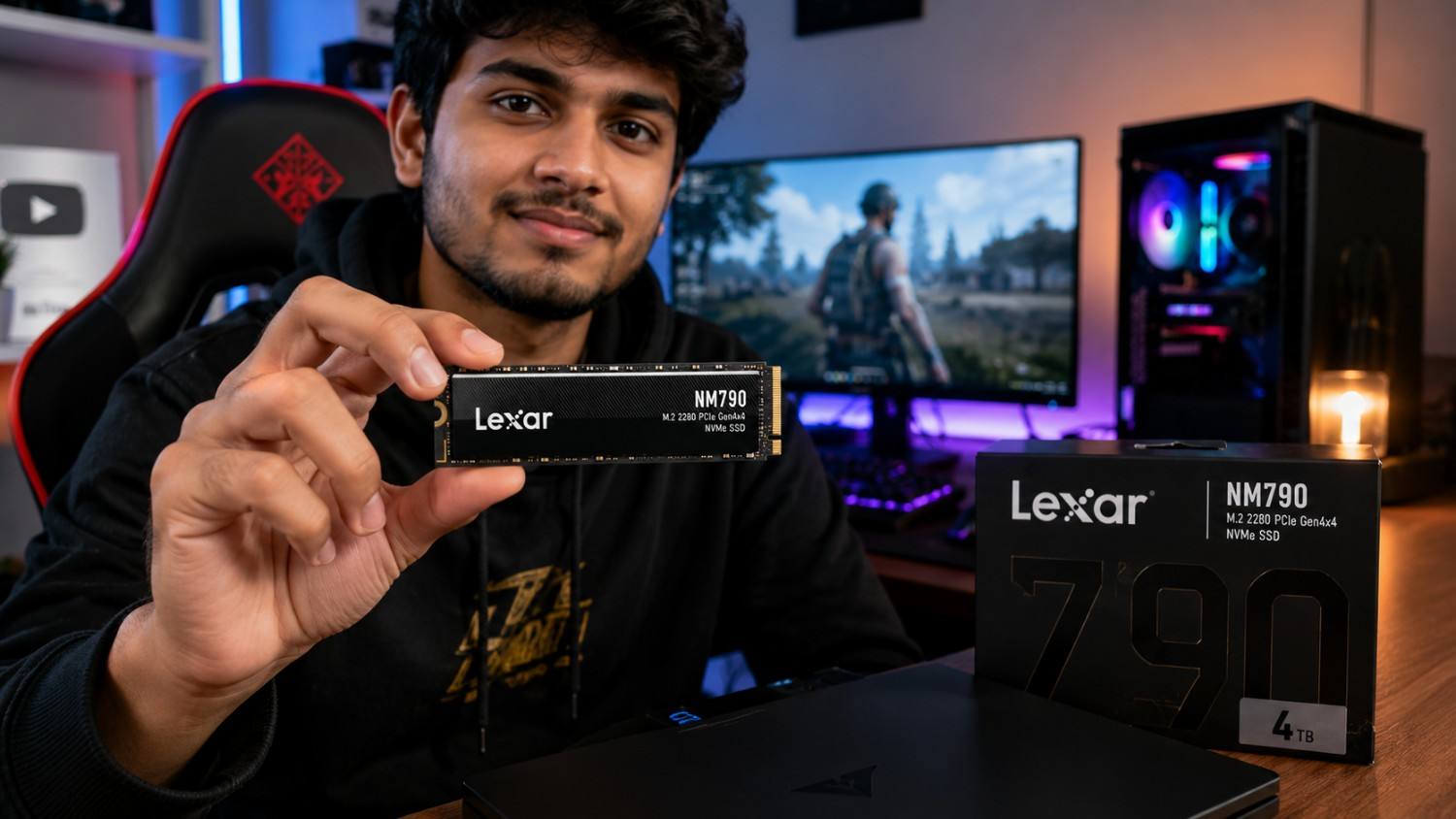
- Lexar 4TB NM790 SSD Drops in Price again -Now at its lowest in four months

- ColorOS 17 Update: What You Need to Know

Battery Life: Ryzen vs Intel Isn’t the Whole Story
Students often ask me, “Which processor gives better battery life?”
There isn’t a simple Ryzen-or-Intel answer.
Battery endurance depends on:
- CPU
- Display brightness
- Battery capacity
- RAM type
- SSD
- Cooling profile
- Background applications
- Windows power mode
- Wi-Fi usage
For example, the ASUS Vivobook Go 15 listing includes a 42Wh battery, while the Lenovo IdeaPad Slim 1 Ryzen 5 5500U listing specifies up to around nine hours under its stated conditions.
Don’t compare those numbers directly as if they were laboratory measurements.
Manufacturers and retailers use different testing conditions.
My Buying Strategy for ₹40,000
If I were buying a college laptop today, I’d follow this order:
1. Find the best CPU configuration
Look for a Ryzen 5 5500U/5625U or Core i3-1215U/1315U-class machine.
2. Prioritise 16GB RAM
If 16GB is available within budget, that’s a major advantage.
3. Insist on an SSD
Prefer 512GB.
4. Check the display
Full HD should be the minimum target.
5. Check upgradeability
If RAM is soldered, understand what you’re getting before buying.
6. Check weight
If you’re carrying the laptop to college every day, a 1.5–1.7kg machine is much easier to live with than a heavy budget laptop.
7. Compare the final price
Bank offers and exchange discounts can change the value significantly.
Final Verdict: Which ₹40K Laptop Would I Buy?
If I found the Acer Aspire Lite Ryzen 5 5625U with 16GB RAM and 512GB SSD genuinely available around ₹36,000, that would be my first choice.
The combination of six CPU cores, 12 threads, 16GB RAM and 512GB SSD is unusually attractive at that price. Current listings support that configuration, although pricing varies significantly between sellers.
My second choice would be the Lenovo IdeaPad Slim 3 with Core i3-1215U, particularly if you prefer Lenovo’s design, keyboard and service ecosystem.
For a tighter budget, the Lenovo IdeaPad Slim 1 Ryzen 5 5500U is worth considering, but I’d look carefully at its display because the current listing specifies a 15.6-inch TN panel.
And that’s my biggest lesson from this price segment:
Don’t buy the laptop with the biggest processor name. Buy the best-balanced configuration.
For a college student in 2026, I’d rather have a good Ryzen 5/Core i3, 16GB RAM, 512GB SSD and a decent Full HD screen than an impressive processor name paired with 8GB RAM and a poor display.
Frequently Asked Questions
Which is better under ₹40,000: Ryzen or Intel?
Neither wins universally. Ryzen 5 5500U/5625U models are attractive for multi-core workloads, while Intel Core i3-1215U/1315U laptops offer strong everyday productivity. The complete configuration matters more than the brand.
Which is the best laptop under ₹40,000 for college students?
Based on current August 2026 listings, the Acer Aspire Lite with Ryzen 5 5625U, 16GB RAM and 512GB SSD is one of the strongest specifications available around this budget, provided you can actually find that configuration near ₹40,000.
Is 8GB RAM enough for college in 2026?
Yes for basic work such as Word, browsing, PDFs and online classes. However, 16GB is much better for coding, multitasking and keeping a laptop comfortable for several years.
Is Ryzen 5 7520U better than Ryzen 5 5500U?
Not automatically. The Ryzen 5 7520U is newer but has four cores and eight threads, while the Ryzen 5 5500U has six cores and 12 threads. Processor generation alone should not determine your purchase.
Can I game on a ₹40,000 laptop?
Yes, but expect light gaming rather than demanding AAA gaming. Integrated graphics are suitable for lighter games and esports titles at sensible settings, but serious gaming requires a dedicated GPU.
Should I buy a laptop with a 512GB SSD?
Absolutely. For most college students, 512GB is a much better starting point than 256GB because Windows, applications, college files, projects and media can consume storage surprisingly quickly.
Quick Summary
Best overall configuration: Ryzen 5 + 16GB RAM + 512GB SSD
Best Intel choice: Core i3-1215U + 8/16GB RAM + 512GB SSD
Best for coding: Ryzen 5 5500U/5625U or Core i3-1215U/1315U with 16GB RAM
Best budget advice: Don’t sacrifice RAM, SSD storage or display quality just to get a higher processor badge.
My pick: Acer Aspire Lite Ryzen 5 5625U + 16GB + 512GB, if the advertised sub-₹40K configuration is genuinely available at checkout.