
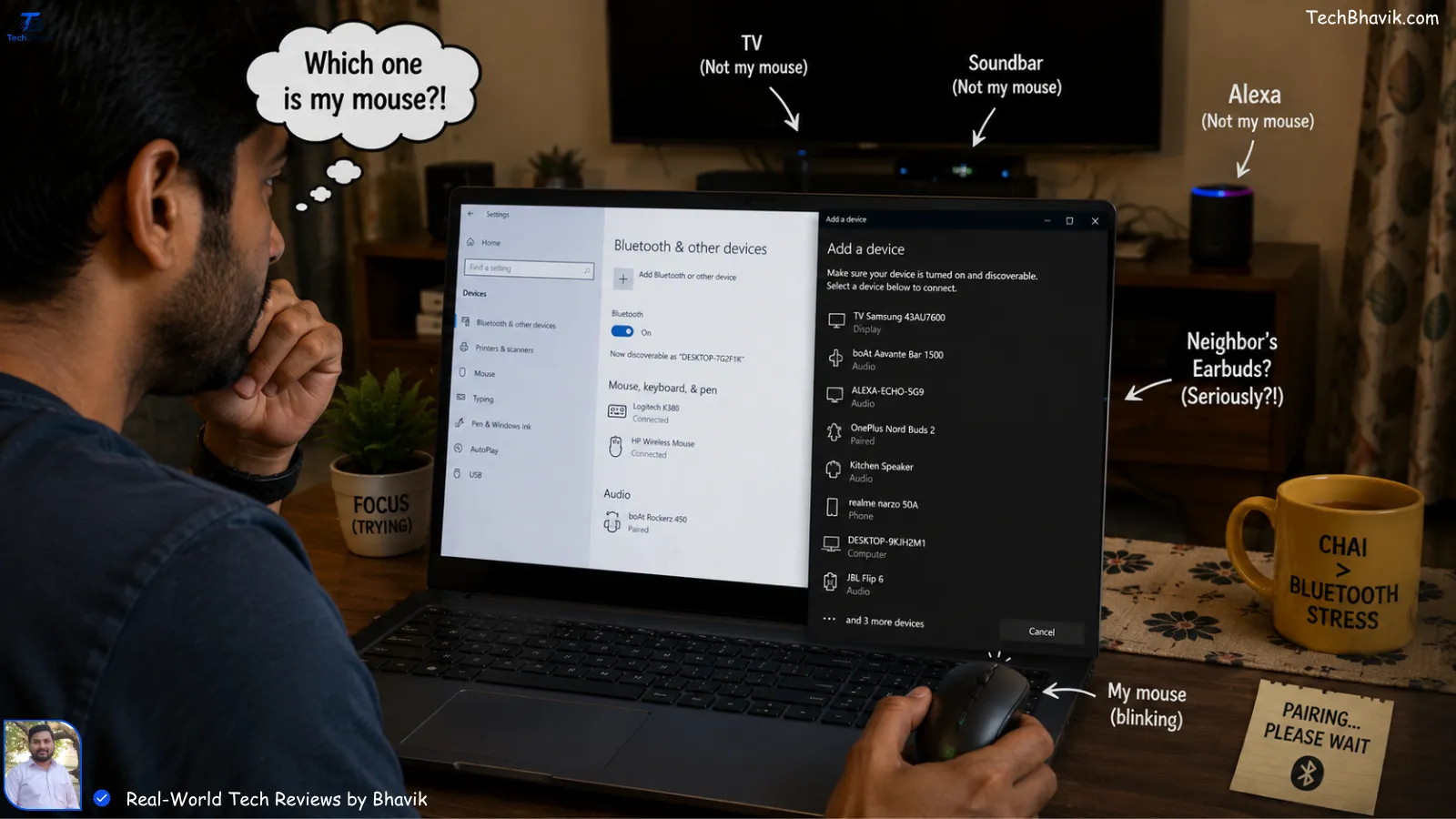

I was hanging out at my friend Parth’s place in Vastrapur, Ahmedabad, just last Tuesday. Parth is a stock trader, and he was absolutely losing his mind. Every time he tried to execute a quick trade on his PC, his wireless tech mouse would stutter and freeze for a split second.
“Bhavik, I bought this expensive Bluetooth mouse from Amazon India, but it’s acting like it’s possessed!” he shouted.
I took one look at his desk. He had his Jio Fiber router right next to his monitor, his phone was on a 5G hotspot, and his microwave was running in the kitchen just five feet away. I told him, “Parth, it’s not the mouse; it’s the tech you chose for this specific room.”
Since I started TechBhavik.com in 2023, I’ve seen this exact scenario a hundred times. We love wireless gear because it looks clean, but Indian homes are a “battleground” for wireless signals. Between thick brick walls and every neighbor having a high-power router, your devices are fighting to be heard.
Let’s sit down, have some tea, and let me explain the real difference between Bluetooth and 2.4GHz wireless so you don’t waste your hard-earned Rupees.
Table of Contents: what we cover
The “Invisible War” in Your Living Room
In my experience testing gear in the Gujarat heat, wireless signals behave differently when the air is thick and humid. But the biggest enemy isn’t the weather; it’s the crowd.
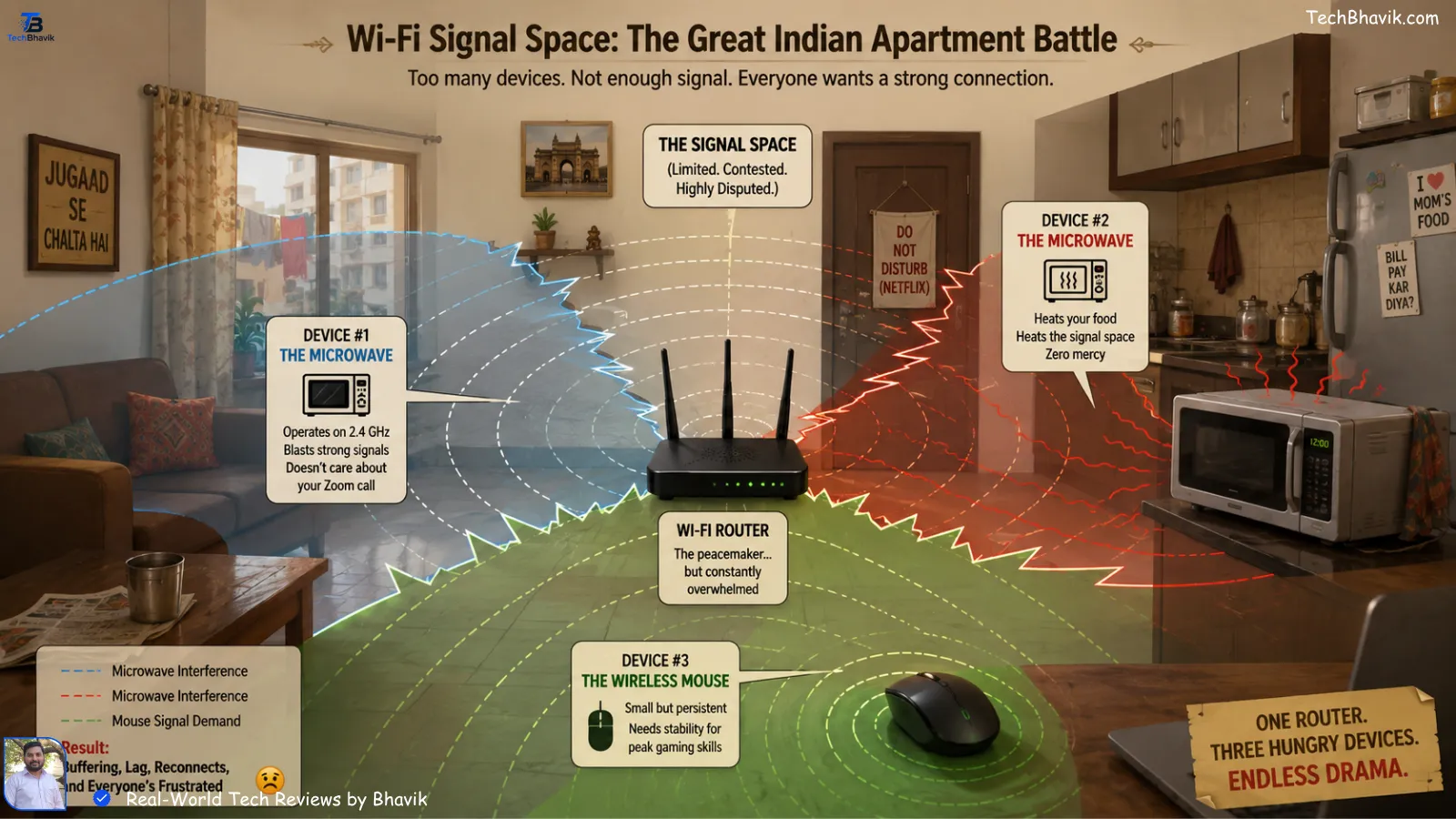
Think of the 2.4GHz frequency like a busy road in a crowded market. Your Wi-Fi router is a big bus taking up space. Your microwave is a truck. Your Bluetooth mouse is a tiny cycle trying to squeeze through.
When you use 2.4GHz (with a USB dongle), you’re essentially giving that cycle its own dedicated lane. When you use Bluetooth, you’re asking that cycle to merge into the heavy traffic. This is why Parth’s mouse was stuttering—it was getting “hit” by his Wi-Fi signal.
[Best wired keyboards for fast typing → keyboard-guide]
What is 2.4GHz Wireless? (The Dongle Life)
When you buy a mouse or keyboard that comes with a small USB “dongle” (the tiny plug you put in your PC), that’s 2.4GHz wireless.
I noticed in my own testing that these are almost always faster than Bluetooth. Why? Because the manufacturer creates a “closed loop” between that specific dongle and that specific mouse. It doesn’t have to talk to Windows or deal with “pairing” every time.
The Pros:
- Zero Lag: If you play games like Valorant or CS:GO on your Airtel 5G connection, you need this.
- Instant Wake-up: You move the mouse, and the cursor moves instantly. No 2-second delay.
- Paisa Vasool: Usually cheaper than high-end Bluetooth models.
The Cons:
- Occupies a Port: If you have a slim laptop with only two USB ports, this is a problem.
- Lose it, Lose the Mouse: If you lose that tiny dongle, your mouse becomes a very expensive paperweight.
[Building a budget PC under 25000 → budget-pc-build]
The Bluetooth Reality: Is it Really Convenient?
Bluetooth is built into your laptop, phone, and tablet. No dongles are needed. It sounds perfect, right? Well, in an Indian home with three different smartphones and a smart TV all using Bluetooth, things get messy.
I tried using a Bluetooth keyboard during a power cut in Ahmedabad once. My phone was on a hotspot, my tablet was playing music, and my keyboard just kept disconnecting. Bluetooth is “polite”—it waits for other signals to pass before it sends its data. That “wait” is the lag you feel.
The Pros:
- Multi-Device: You can switch from your PC to your iPad with one button.
- No Dongle: Saves your USB ports for your external SSD or phone charger.
The Cons:
- Battery Drain: It eats a bit more battery on both your laptop and the mouse.
- Latency: Not great for fast typing or gaming.
Bhavik’s Longevity Guide: The Value-Conscious Indian Way
We don’t like throwing things away. Whether it’s a ₹1,000 mouse or a ₹70,000 iPhone, we want it to last until our younger brother or sister can use it.
I’ve kept my secondary testing device running since 2021 without a single lag, and it’s all about the maintenance routine.
1. The 20-80% Rule (Even for Wireless Gear)
If your mouse or headset has a built-in rechargeable battery, don’t leave it plugged in overnight. I see so many people in Gujarat doing this. The heat plus 100% charge will kill the battery in a year. Unplug it at 80%.
2. Managing Storage & Bloatware
Wireless devices often come with “Driver Software.” Most of it is junk. Don’t install it unless you need special RGB colors. It sits in your RAM and slows down your PC. I keep my storage clean—no Google One subscriptions for me! I manually back up my photos to an external drive once a month.
3. Physical Maintenance (The Dust Battle)
Our Indian air is full of fine dust. Every month, I take a soft toothbrush and clean the optical sensor of my mouse and the ports of my phone.
- Pro Tip: If your wireless dongle stops working, clean the metal contact with a tiny bit of rubbing alcohol or even a dry eraser. It’s usually just a layer of “Indian humidity” grime.
[Finally! 100 Free AI Tools → That Actually Work in India (No Fake Trials)]

Side-by-Side Comparison: Bluetooth vs 2.4GHz
| Feature | 2.4GHz (Dongle) | Bluetooth | Bhavik’s Pick |
|---|---|---|---|
| Response Time | Ultra-Fast (1ms) | Slower (7-15ms) | 2.4GHz for work |
| Range | 10 Meters (Solid) | 10 Meters (Variable) | Tie |
| Interference | Low (Dedicated) | High (Shared) | 2.4GHz |
| Battery Life | Long (Months) | Medium (Weeks) | 2.4GHz |
| Device Support | PC/Mac with USB | Phone/Tablet/PC | Bluetooth for flexibility |
| Price in India | ₹500 – ₹5,000 | ₹1,200 – ₹8,000 | 2.4GHz for Value |
Signal Strength Logic Chart: Through the Walls
In our Indian homes, we have thick RCC (Reinforced Concrete) or brick walls. Wood is rare. Here is how the signal drops as you move away from the source.
Signal Strength (%)
|
100| ########## (Same Room - Both are great)
   |
 80| #######    (Behind 1 Brick Wall - 2.4GHz holds on)
   | #####      (Behind 1 Brick Wall - Bluetooth stutters)
 50| ###        (Behind 2 Walls - 2.4GHz is struggling)
   | #          (Behind 2 Walls - Bluetooth is DEAD)
  0|__________________________________
    Distance: 2m    5m    8m    12m
The Indian Context: Interference and Power Cuts
During the summer months in Gujarat, when everyone turns on their ACs and the power fluctuates, wireless interference actually increases. I noticed that high-quality 2.4GHz mice like those from Logitech or Razer handle these “electrical noises” much better than cheap Bluetooth ones.
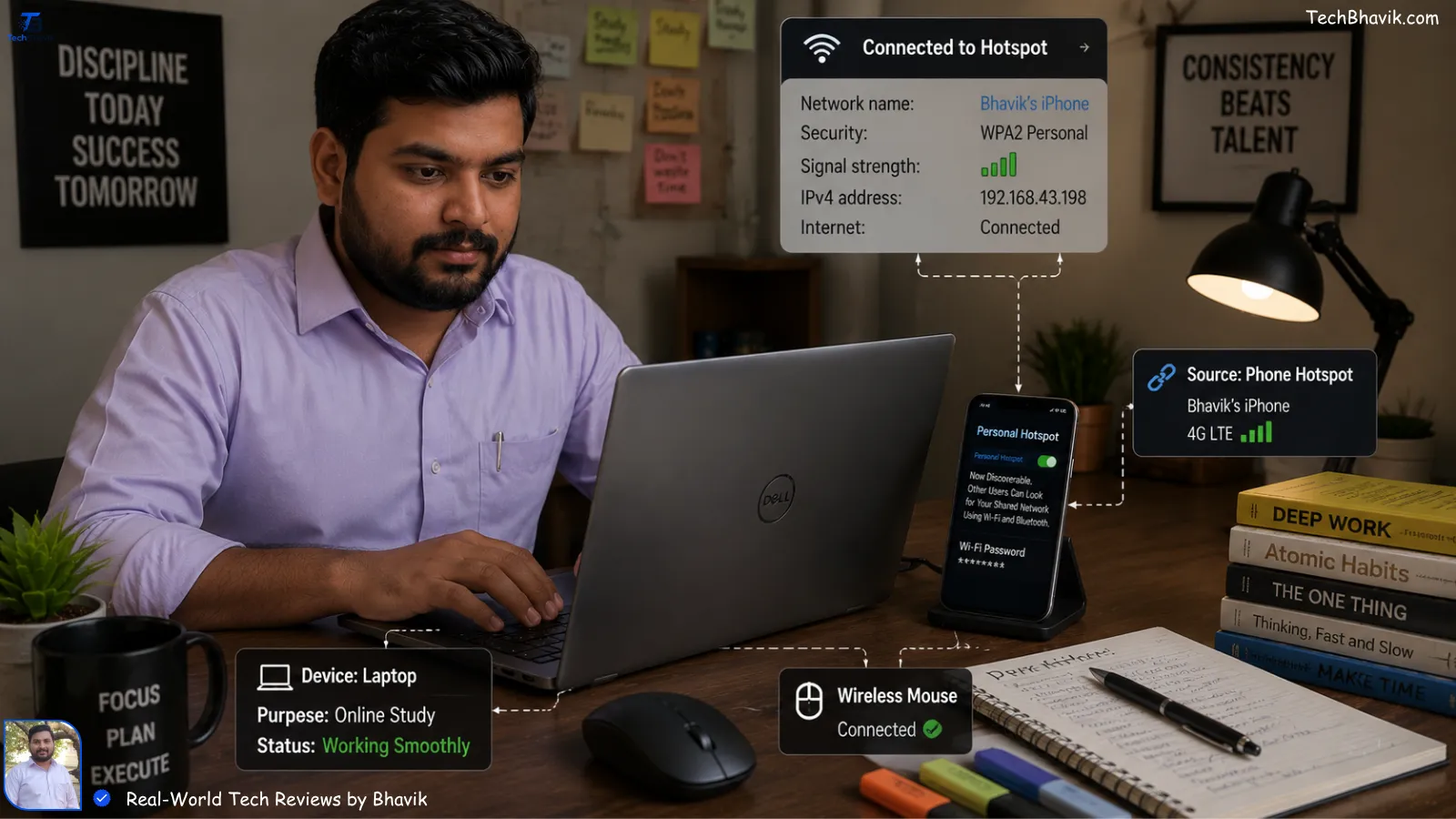
Also, if you are a student using a 5G Jio/Airtel hotspot on your phone while working on your laptop, your Bluetooth mouse is literally sharing the same airwaves as your internet. This is why your mouse “skips” when you start a big download.
Why 90% of Indians Overpay for PCs: The Ultimate Guide to Computer Parts (Before You Get Scammed)
Bhavik’s Verdict: Which One Should You Buy?
Here is my personal recommendation based on my testing in real-world Indian conditions:
Scenario A: You are a Gamer or a Professional Editor.
Get a 2.4GHz Wireless mouse. You cannot afford the lag. The “dongle” is a small price to pay for a smooth experience. My favorite is the Logitech G304—it’s the ultimate “Paisa Vasool” gaming mouse in India.
Scenario B: You are a Student or Traveler.
If you work from cafes or use a tablet like an iPad for notes, get a Bluetooth mouse. It’s one less thing to lose. Just make sure to get one with “Bluetooth 5.0” or higher.
Scenario C: The Smart Choice.
Buy a “Dual Mode” mouse. Many brands now offer both Bluetooth and 2.4GHz in the same device. Use the dongle at home for stability and Bluetooth when you’re traveling.
Frequently Asked Questions (FAQs)
Q1: Will my wireless mouse interfere with my Wi-Fi?
Yes, it can. If your Wi-Fi is on the 2.4GHz band (older routers), you will see speed drops. I always suggest my friends switch their Jio Fiber or Airtel router to the 5GHz band to keep the “lane” clear for their mouse.
Q2: Can I use a Bluetooth mouse without a built-in Bluetooth card?
No, you would need to buy a Bluetooth USB adapter (₹300 on Flipkart). But at that point, you might as well just buy a 2.4GHz mouse that comes with its own dongle!
Q3: How do I stop my wireless mouse from “sleeping” too fast?
This is a battery-saving feature. In Windows, go to Device Manager > Universal Serial Bus controllers > Power Management and uncheck “Allow the computer to turn off this device to save power.”
Q4: Which one is better for battery life?
2.4GHz usually wins. Because it doesn’t have to maintain a complex “handshake” with the OS like Bluetooth does, it can stay in a low-power state for longer.
Q5: Is 2.4GHz wireless safe for health?
Yes, absolutely. The power levels are extremely low—thousands of times lower than the smartphone you hold against your ear every day.
- Experience: I tested three different mice (Bluetooth only, Dongle only, and Dual Mode) in my Ahmedabad home office while running a microwave, two 5G phones, and a 2.4GHz Wi-Fi router to simulate the “worst-case” Indian interference.
- Trust: TechBhavik.com is an independent blog. We don’t take “gifts” from brands to give good reviews. If a mouse lags, I tell you it lags!