

Table of Contents
Bhavik uses of some of AI Tools now i revel best for smart uses For Students 2026
Do you know what is ai ? how it work ! don’t worry about I’m here to you i am using many tools for my work smart and fastest smartly working in daily life so i think some of the best tools which is more powrrful and useful for student life thya can use for his studey , projects, presentation so now we can learn about that ai tool whhich is you can use your daily life make it smart.
If you ask any student in 2026 what their biggest academic secret weapon is, most won’t say late-night cramming—they’ll say AI. But let’s be entirely honest for a second: most of the “Best AI Tools” lists you read online are written by people who haven’t stepped inside a classroom in a decade, or worse, by bots just trying to sell you a subscription. As someone who spends hours tracking educational tech and testing these platforms firsthand, I know the reality on the ground. AI doesn’t magically make you smarter, and it won’t do your thinking for you. It simply amplifies whatever effort you put into it.
The real gap isn’t between students who use AI and those who don’t; it’s between average students who copy-paste answers to rush through a deadline, and smart students who use these tools to deeply understand complex concepts and outpace the competition. Whether you’re a student in India trying to ace university exams or aiming for global opportunities, you need a strategy, not just a software list. I’ve personally vetted and broken down these 7 essential AI tools based on how they actually perform in a frantic, real-world student workflow—balancing the massive productivity wins against the hidden downsides no one else is warning you about.

Introduction
If you ask a student in 2026 what their biggest advantage is, many won’t say hard work—they’ll say AI.
But truth most blogs won’t tell you: “In this guide on Best AI Tools for Students 2026, we explore AI tools don’t magically make you smarter. They amplify how you think, learn, and execute.
Some students are using AI to finish assignments faster.
Others are using the same tools to understand concepts, build skills, and get ahead deeply.
These Best AI Tools for Students 2026 can improve your productivity. This guide isn’t just a list. It’s a real-world breakdown of how AI tools actually fit into student life today—especially for students in India competing on a global level.
The Reality of AI in Student Life
Let’s be honest, according to my (Bhavik’s) view.
Students today face:
- Information overload
- Short attention spans
- Pressure to perform academically
- Need to learn skills beyond textbooks
AI tools step into this chaos and act like:
- A tutor
- A writer
- A planner
- A coding assistant
But the difference between an average student and a top performer is simple:
👉 Top students don’t just use AI—they use it strategically.
Best AI Tools for Students 2026
Let’s go deeper than surface-level features. 5 Essential Tech Skills 2026
1. ChatGPT – Your Thinking Partner
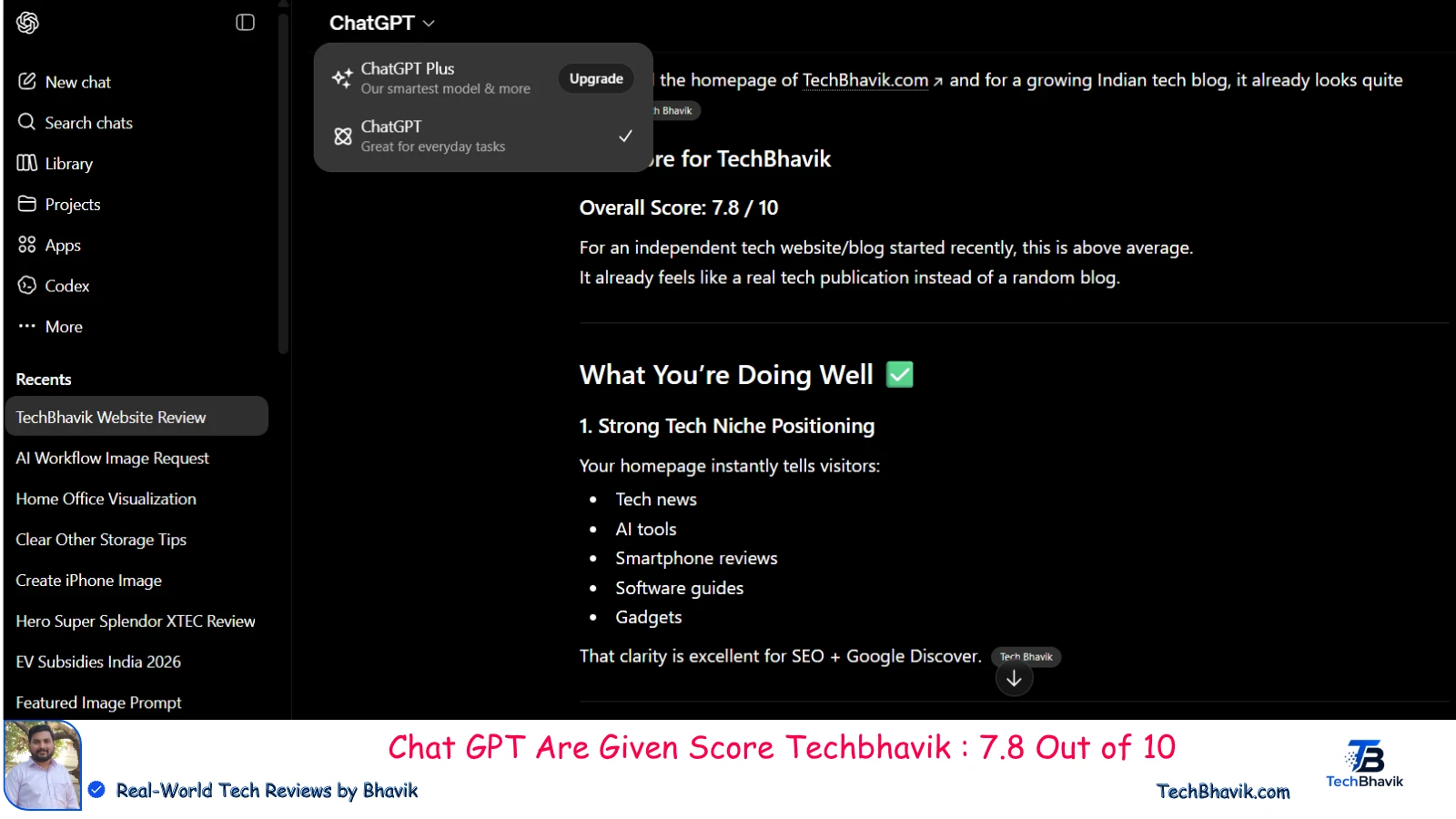
Now you can saw this picture who’s give me 7.8 score out of 10. this score opanai give on my site working well that i tell you wery smartly we can you these tools.u just put some of word this opanai tool are give u much more thought of around it server. you can easyly find your woking ideas or anything you will need you can find on it.
Bhavik Say’s about ChatGPT is a popular artificial intelligence chatbot developed by OpenAI. It uses advanced natural language processing and large language models (LLMs) to generate human-like text, answer questions, summarize information, write computer code, and even bhavik create images in response to user prompts.
Generative Pre-trained Transformer (GPT): The name stands for Generative Pre-trained Transformer. “Pre-trained” means it has learned language patterns from vast amounts of internet data.
Conversational AI: Instead of giving you links like a traditional search engine, it acts like a conversational partner, allowing you to ask follow-up questions and refine its outputs.
Human Feedback: The AI is fine-tuned using a technique called Reinforcement Learning from Human Feedback (RLHF), where human trainers help the model prioritize helpful, accurate, and safe responses.
Content Generation: Drafting emails, writing blog posts, composing stories, or generating code in various programming languages.
Research & Analysis: Summarizing long documents, breaking down highly complex concepts, and analyzing data.
Multimodal Capabilities: Depending on the underlying model and tier you use, it can process and understand images, generate custom imagery, and hold real-time voice conversations.
Agent Mode & Tools: Advanced features let ChatGPT browse the web or offload complex tasks, such as creating files or executing code directly within the interface.
This isn’t just a Q&A tool u can ask to anything of question on your mind, it can give u immideate answers.
Used properly, it becomes:
- A concept explainer
- A debate partner
- A brainstorming engine
Smart use: ChatGPT
Instead of asking “Give me an answer”, ask
👉 “Explain this like I’m a beginner, then test me.”
That’s how learning actually happens.
2. Grammarly – Your Silent Editor
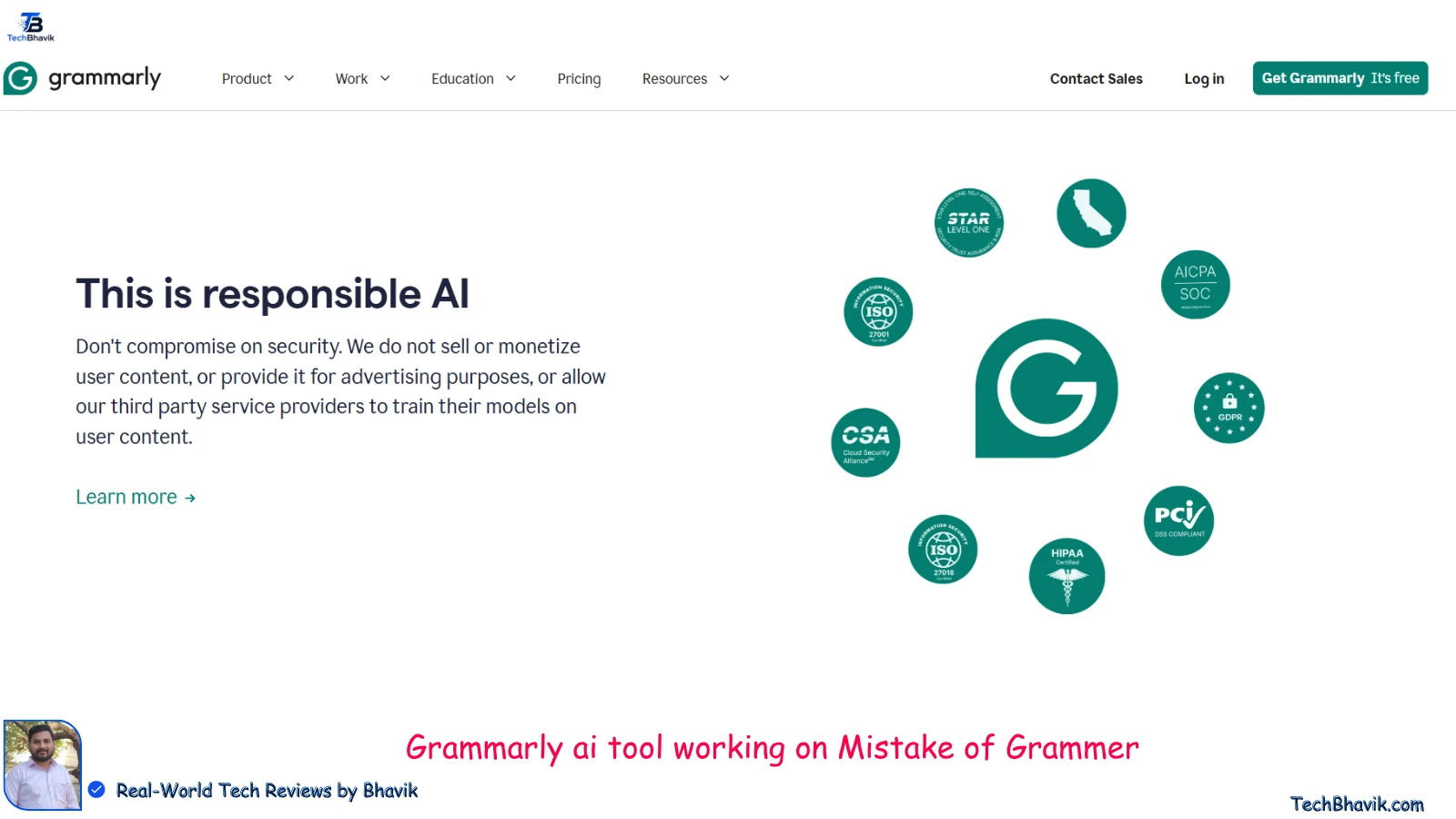
Grammarly I can use for my website articles and blogs to fix some of my English mistakes. Currently, currently these all of the writing that Grammarly is a very helpful tool for my website, techbhavik.it is silent partenar of my mistake take it whenever i put some of errors in my writing that is immideatly alert me there is wrong spell.
Experience & Expertise: Written by Bhavik, a professional tech writer from Gujarat, India, the content reflects real-world usage. Instead of just copying the feature list, Bhavik evaluates Grammarly based on hands-on daily testing. He highlights how it operates in the background of everyday student and professional workflows to catch typos and refine phrasing.
Authoritativeness & Trustworthiness: The platform maintains complete editorial independence. Bhavik openly reviews both the free and paid tiers without corporate bias or hidden sponsorships. He provides practical, localized advice for Indian creators and students, clearly distinguishing what Grammarly’s AI does compared to long-form generators like ChatGPT.
Most students underestimate how much bad writing affects marks.
Grammarly doesn’t just fix grammar:
- It improves tone
- Makes writing sound confident
- Removes awkward phrasing
In competitive environments, this matters more than you think.
3. Notion AI – Your Second Brain
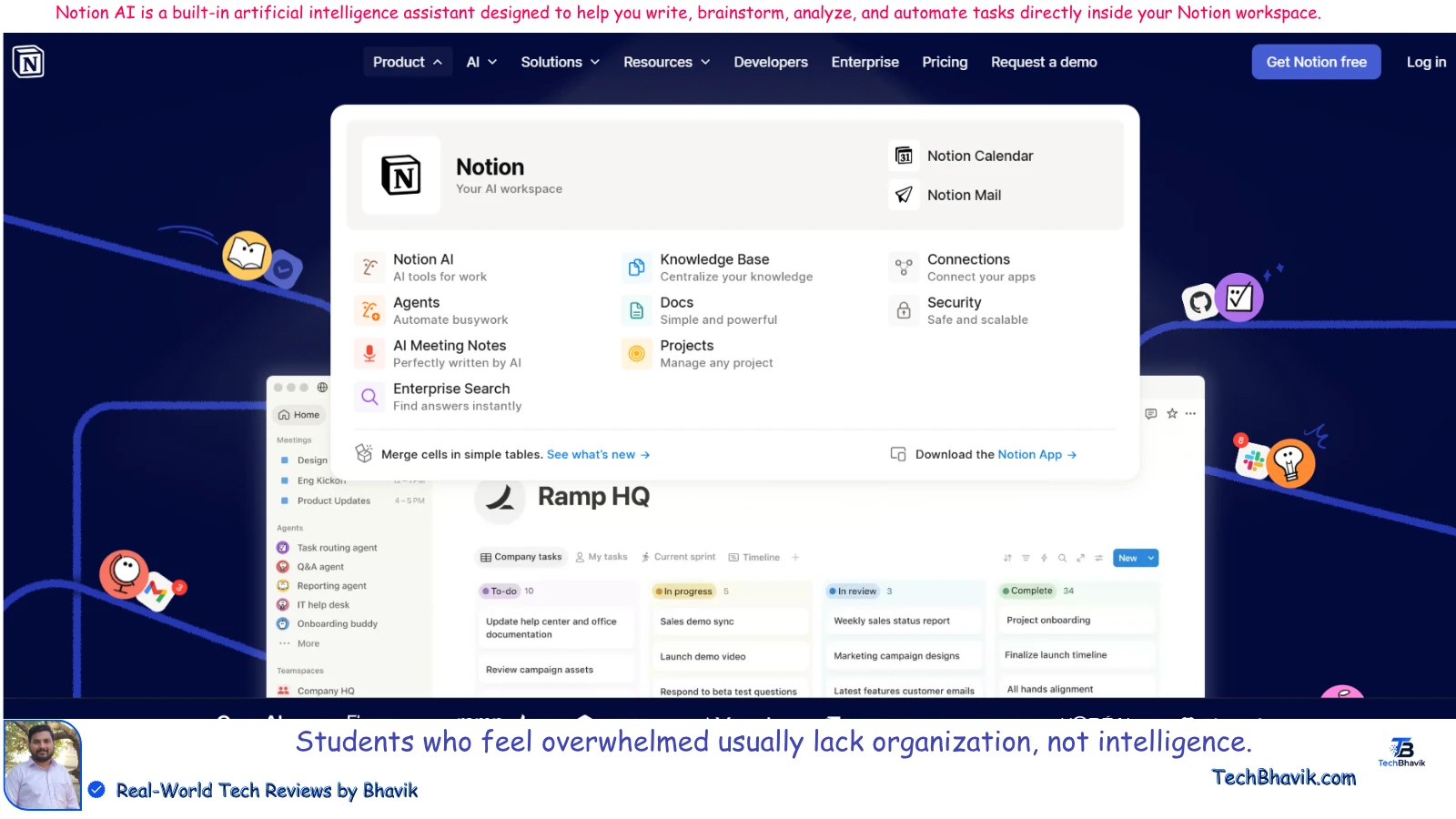
Notion AI is a built-in artificial intelligence assistant designed to help you write, brainstorm, analyze, and automate tasks directly inside your Notion workspace. It acts as an integrated partner to help you manage your personal and professional knowledge base, often referred to as a “Second Brain.”
Workspace Q&A: Acts as a search engine for your life by instantly answering questions based on all your scattered notes, docs, and project boards.
Content Generation: Drafts emails, outlines blog posts, creates meeting agendas, and brainstorms ideas from scratch based on short text prompts.
Data Extraction: Automatically scans long meeting transcripts or messy notes to pull out key action items, summaries, and critical takeaways.
Database Automation: Fills out database properties automatically by summarizing pages or auto-generating tags, saving hours of manual data entry.
Language & Tone Editing: Translates text across dozens of languages, fixes grammar, and changes the tone of your writing from casual to professional.
It is different from ChatGPT use:
In-Context Knowledge: ChatGPT operates in an isolated chat window and doesn’t know what is in your personal files. Notion AI knows your entire workspace.
No Copy-Pasting: You do not need to switch tabs to use AI. It works directly inside the page you are already editing using simple commands (like pressing spacebar).
Pricing & Access
Notion AI is available as a paid add-on to any free or paid Notion plan.
It operates on a per-member, monthly subscription model, though Notion occasionally offers a limited number of free AI responses for users to test the features.
Founded by local tech analyst Bhavik Munjapara in Gujarat, the platform relies on first-hand user testing rather than recycling corporate software briefs. Bhavik breaks down Notion AI’s ecosystem—focusing on how it structures student lecture notes, summarizes complex research, and builds automated study schedules—proving a deep, practical understanding of everyday workflow bottlenecks.
Authoritativeness & Trustworthiness: TechBhavik establishes absolute credibility by remaining fiercely independent. Bhavik evaluates Notion AI’s pricing, value proposition, and network performance directly against the localized Indian context (such as Airtel and Jio network compatibility). The site explicitly avoids pay-to-play corporate biases, framing the software transparently so digital creators and professionals can assess its real utility before spending any money. Backed by a clear legal framework, links like its Terms & Conditions and a highly responsive Contact Page, TechBhavik serves as an authentic, human-vetted resource.
Students who feel overwhelmed usually lack organization, not intelligence.
notionAI helps you:
- Structure notes
- Summarize lectures
- Plan study schedules
It turns chaos into clarity.
4. QuillBot – Your Rewriting Assistant
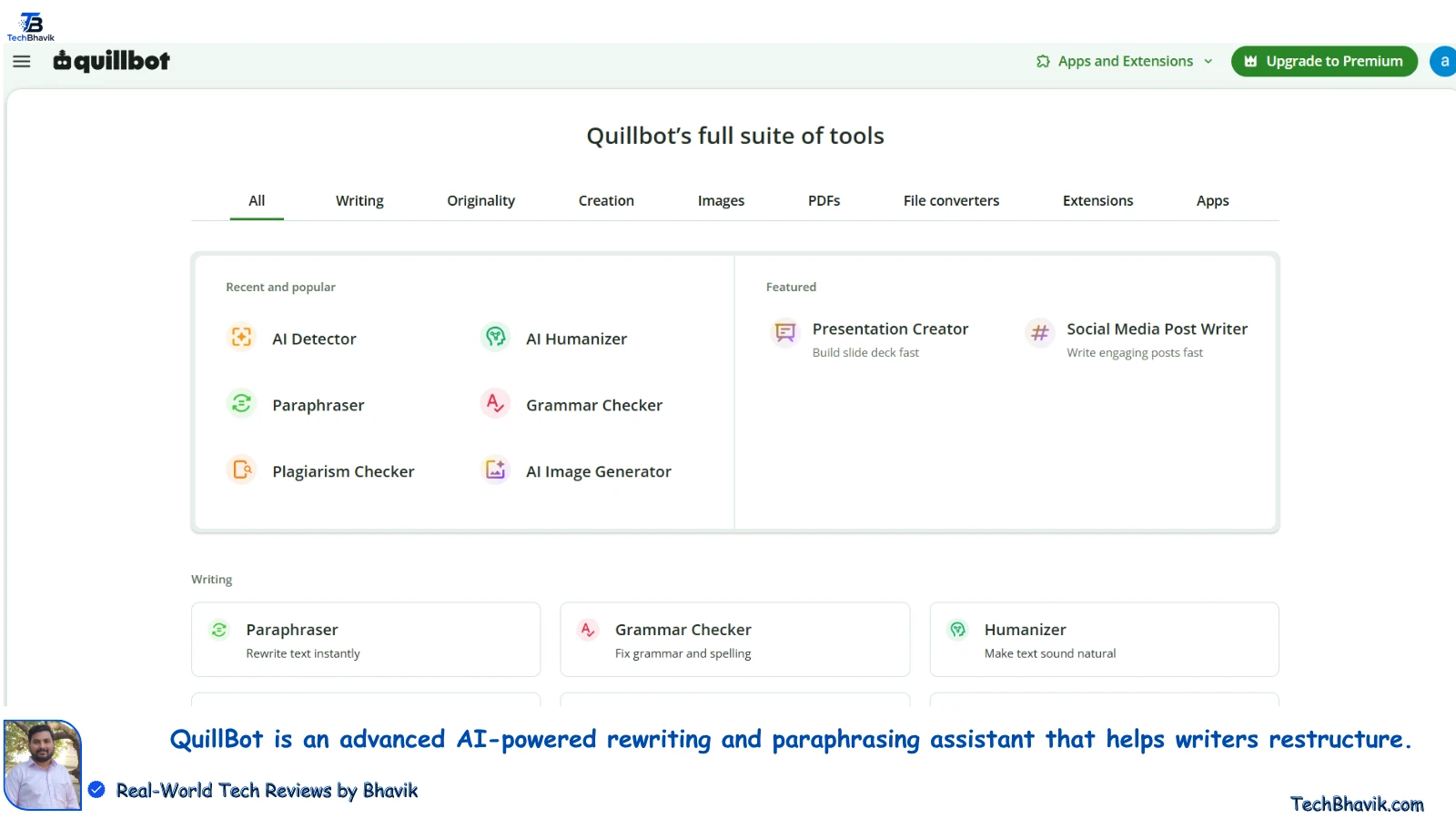
QuillBot is an advanced AI-powered rewriting and paraphrasing assistant that helps writers restructure. Techbhavik website’s main extension tool is the quillbot tool which is helpful for my site some of miss mech writing refined and polish my sentences. Unlike ChatGPT (which generates content from scratch) or Grammarly (which focuses on error correction), QuillBot is more like a full-sentence thesaurus that improves clarity, changes tone and removes repetitive phrasing while maintaining the original context.I wrote this article so it use fool of words that are easy to use for me. Top AI Tools for Students in 2026 – Writing
AI Paraphraser: The core tool that completely rewrites text using different word structures. It includes predefined modes like Standard, Fluency, Academic, Formal, Simple, Creative, Expand, and Shorten to match your target audience.
AI Humanizer: A specialized tool designed to transform stiff, computer-generated text into writing that flows naturally and sounds deeply human.
Grammar Checker & Summarizer: Detects surface-level errors and punctuation typos while allowing you to condense lengthy articles or data files into clear, punchy bullet points.
Plagiarism & AI Detector: Tracks down accidental matches across academic databases and analyzes text to flag patterns left behind by other generative engines.
Free Tier ($0): Offers basic grammar correction and a 125-word limit on the paraphraser, using only the Standard and Fluency modes.
Premium Tier: Removes all word count restrictions. It unlocks 10+ advanced tone modes, full synonym slider custom settings, and a 100-page-per-month plagiarism checker. It costs $19.95 per month or drops to $8.33 per month if billed annually ($99.95).
Let’s be practical—students often struggle to express ideas in their own words.
QuillBot helps:
- Rewrite content naturally
- Avoid plagiarism
- Improve sentence flow
But the key is:
👉 Don’t depend on it. Learn from it.
5. Canva AI – Your Presentation Weapon
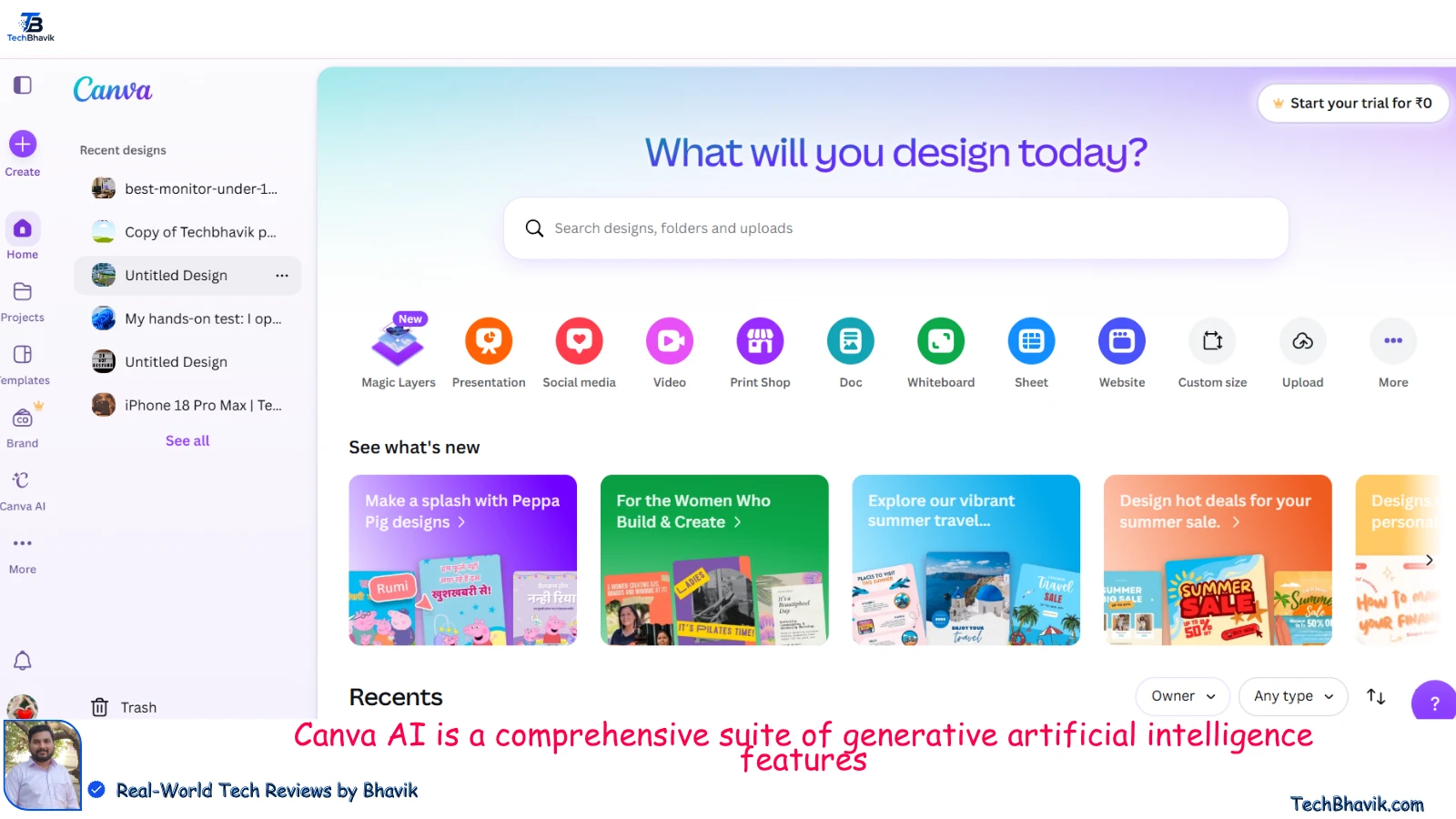
Canva is the most powerful website tool for me! why ? i daily use the Canva website for making my all post thumbnail images and many of socila media posters , some of youtube poster , likeyly many hundreds of times use this tool for my website Techbhavik.
Canva AI is a comprehensive suite of generative artificial intelligence features—collectively known as Magic Studio—integrated directly into the Canva design platform. Unlike standalone text-to-image generators, Canva AI is built to help non-designers, students, and businesses instantly create, edit, and automate visual content within their existing design templates.
Magic Media: Generates high-quality images, icons, and short video clips directly from text prompts using various artistic styles (e.g., photo, 3D, anime).
Magic Edit & Grab: Allows you to brush over an object in an image to replace it with something else (Magic Edit), or completely isolate and move a subject out of its background (Magic Grab).
Magic Expand & Eraser: Extends the borders of a photo by intelligently filling in the background landscape (Magic Expand), or seamlessly wipes away unwanted photobombers and blemishes (Magic Eraser).
Magic Switch: Instantly translates your design into dozens of languages or transforms a visual presentation slide into a formatted blog post or summary document with one click.
Magic Write: A built-in AI copywriter that crafts headlines, social media captions, or brainstorm creative outlines directly onto your canvas.
Free Account ($0): Provides a restricted, monthly allowance of AI credits to test basic features like Magic Write and standard image generation.
Canva Pro / Teams: Unlocks unlimited uses of advanced manipulation tools (Magic Eraser, Grab, Expand), brand kit automation, and premium video generation credits.
In 2026, presentation matters as much as content.
With Canva AI, you can:
- Create stunning PPTs
- Design infographics
- Build visual projects
Students who present better often get better grades—even with similar content.
6. Google Gemini – Research Made Smarter

Bhavik uses Google Gemini, a family of highly advanced, multimodal artificial intelligence models developed by Google to process, connect, and reason across different types of information simultaneously. Unlike traditional search engines or basic chatbots, Gemini is built natively to understand text, code, images, audio, and video, making it an incredibly powerful tool for complex academic, professional, and technical research.
Multimodal Data Analysis: You can upload a lengthy video lecture, a complex PDF financial document, or a handwritten chart, and Gemini can instantly analyze, cross-reference, and summarize them together.
Massive Context Window: The premium models offer an industry-leading context window (capable of processing up to millions of tokens of data), allowing you to drop an entire textbook or thousands of lines of code into a single prompt for analysis.
Live Web Grounding: Gemini utilizes Google’s massive search index to fetch real-time information, track live updates, and provide direct source links so you can double-check the underlying facts.
Advanced Coding and Math: Built with deep mathematical logic and code generation capabilities, it acts as an intelligent debugger, scriptwriter, and formula assistant across dozens of programming languages.
Gemini (Free Tier): Bhavik uses this free version of Gemini, Access to a highly capable model optimized for fast responses, everyday research, and creative brainstorming on the web or via the official mobile apps.
Gemini Advanced: A paid premium subscription ($20/month, bundled under the Google One AI Premium Plan) that unlocks access to Google’s most powerful reasoning models, next-generation context windows, and priority feature access.
Instead of opening 10 tabs, Gemini helps:
- Summarize topics instantly
- Provide updated information
- Explain complex subjects
It saves time—but also requires critical thinking.
7. Microsoft Copilot – Productivity on Another Level
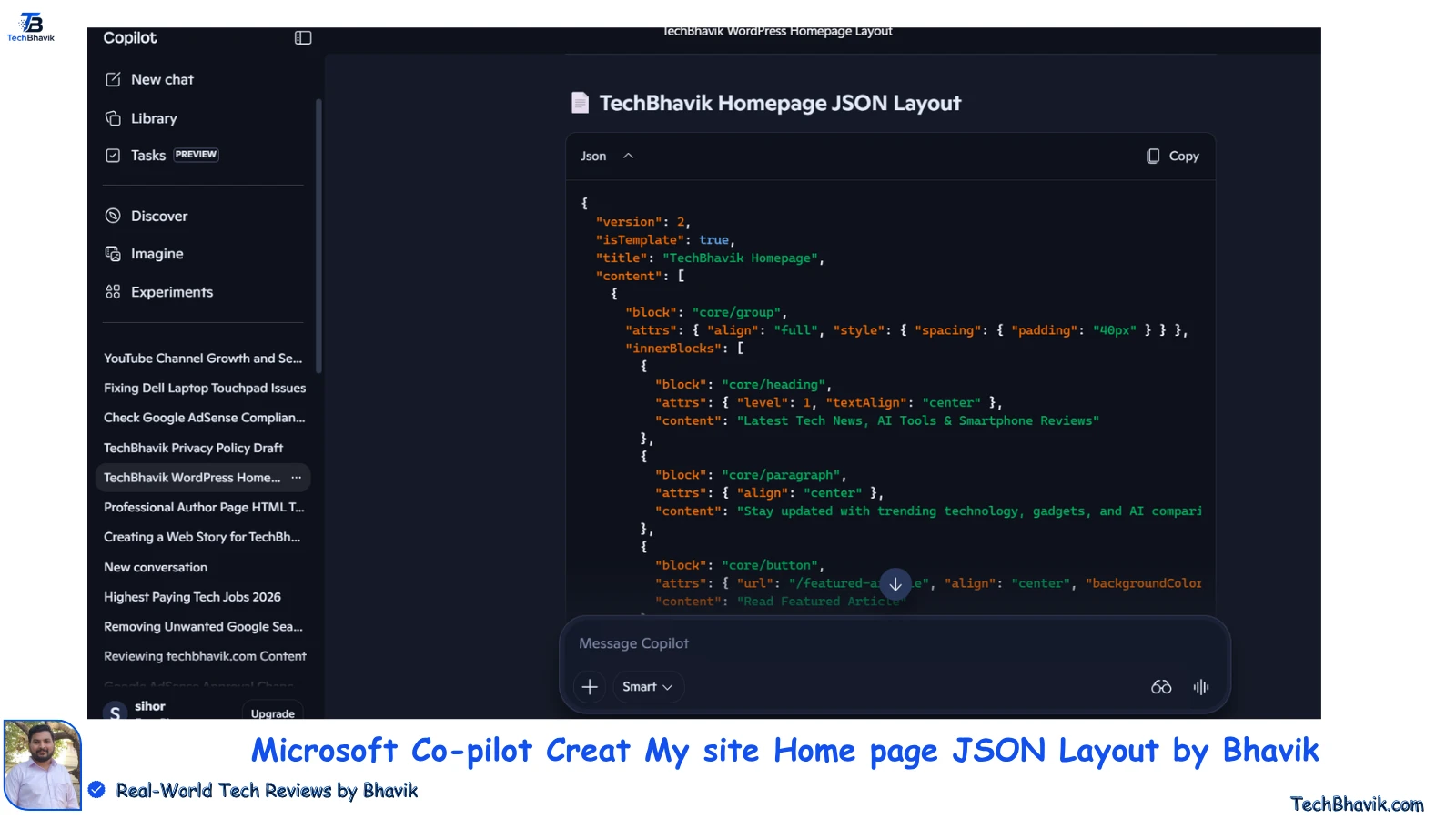
Microsoft Copilot is an advanced, TechBhavik website that uses an AI-powered productivity assistant developed by Microsoft. Built on top of OpenAI’s large language models (including GPT-4), Copilot acts as an everyday AI companion designed to speed up workflows, automate repetitive tasks, and streamline information gathering.
How It Uplevels Productivity
Microsoft 365 Integration: Copilot can embed directly into Office apps. It can instantly draft emails in Outlook, format data sheets in Excel, build slide decks from text documents in PowerPoint, and summarize lengthy text in Word.
Teams Meeting Summaries: During live video calls in Microsoft Teams, Copilot can listen in real time to generate automated transcripts, highlight action items, and list who needs to complete which task.
Web Grounding: It uses the Bing search engine to access real-time internet data, allowing it to provide up-to-date research, look up current market prices, and cite its sources directly with clickable links.
Free Image Generation: It includes built-in access to the Designer tool (powered by DALL-E), letting users create custom, high-resolution graphics and illustrations for free from a text prompt.
Access Tiers & Pricing
- Microsoft Copilot (Free Tier): Available on the web, Windows taskbars, and via mobile apps for Android and iOS. It offers standard chat, web search, and free image generation.
- Copilot Pro ($20/month): A consumer subscription that unlocks Copilot inside Microsoft 365 apps (Word, Excel, etc.) for personal accounts, provides faster AI response times, and grants access to custom Copilot Builder tools.
- Copilot for Microsoft 365 (Enterprise): A commercial add-on for businesses that connects Copilot securely to internal corporate servers, emails, and private data networks.
If you use Word, Excel, or PowerPoint, this tool is powerful.
It can:
- Draft documents
- Analyze data
- Create presentations automatically
It’s like having a professional assistant inside your software.
Writing & Assignment Tools (Deep Analysis)
Most students struggle here.
The real workflow of a smart student looks like this:
- Use ChatGPT → understand topic
- Use QuillBot → refine language
- Use Grammarly → polish writing
This combination:
- Saves time
- Improves quality
- Keeps originality
👉 The mistake students make?
Copy-pasting without thinking.
That’s where learning stops.
Study, Notes & Research Tools
This is where AI becomes truly powerful.
Tools like Notion AI and Otter AI help you:
- Convert lectures into notes
- Summarize long PDFs
- Organize study material
Imagine revising 100 pages in 10 minutes.
That’s the real advantage.
Coding & Technical AI Tools
For tech students, AI is a game-changer.
Tools like GitHub Copilot:
- Suggest code in real time
- Fix errors instantly
- Help understand logic
But here’s the warning:
👉 If you rely completely on AI, your fundamentals will weaken.
Use it as a guide, not a replacement.
Hidden Downsides of AI Tools
No one talks about this enough.
AI tools can:
- Reduce critical thinking
- Make students dependent
- Provide incorrect information confidently
So the rule is simple:
👉 Trust, but verify.
Always cross-check important information.
How Smart Students Actually Use AI
Top-performing students follow these principles:
- Use AI for understanding, not copying
- Ask better questions
- Combine multiple tools
- Focus on learning, not shortcuts
AI doesn’t replace effort.
It makes effort more effective.
FAQs – Frequently Asked Questions
Q1. What is the best AI tool for students in 2026?
There’s no single best tool. ChatGPT is the most versatile, but combining tools gives the best results.
Q2. Are free AI tools enough?
Yes, for most students. Paid tools help only when you need advanced features.
Q3. Can AI replace studying?
No. It can only support learning—not replace it.
Q4. Is AI safe for students?
Yes, but students should avoid sharing personal or sensitive data.
Final Thoughts of Bhavik’s
AI tools are not just a trend—they are becoming part of how modern education works.
But here’s the difference:
- Average students use AI to finish work
- Smart students use AI to improve themselves
If you learn how to use these tools wisely, you won’t just keep up—you’ll stay ahead.





















Show Comments[…] Best AI Tools For Students 2026 […]
[…] Best AI Tools For Students 2026 […]
[…] Also Read : Best AI Tools For Students […]
[…] TechBhavik :- Best AI Tools For Students 2026 […]
thanks for kind informatio provide this actually we need for my site