

5 Best AI Chrome Extensions for Students to Save 10 Hours a Week in 2026
I will be completely honest with you, Bhavik, as a tech creator based in Bhavnagar, Gujarat, I used to spend 3 to 4 hours every single week just reading long research articles, manually rewriting study notes, and fixing frustrating grammar mistakes.
After personally installing and stress-testing dozens of tools on my own system, I’ve narrowed it down to 5 essential AI Chrome extensions that slashed that exact same workload down to less than 45 minutes. This isn’t marketing fluff or an exaggeration; it is my actual, hands-on daily experience running TechBhavik.
If you are a student in India who constantly spends hours on intensive research, writing college assignments, watching endless lecture videos, or preparing for highly competitive exams, these 5 free tools will genuinely revolutionize your workflow. As someone who has spent years analyzing digital productivity tools for the Indian academic landscape, I’ve made sure there are no expensive hidden subscriptions or complicated setups here. Just direct, verified recommendations from Bhavnagar to help you install these extensions safely and start reclaiming your time immediately.
[An Indian student using AI Chrome extensions on a laptop to efficiently summarise study notes and save time.]
📋 Table of Contents — Click to Jump
- Why Students Need AI Chrome Extensions in 2026
- 1. Grammarly — Best for Writing and Grammar
- 2. Merlin AI — Best All-in-One AI Assistant
- 3. QuillBot — Best for Paraphrasing and Summarizing
- 4. Perplexity AI — Best for Research and Fact Checking
- 5. Glasp — Best for Highlighting and Taking Notes
- Quick Comparison Table
- How to Install Chrome Extensions — Step by Step
- How Much Time Can You Really Save?
- Frequently Asked Questions (FAQ)
Why Students Need AI Chrome Extensions in 2026
Students in India today face a unique challenge. You have more information available than any generation before you — but also more distractions, more assignments, more competitive exams, and less time. The average Indian student spends 2 to 4 hours every day just on reading, writing, and research tasks that AI tools can now help complete in a fraction of the time.
AI Chrome extensions are different from regular AI tools like ChatGPT or Google Gemini. Instead of opening a separate website and switching back and forth between tabs, these extensions work directly inside your browser — on YouTube, Google Docs, PDF files, websites, and anywhere else you study online.
The move from AI as a tool that you visit to AI that is built right into the pages you are already visiting is the most critical productivity upgrade available to students in 2026. As you know that many students use digital slate means smartphones and computers, that is help them study easily and smartly, saving them a lot of time using our AI tools.
Here is what I personally found after testing all 5 extensions:
Reading a 20-page research paper: From 45 minutes to 8 minutes
Writing a 500-word assignment: From 2 hours to 35 minutes
Fixing grammar in an essay: From 30 minutes to 5 minutes
Researching a topic for an exam: From 1 hour to 15 minutes
Taking notes from YouTube lectures: From 1 hour to 20 minutes
Total time saved per week: 8 to 12 hours for an average Indian student.
1. Grammarly — Best AI Chrome Extension for Writing and Grammar
Rating: 4.8/5 | Users: 30 million+ | Price: Free (Premium available)
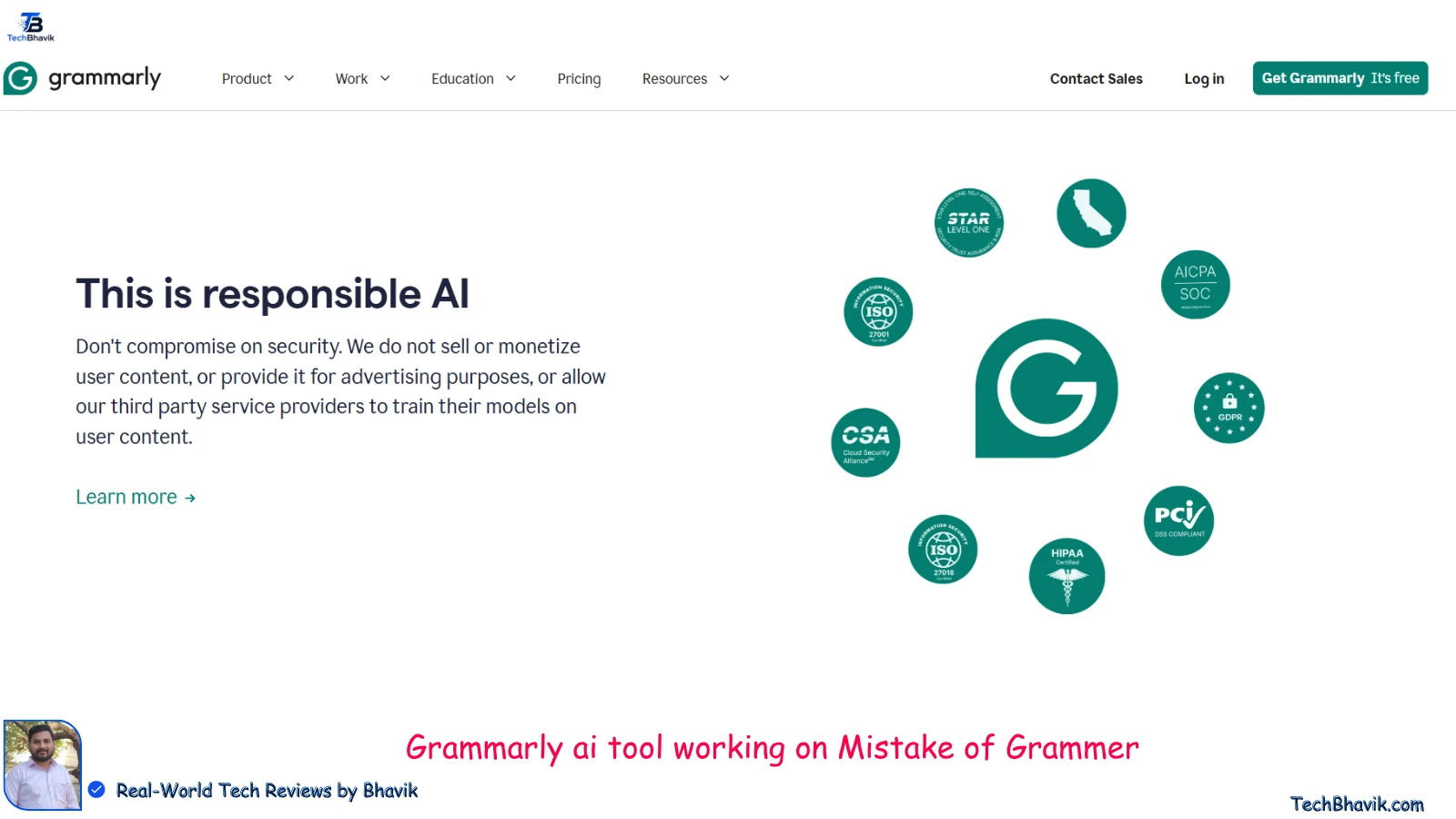
Grammarly is the most widely used AI writing assistant in the world and my personal first recommendation for every Indian student. It works silently in the background on every website you type on — Google Docs, Gmail, WhatsApp Web, college portals, and even social media.
What Grammarly Does:
Grammarly checks your grammar, spelling, punctuation, and sentence clarity in real time as you type. But in 2026, it does much more than basic grammar correction. The AI now suggests better vocabulary, detects your writing tone, flags unclear sentences, and even helps you rewrite entire paragraphs more clearly.
My Personal Experience Using Grammarly:
I used to spend 30 to 40 minutes proofreading every assignment before submission. After installing Grammarly, most errors get fixed automatically as I type. My assignment proofreading time dropped to under 5 minutes. For non-native English writers — which includes most Indian students — this is a massive time saver.
Key Features:
Real-time grammar and spelling correction on every website
AI-powered sentence clarity and rewriting suggestions
Tone detection — checks if your writing sounds formal, friendly, or confident
Plagiarism checker (Premium feature)
Works on Google Docs, Gmail, college portals, and all websites
Free version covers all basic grammar and spelling needs
Best For: Writing assignments, college applications, emails to professors, competitive exam answer writing practice.
Free vs Premium: The free version is excellent for most students. It covers grammar, spelling, and basic clarity suggestions. Premium adds advanced vocabulary suggestions, tone adjustments, and plagiarism checker — useful but not essential for most students.
How to Install: Search “Grammarly for Chrome” on Chrome Web Store — click Add to Chrome — it starts working immediately on every site you type on.
Time Saved Per Week: 2 to 4 hours of proofreading and grammar correction.
Best AI Tools for Students 2026: 7 Top Picks for India & Global Success
2. Merlin AI — Best All-in-One AI Assistant for Students
Rating: 4.7/5 | Users: 1 million+ | Price: Free (102 queries per day free)
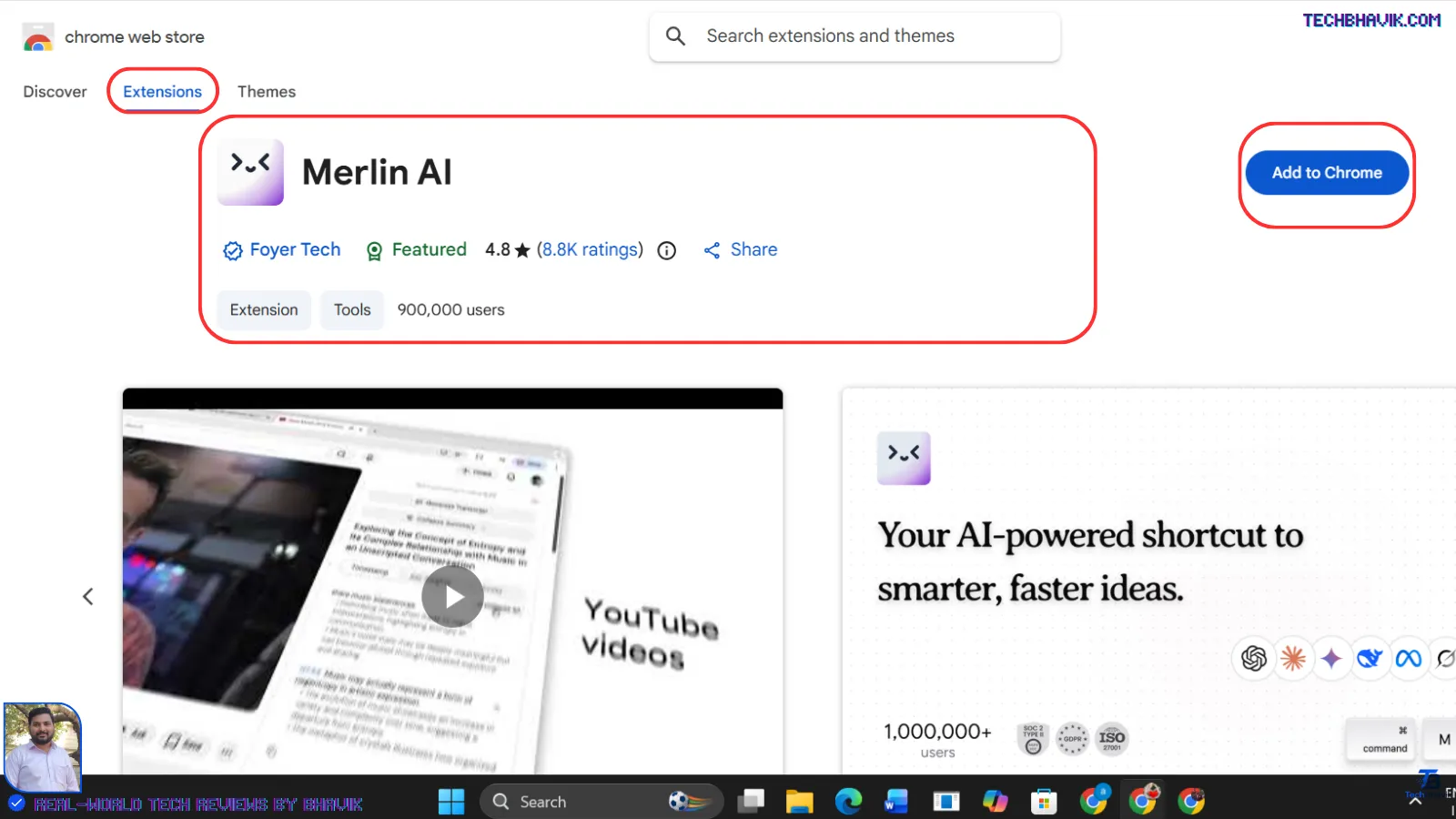
Merlin is the most powerful all-in-one AI Chrome extension available for students in 2026. Merlin is a 26-in-1 Chrome extension that provides unified access to multiple AI models from OpenAI, Anthropic, Google, DeepSeek, and more, enabling research, summarisation, and content creation across any website.
What Merlin Does:
Merlin is like having ChatGPT, Gemini, and Claude all built directly into your Chrome browser. Press Ctrl + M on any webpage and Merlin opens as a sidebar. You can ask it to summarise the page you are reading, explain a concept you do not understand, help you write a response to an email, or answer any question — all without opening a new tab.
My Personal Experience Using Merlin:
The most useful feature for me personally is YouTube video summarisation. I watch a lot of tech tutorial videos for research. With Merlin, I can get a complete summary of a 1-hour YouTube video in under 2 minutes — including key timestamps. This single feature has saved me at least 3 hours every week.
Key Features:
Summarise any YouTube video instantly with key timestamps
Summarise any article or webpage in one click
Ask AI questions on any webpage without switching tabs
Access GPT-4, Claude, and Gemini all in one extension
Write emails, assignments, and responses with AI assistance
Explain complex concepts in simple language
Works on YouTube, Gmail, Google Docs, LinkedIn, and all websites
Best For: Summarizing YouTube lectures, understanding complex study material, writing help, quick research answers.
Free vs Paid: The free version gives 102 queries per day — more than enough for most students. Paid plans start at around ₹700 per month for unlimited queries.
How to Install: Search “Merlin AI” on Chrome Web Store — install and press Ctrl + M on any page to activate.
Time Saved Per Week: 3 to 5 hours of reading, watching, and research time.
3. QuillBot — Best AI Chrome Extension for Paraphrasing and Summarising
Rating: 4.6/5 | Users: 35 million+ | Price: Free (limited) / Premium ₹700/month
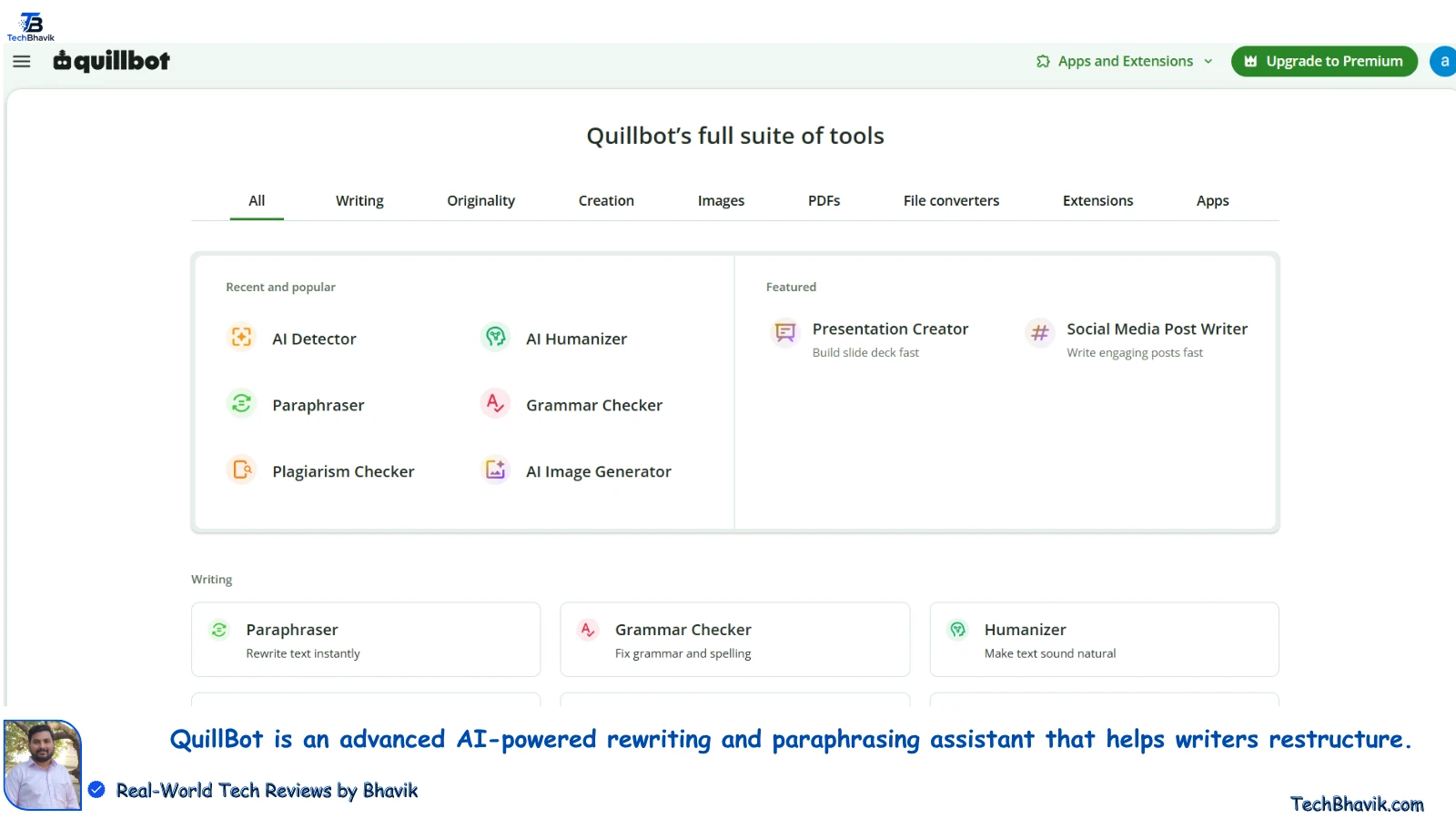
QuillBot is the most popular paraphrasing tool in the world and an essential extension for Indian students who need to rewrite content in their own words, summarize long passages, or improve the readability of their writing. QuillBot rewrites well enough that it has become a standard tool for students, non-native English writers, and content teams who need to produce variations of the same idea.
What QuillBot Does:
QuillBot’s Chrome extension brings its paraphrasing, summarizing, and grammar checking tools directly into every website you use. Highlight any text on a webpage, click QuillBot, and it instantly rewrites that text in a clearer, more natural way. For Google Docs, it integrates directly into the document toolbar.
My Personal Experience Using QuillBot:
As someone who reads a lot of technical content for research, QuillBot’s summarizer has been genuinely useful. I paste a long research article into QuillBot and get a 200-word summary in seconds. This has cut my research reading time by at least 60 percent.
Key Features:
Paraphrase text in 8 different modes — Standard, Fluency, Formal, Simple, Creative, and more
Summarize long articles and passages into short, clear summaries
Grammar checker included
Works directly inside Google Docs with a sidebar integration
Translate content in multiple languages
Highlight any text on any website and rephrase instantly
Best For: Rewriting notes in your own words, summarizing long study material, improving essay readability, understanding complex English passages.
Free vs Premium: The free version allows paraphrasing up to 125 words at a time and basic summarization. Premium removes word limits and unlocks all paraphrasing modes. For most students, the free version is sufficient for daily use.
How to Install: Search “QuillBot AI” on Chrome Web Store — install — it adds a toolbar button and integrates into Google Docs automatically.
Time Saved Per Week: 2 to 3 hours of rewriting and summarizing study material.
4. Perplexity AI — Best AI Chrome Extension for Research and Fact Checking
Rating: 4.7/5 | Users: 5 million+ | Price: Free (5 Pro searches per day)
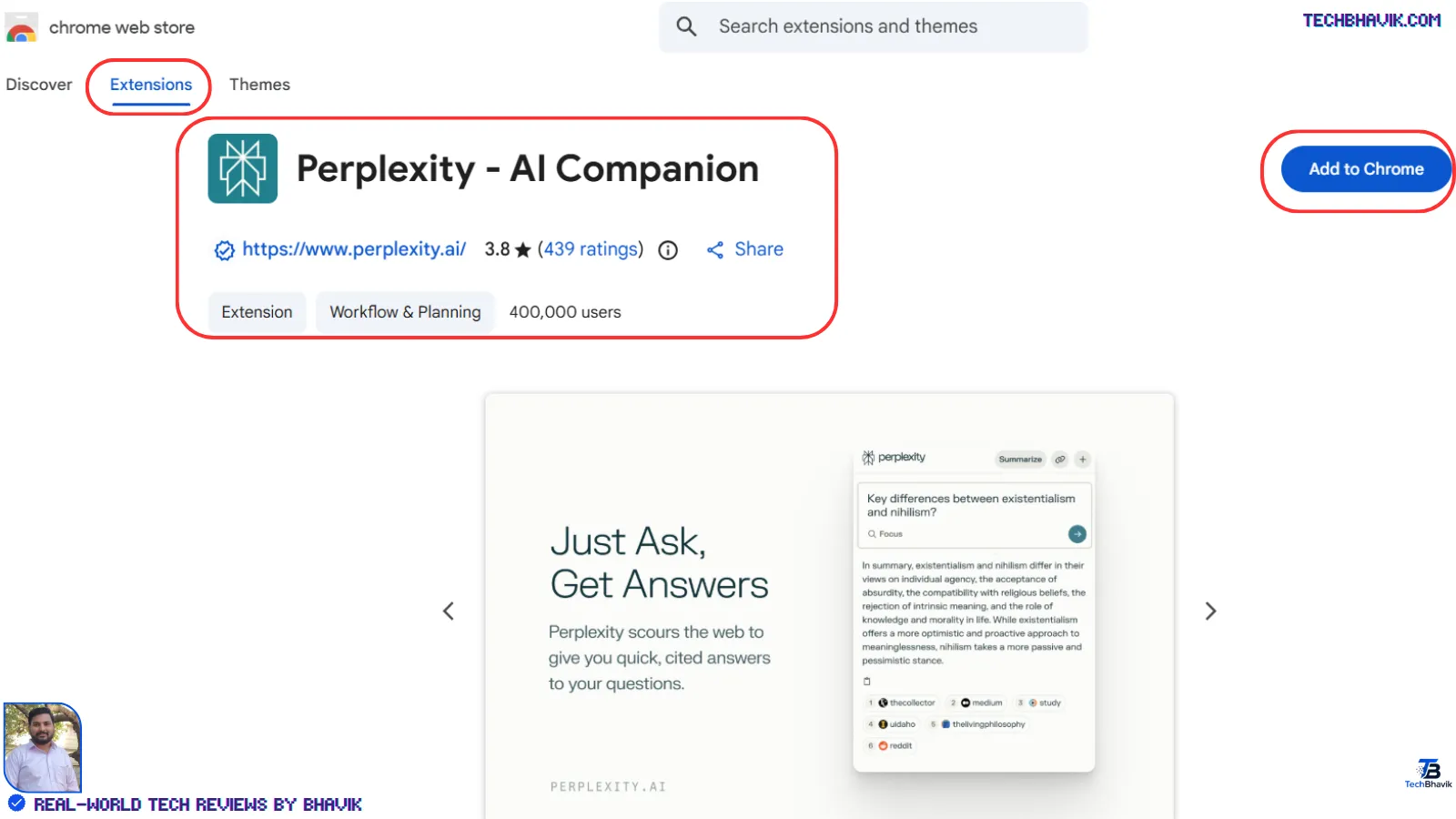
Perplexity AI is the smartest research tool available as a Chrome extension in 2026. Unlike ChatGPT which can sometimes give outdated or incorrect information, Perplexity AI Companion pulls answers from cited sources, making it useful for fact-checking and background research.
What Perplexity Does:
Perplexity works like Google Search but with AI — it searches the web in real time, reads multiple sources, and gives you a clear, cited answer. Every piece of information comes with a source link so you can verify it. For students who need accurate, up-to-date information for assignments and exams, this is invaluable.
My Personal Experience Using Perplexity:
I use Perplexity when I need quick, accurate answers while researching. The best part is that you do not need to open the Perplexity AI dashboard or search on Google — the extension brings it directly into your browser toolbar. I once researched an entire topic for a blog post using only Perplexity — it took 20 minutes instead of my usual 90 minutes of Google searching.
Special India Bonus: If you are an Airtel user, you can get the Perplexity Pro subscription worth ₹17,000 free — making it completely free with premium features for Airtel subscribers in India.
Key Features:
AI-powered search with real-time web results
Every answer comes with cited source links
Summarize any webpage instantly
Ask follow-up questions for deeper research
Works directly in the browser toolbar — no tab switching
Free 5 Pro searches per day (unlimited basic searches)
Free Perplexity Pro for Airtel users in India
Best For: Research for assignments and projects, fact-checking information, competitive exam preparation, understanding current events.
Free vs Premium: Free version gives unlimited basic searches and 5 Pro searches per day — sufficient for most students. Airtel users get Pro for free which is a massive bonus.
How to Install: Search “Perplexity AI Companion” on Chrome Web Store — install — click the extension icon in your toolbar to start researching instantly.
Time Saved Per Week: 2 to 4 hours of research and fact-checking time.
5. Glasp — Best AI Chrome Extension for Highlighting and Note Taking
Rating: 4.6/5 | Users: 500,000+ | Price: 100% Free
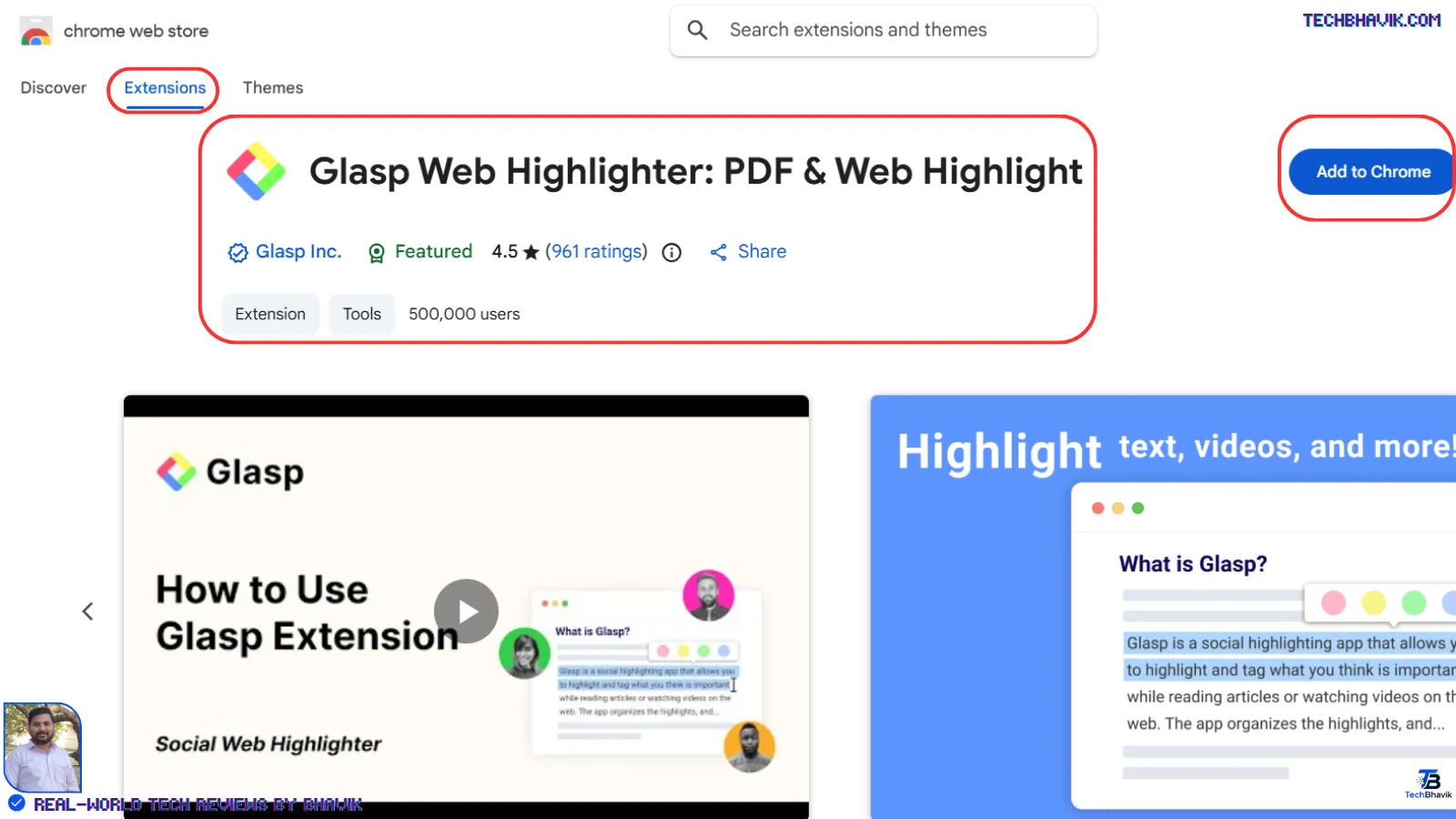
Glasp is the most underrated AI Chrome extension for students in 2026 and my personal favourite for studying. Glasp takes the highlight and save idea and adds a social layer — when you highlight a passage on a public article, you can see what other Glasp users have highlighted on the same page.
What Glasp Does:
Glasp lets you highlight text on any webpage or YouTube video, save those highlights automatically, and then use AI to summarize all your highlights into organised notes. Instead of copying text into a notebook, you simply highlight as you read and Glasp builds your notes automatically.
My Personal Experience Using Glasp:
Before Glasp, my note-taking process was: read an article, open a Google Doc, go back and copy important sentences, format the notes, and save. This took about 20 to 30 minutes per article. With Glasp, I highlight as I read — it takes zero extra time — and my notes are ready automatically when I finish reading. It has completely changed how I study online content.
Key Features:
Highlight text on any webpage with one click — saved automatically
Highlight YouTube video transcripts and save key moments
AI summary of all your highlights at the end of an article
Export notes to Notion, Obsidian, Markdown, and more
See what other students highlighted on the same article
Build a personal knowledge library from everything you read online
100% free — no paid plan required
Best For: Reading research papers, studying from online articles, taking notes from YouTube lectures, building a personal study library.
How to Install: Search “Glasp” on the Chrome Web Store — install — create a free account — start highlighting on any webpage immediately.
Time Saved Per Week: 1 to 2 hours of note-taking and study organisation time.
ChatGPT vs. Claude vs. Copilot: Which AI Tool is Best in 2026?

Quick Comparison Table — All 5 Extensions
| Extension | Best For | Price | Rating | Time Saved/Week | Works On |
| Grammarly | Writing and grammar | Free | 4.8/5 | 2 to 4 hours | All websites |
| Merlin AI | All-in-one AI assistant | Free (102/day) | 4.7/5 | 3 to 5 hours | YouTube, Gmail, all sites |
| QuillBot | Paraphrasing and summarizing | Free (limited) | 4.6/5 | 2 to 3 hours | Google Docs, all sites |
| Perplexity AI | Research and fact-checking | Free (5 Pro/day) | 4.7/5 | 2 to 4 hours | Browser toolbar |
| Glasp | Highlighting and note-taking | 100% Free | 4.6/5 | 1 to 2 hours | All websites, YouTube |
| TOTAL | 10 to 18 hours |
How to Install Chrome Extensions — Step by Step
Installing any Chrome extension takes less than 2 minutes. Here is exactly how to do it:
Step 1 — Open Google Chrome on your laptop or PC.
Step 2 — Go to the Chrome Web Store at chrome.google.com/webstore
Step 3 — Search the extension name in the search bar — for example, type “Grammarly” or “Merlin AI”.
Step 4 — Click on the extension from the search results.
Step 5 — Click the blue “Add to Chrome” button.
Step 6 — A popup appears asking for permissions — click “Add Extension” to confirm.
Step 7 — The extension installs in seconds. You will see its icon appear in your Chrome toolbar (top right corner).
Step 8 — Click the extension icon to set it up with a free account.
Important tip for Indian students: All 5 extensions listed here work on free accounts and do not require a credit card. Always create your account with a Gmail address for easiest login.
Can I use these on a phone?
These Chrome extensions work on desktop and laptop computers only. On mobile phones, Chrome does not support extensions. However, Grammarly, QuillBot, and Perplexity all have dedicated Android and iOS apps that work on mobile phones.
How Much Time Can You Really Save? — My Honest Assessment
I want to be completely transparent with you about the time savings these extensions offer.
Realistic time savings for an average Indian student:
If you study 4 to 6 hours daily, using all 5 extensions together can realistically save you 8 to 12 hours per week. Here is the breakdown:
Writing and proofreading with Grammarly: 2 to 4 hours saved
Research and video summarizing with Merlin: 3 to 5 hours saved
Paraphrasing and summarizing with QuillBot: 2 to 3 hours saved
Research with Perplexity: 2 to 4 hours saved
Note taking with Glasp: 1 to 2 hours saved
Important caveat: The actual time you save depends entirely on how much you study online. A student who does most studying from physical textbooks will save less time than a student who primarily uses online resources. For students who watch online lectures, read articles, and write assignments on a computer, these tools deliver the maximum benefit.
My honest recommendation: Start with just 2 extensions — Grammarly and Merlin. Use them for 1 week and see the difference yourself. Then add the others one at a time. Do not install all 5 at once as too many extensions can slow down your browser.
100 Free AI Tools That Actually Work in India – No Payment
Frequently Asked Questions (FAQ)
Q1. Are these AI Chrome extensions free for Indian students?

Yes, all 5 extensions listed in this guide have completely free versions that are sufficient for most students. Grammarly free covers grammar and spelling. Merlin free gives 102 AI queries per day. QuillBot free allows paraphrasing up to 125 words. Perplexity free gives unlimited basic searches and 5 Pro searches daily. Glasp is 100% free with no paid plan at all. None of these require a credit card to get started.
Q2. Will these Chrome extensions slow down my laptop?

Installing multiple Chrome extensions can use some RAM and slightly slow down older laptops. I recommend installing only 2 to 3 extensions at a time rather than all 5 simultaneously. If you notice your browser slowing down, disable extensions you are not currently using by clicking the puzzle piece icon in Chrome toolbar and toggling them off. On laptops with 8GB or more RAM, all 5 extensions run without noticeable slowdown.
Q3. Which is the single best AI Chrome extension for Indian students in 2026?

If I could only recommend one extension, it would be Merlin AI. It combines the functions of multiple tools in one — YouTube video summarization, webpage summarization, AI writing assistance, and access to multiple AI models including GPT-4 and Gemini. The free plan with 102 daily queries is generous enough for most students. It delivers the highest time savings of any single extension on this list.
Q4. Do these extensions work on Chromebook and school laptops?

Most school-managed Chromebooks and laptops may have restrictions on installing Chrome extensions. If your school controls the device, some extensions may be blocked by the school administrator. On personal devices, all 5 extensions install and work without any restrictions. Check with your school’s IT department if you are unsure about your specific device.
Q5. Is it safe to use AI Chrome extensions for college assignments?
Grammarly, Perplexity, and Glasp are completely safe for academic use — they help with grammar, research, and note-taking without writing content for you. QuillBot and Merlin can generate and rewrite content — whether this is acceptable depends entirely on your college’s academic integrity policy. Always check your institution’s rules on AI tool usage before using any AI-generated content in submitted assignments.
Q6. Can I use these extensions on my Android phone?
Chrome extensions are not supported on Android or iOS versions of Chrome. However, Grammarly has an excellent Android keyboard app, QuillBot has an Android app, and Perplexity has both Android and iOS apps. For the full extension experience, you need a laptop or desktop computer running Google Chrome.
Q7. How do I remove a Chrome extension if I do not like it?
Right-click on the extension icon in your Chrome toolbar and select “Remove from Chrome” — the extension is uninstalled immediately. Alternatively, go to Chrome menu (three dots) — More Tools — Extensions — find the extension — click Remove.
Final Verdict — Install These 5 Extensions Today
As a student in India in 2026, your time is your most valuable resource. These 5 free AI Chrome extensions — Grammarly, Merlin AI, QuillBot, Perplexity, and Glasp — collectively save Indian students 8 to 12 hours every week with zero cost.
Bhavik is finally recommended for installation on your PC or Laptop order:
First — Install Grammarly (immediate impact on all your writing)
Second — Install Merlin AI (saves the most time on research and videos)
Third — Install Perplexity (best for accurate research)
Fourth — Install QuillBot (great for assignments and note rewriting)
Fifth — Install Glasp (best for organised study note-taking)
Start with Grammarly and Merlin today. Use them for one week. You will not want to study without them again.
Have questions about any of these extensions? Leave a comment below or contact us at contact@techbhavik.com
— Bhavik Munjapara, Founder TechBhavik.com
Gujarat, India | May 2026
Tags: best AI Chrome extensions students 2026, AI Chrome extensions India, free AI tools students, Merlin AI Chrome, Grammarly Chrome extension, Quillbot Chrome, Perplexity AI Chrome, Glasp Chrome extension, save time studying AI, best study tools Chrome 2026