
4TB of fast storage is finally getting easier to justify.
The Lexar NM790 4TB SSD has received another price cut, bringing the drive down to $500, according to a recent PC Guide deal report. That’s roughly 33% below its $750 list price and represents its lowest reported price in four months.
For anyone building a gaming PC, upgrading a workstation or simply tired of constantly deleting large games and video files, this is an interesting development.
But there’s a catch: a low price doesn’t automatically make every 4TB SSD a good buy.
So let’s look at what you’re actually getting with the NM790 and whether this particular discount makes sense.
Why Is the Lexar NM790 4TB Getting Attention?
The biggest attraction isn’t complicated: capacity plus high-end PCIe 4.0 performance.
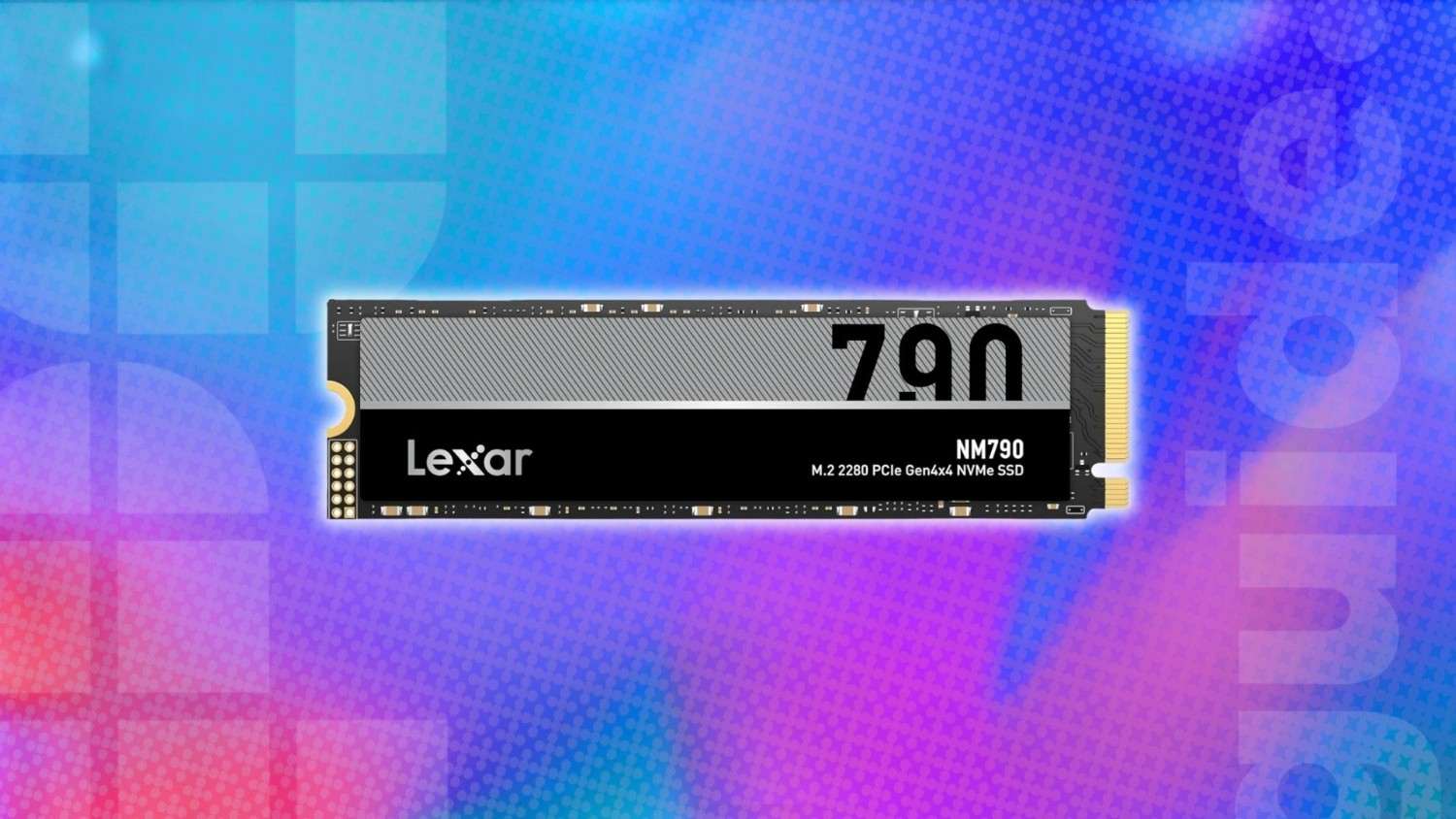
The 4TB NM790 uses an M.2 2280 form factor and PCIe Gen 4×4 interface. Lexar rates the drive for sequential read speeds of up to 7,400MB/s and sequential write speeds of up to 6,500MB/s.
The 4TB version is also rated for up to 900K random read and 900K random write IOPS.
That makes it considerably more interesting than a basic high-capacity SATA SSD.
What Does the 4TB NM790 Actually Offer?
| Specification | Lexar NM790 4TB |
|---|---|
| Capacity | 4TB |
| Form factor | M.2 2280 |
| Interface | PCIe 4.0 x4 |
| Sequential read | Up to 7,400MB/s |
| Sequential write | Up to 6,500MB/s |
| Random read | Up to 900K IOPS |
| Random write | Up to 900K IOPS |
| NAND | 3D TLC |
| TBW | 3,000TBW |
| Warranty | 5 years |
| Operating temperature | 0°C–70°C |
These are Lexar’s rated specifications; real-world results depend on the computer, workload, thermals and available PCIe bandwidth.
The $500 Price Is the Real Story
The NM790 launched as a premium-performance PCIe 4.0 SSD, so its original pricing was considerably less attractive for buyers looking purely at cost per terabyte.
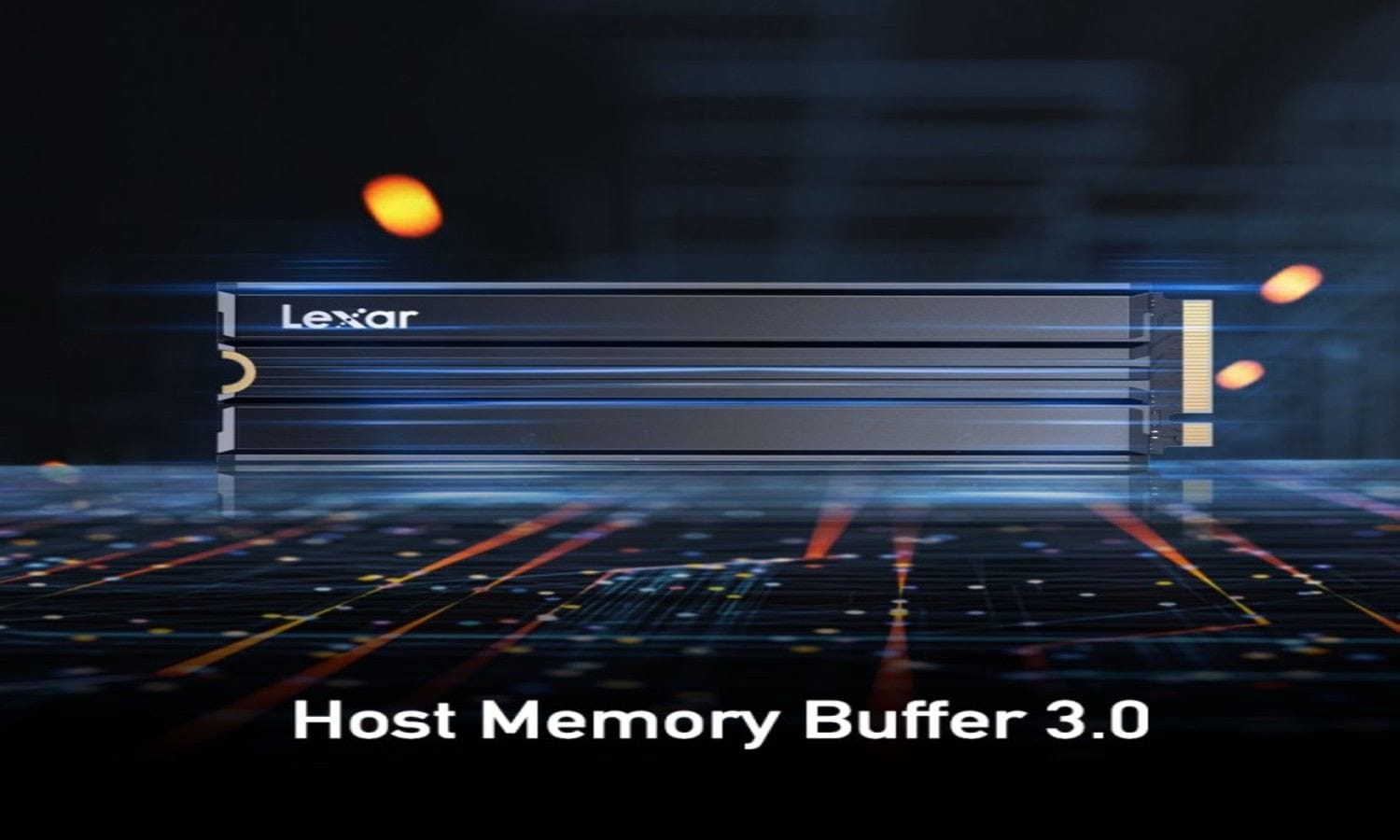
The latest reported deal puts the 4TB model at $500, compared with its stated $750 list price.
That works out to approximately $125 per TB.
For a user who actually needs 4TB, that’s much more compelling than buying two smaller premium drives simply to reach the same capacity.
There’s also an interesting broader point here.
Recent SSD pricing has been volatile, with demand from AI infrastructure and enterprise storage affecting NAND and SSD pricing. PC Gamer’s latest SSD-deal coverage also points to continued pressure on SSD prices and availability.
So I wouldn’t assume every 4TB SSD will continue getting cheaper indefinitely.
Why 4TB Makes Sense for Gamers
Modern games are getting ridiculously large.
A handful of AAA titles can consume hundreds of gigabytes, and once you add recordings, mods, launchers and other applications, a 1TB drive can disappear surprisingly quickly.
With 4TB available, you can comfortably keep:
- Large AAA game libraries
- Game recordings
- 4K video projects
- Photos and RAW files
- Virtual machines
- Development environments
- Large software installations
- Windows and everyday applications
This is where I think the NM790 becomes more interesting than simply looking at benchmark numbers.
Capacity changes how you use your PC.
Instead of constantly asking, “What can I delete?”, you can keep your active projects and games installed.
The Performance Is Still Very Strong
The headline numbers are impressive.
Lexar rates the NM790 at up to 7,400MB/s sequential reads and 6,500MB/s sequential writes.
For large file transfers, video editing and other sequential workloads, that bandwidth can be genuinely useful.
For example, moving a huge video project is a very different workload from opening a Word document.
That’s why SSD benchmarks showing 7,400MB/s shouldn’t be interpreted as everything on your PC becoming 7,400MB/s faster.
Windows boot times, application launches and gaming are influenced by many other factors.
What About Gaming?
For gaming, an NVMe SSD can provide:
- Faster game installation
- Faster updates
- Shorter loading times
- Faster movement of large game files
- Plenty of room for a large library
But don’t expect a 7,400MB/s SSD to produce 2x the FPS of a slower Gen 4 SSD.
Storage speed and GPU performance solve completely different problems.
HMB and Dynamic SLC Cache Matter
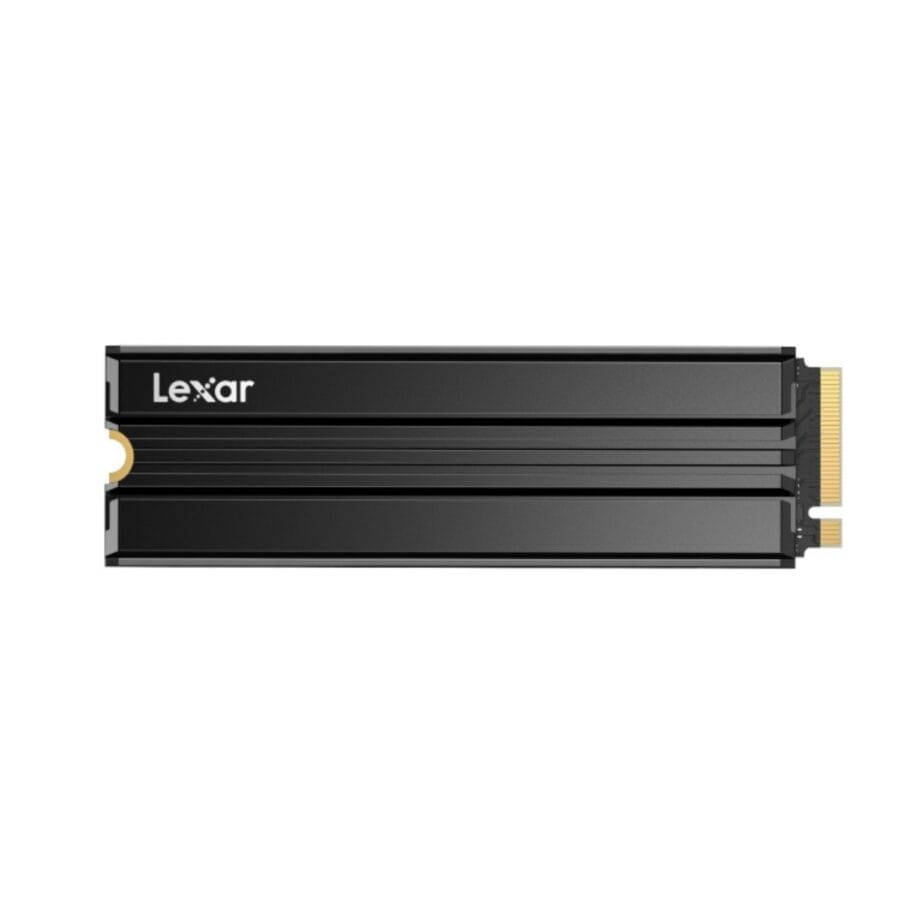
One interesting part of the NM790 design is its use of Host Memory Buffer (HMB) 3.0 and dynamic SLC caching.
HMB allows the SSD to use a portion of the system’s DRAM for certain mapping-related tasks instead of requiring the same kind of dedicated DRAM architecture found on some SSDs.
Lexar also uses dynamic SLC caching to help maintain higher write performance during suitable workloads.
That’s one reason the NM790 can deliver strong performance while keeping power consumption relatively competitive.
Lexar says the NM790 can use up to 40% less power than DRAM-cache-equipped PCIe Gen 4 SSDs, based on its internal comparison.
As always, that’s a manufacturer claim under its testing conditions—not a guarantee that every laptop or desktop will see exactly the same result.
Real-World Buying Scenario
Imagine you’re a creator with a 1TB laptop SSD.
You have Windows installed, Adobe applications, project files, photos and several games.
Eventually you hit that annoying notification:
“Low disk space.”
You delete a few games.
A week later, you’re back in the same situation.
A 4TB SSD changes the equation.
You could dedicate roughly 1TB to the operating system and applications, another 1TB to games and keep the remaining space for video projects, backups and working files.
That’s the type of situation where I would rather buy one good 4TB drive than constantly juggle smaller SSDs.
The 3,000TBW Rating Is Reassuring
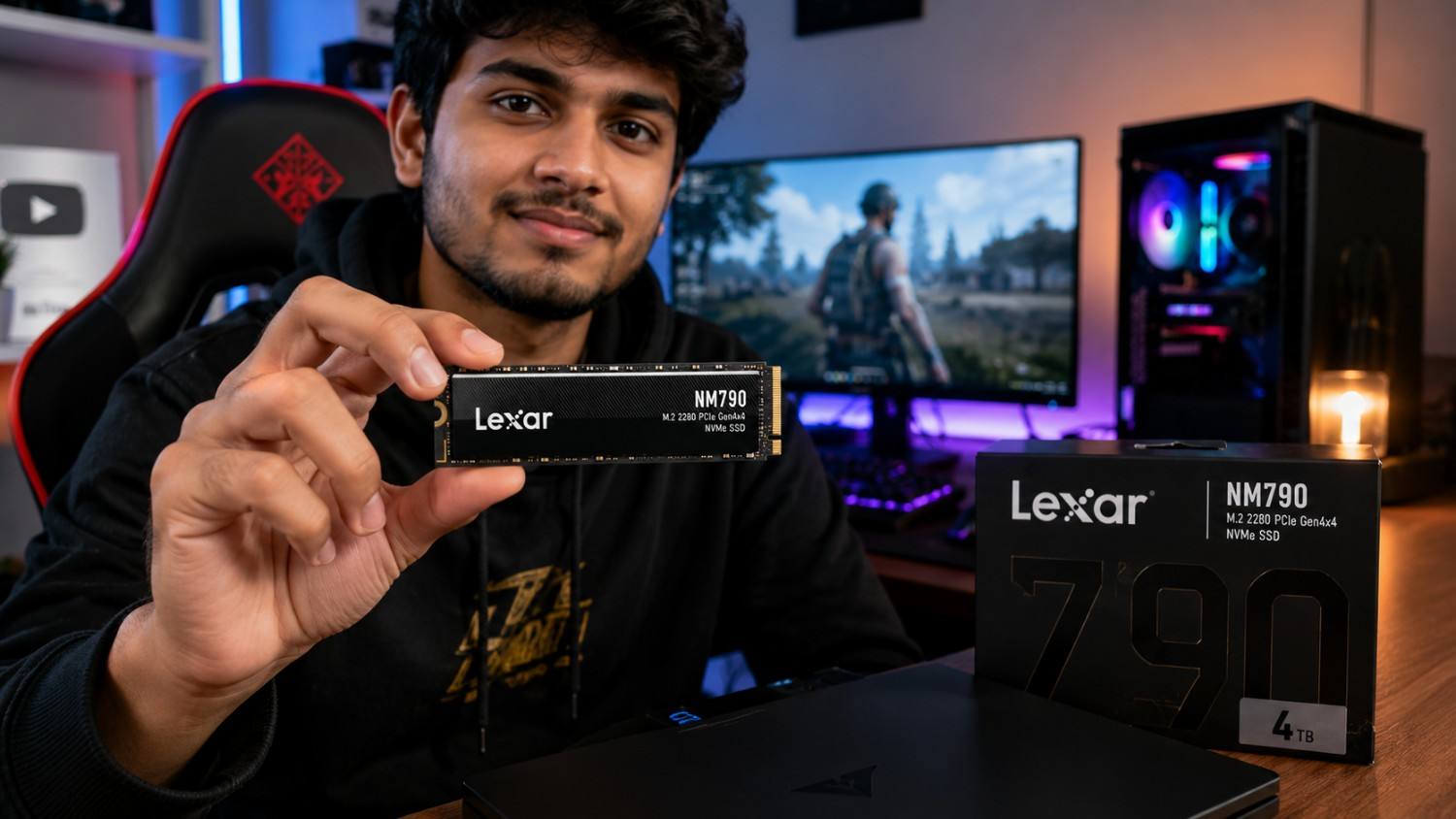
One specification I particularly like about the 4TB NM790 is its 3,000TBW endurance rating.
TBW means Terabytes Written—an estimate of how much data can be written to the SSD over its rated endurance period.
Lexar lists:
- 1TB — 1,000TBW
- 2TB — 1,500TBW
- 4TB — 3,000TBW
The drive also carries a five-year limited warranty.
For a normal gaming PC or everyday productivity machine, that is substantial endurance.
Heavy professional workloads can obviously be different, particularly if you’re continuously writing enormous datasets.

Don’t Ignore Thermals
Here’s where I’d be a little careful.
The NM790 is a high-performance PCIe 4.0 SSD, and sustained transfers can generate heat.
Lexar lists an operating temperature range of 0°C to 70°C for the standard NM790. (Lexar)
If you’re installing it in a desktop motherboard with a decent M.2 heatsink, I wouldn’t worry much.
For laptops, however, the situation can be different.
A thin laptop has much less room for airflow, and sustained SSD workloads can trigger thermal management.
If you’re buying it for a laptop:
Check:
- Whether your laptop supports M.2 2280.
- Whether it supports PCIe Gen 4.
- Whether the 4TB capacity is supported.
- Whether the SSD thickness is compatible.
- Whether the laptop has adequate thermal management.
What About the PS5?
This is another interesting use case.
Lexar specifically markets the NM790 as compatible with PlayStation 5, and the company positions the drive for both gaming PCs and PS5 storage expansion.
For a PS5 owner with a large digital game library, 4TB is a particularly attractive capacity.
Instead of constantly moving games between internal and external storage, you can keep a much larger collection ready to play.
Just make sure you’re purchasing the appropriate model and that the physical installation requirements are satisfied.
What I Don’t Like About the NM790
No SSD is perfect.
Here are the things I’d consider before purchasing.
1. You may not need 4TB
If your PC mostly contains documents, browsers and normal applications, 4TB is overkill.
A good 1TB or 2TB SSD could provide better value.
2. Gen 4 performance isn’t useful on every system
If your motherboard or laptop only supports PCIe Gen 3, you won’t get the full advertised performance.
The SSD can still work, but its bandwidth will be limited by the platform.
3. Sustained workloads are different
Sequential benchmark numbers don’t tell the entire story.
Large continuous writes can behave differently once caching and thermal conditions change.
4. Price varies dramatically by region
The reported $500 price is a U.S. deal figure.
Indian pricing can be completely different because of import costs, taxes, retailer margins and local availability.
So I wouldn’t directly convert $500 into a supposed Indian street price.
Is the Lexar NM790 4TB Worth Buying?
For the right buyer, yes.
I’d seriously consider it if you need:
- 4TB of internal storage
- High PCIe 4.0 performance
- A gaming SSD
- Large video/project storage
- PS5 expansion
- A long-term desktop upgrade
I wouldn’t buy it simply because the benchmark says 7,400MB/s.
If you only need 1TB of storage, spending extra money on unused capacity isn’t smart.
Related: SSD v/s HDD
Verdict
The Lexar NM790 4TB has become considerably more interesting at its latest reported $500 price.
At that level, you’re getting a high-performance PCIe 4.0 NVMe SSD with 7,400MB/s read speeds, 6,500MB/s write speeds, 3,000TBW endurance and a five-year limited warranty.
For gamers, creators and power users who genuinely need 4TB, this is the kind of price drop worth watching.
recommendation: if you’re already planning a 4TB SSD purchase and can get the NM790 around this deal price, I’d consider buying rather than waiting indefinitely for an even lower price.
But if you’re in India, check the current local price first. A U.S. deal doesn’t automatically translate into good Indian value.
Quick Rating
| Category | take |
|---|---|
| Performance | ⭐⭐⭐⭐⭐ |
| Capacity | ⭐⭐⭐⭐⭐ |
| Endurance | ⭐⭐⭐⭐⭐ |
| Gaming | ⭐⭐⭐⭐⭐ |
| Laptop use | ⭐⭐⭐⭐ |
| Value at $500 | ⭐⭐⭐⭐⭐ |
| Overall | 4.7/5 |
Frequently Asked Questions
Is the Lexar NM790 4TB a good SSD?
Yes. The NM790 4TB offers PCIe 4.0 performance up to 7,400MB/s read and 6,500MB/s write, along with a 3,000TBW endurance rating and five-year limited warranty.
How much does the Lexar NM790 4TB cost now?
A recent deal report puts the 4TB model at $500, down from a $750 list price. The deal was reported on August 29, 2026.
Is the Lexar NM790 compatible with PS5?
Yes. Lexar lists the NM790 as compatible with PlayStation 5 and markets it for gaming use.
Is 4TB overkill for gaming?
Not necessarily. If you have a large AAA game library, record gameplay or regularly install large games, 4TB can be very convenient. For casual gaming, however, 1TB or 2TB may offer better value.
Does the NM790 have DRAM?
The NM790 uses Host Memory Buffer (HMB) 3.0 rather than relying on a traditional dedicated DRAM cache design. Lexar also uses dynamic SLC caching to support write performance.
Should you buy the NM790 4TB now?
If you genuinely need 4TB and can find it near the reported $500 deal price, it’s a compelling purchase. If you don’t need that much storage, I’d compare the price of the 2TB version before spending extra.
Source: Americans lexar & PC Guide
Related: