

Top 5 Best Monitor Under 15000 India: Best for Work & Play
Last week, my friend Abhijit came over to my office in Ahmedabad, rubbing his eyes and complaining about a massive headache. He had been working on his tiny 14-inch laptop screen for 10 hours a day. I told him, “Abhijit, you’re spending thousands on blue-cut glasses, but you won’t invest in a decent screen!”
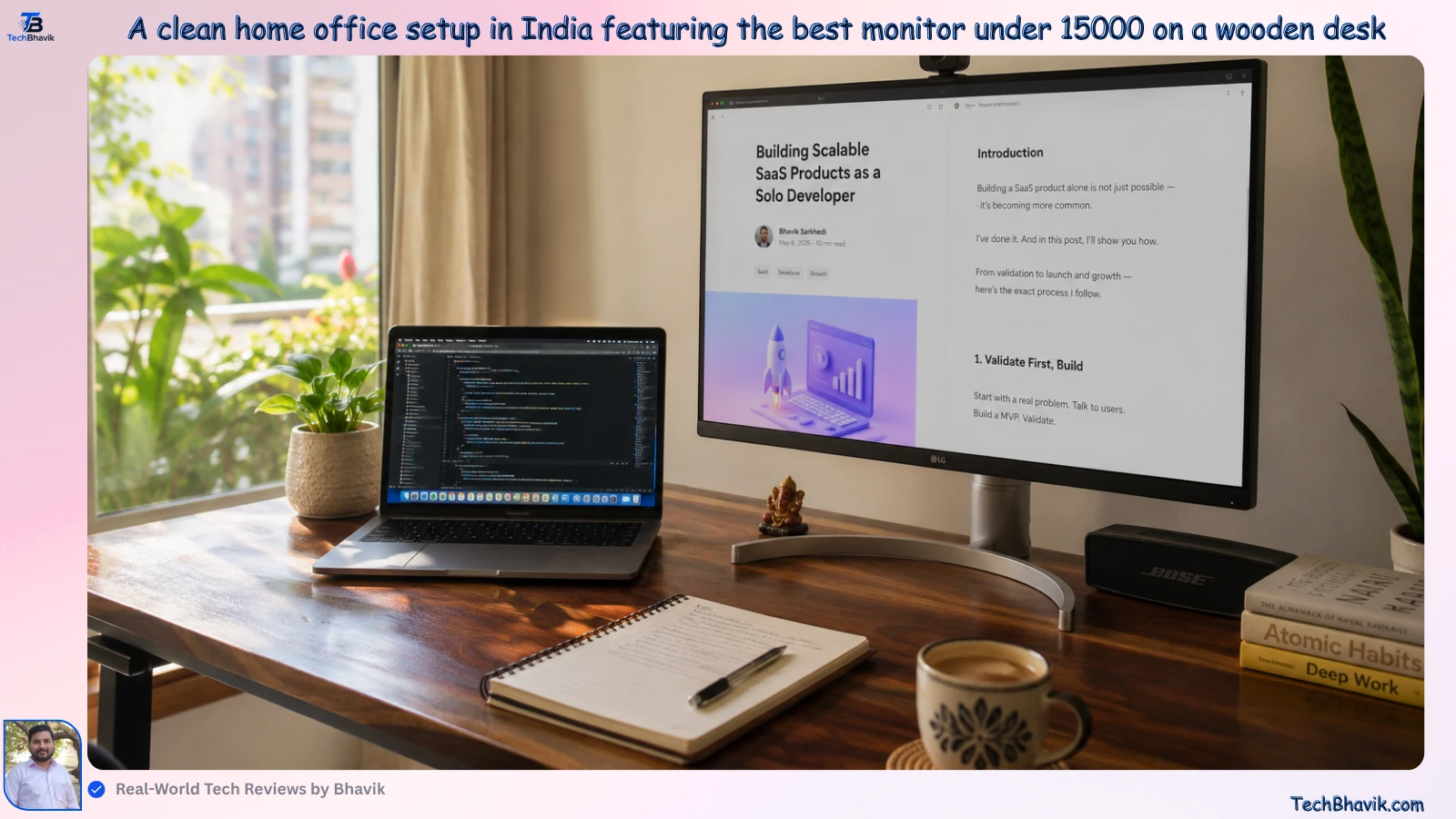
Since I started TechBhavik.com in 2023, the most common question I get isn’t about ₹1 Lakh MacBooks; it’s about finding the best monitor under 15000 for a home office that can also handle a bit of gaming on weekends. In our Indian middle-class homes, we need one device that does everything—work, movies, and a little BGMI or Valorant.
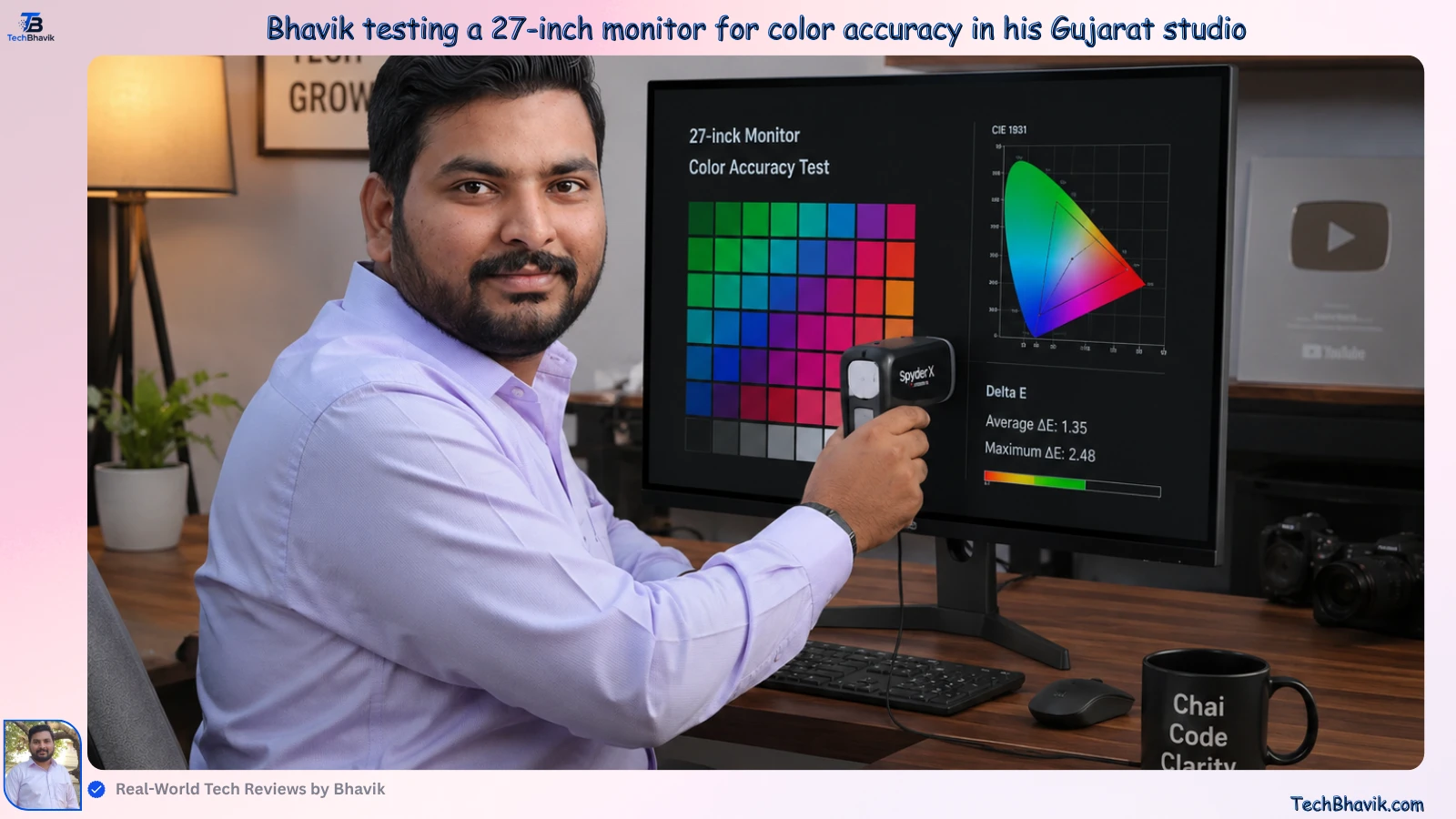
I’ve spent the last few months testing several panels in the dusty, bright environment of my Gujarat studio. I wanted to see which monitors actually fight glare when the afternoon sun hits your desk and which ones start flickering after six months. Here is my honest, “no-fluff” guide to the best displays you can buy in India right now.
Table of Contents
What Makes a Display the “Best Monitor Under 15000” for Indians?
When you’re browsing Amazon India or Flipkart, every monitor looks the same in photos. But I’ve noticed that at the ₹15,000 price point, brands often cut corners on the stand or the power adapter. In India, we have frequent voltage fluctuations and high humidity, so a “flimsy” monitor won’t last you three years.
For me, the best monitor under 15000 must have three things: a high refresh rate (at least 100Hz), a height-adjustable stand if possible, and a panel that doesn’t make your eyes bleed after a long Zoom call. I personally prefer 24-inch or 27-inch screens for this budget. Anything bigger at 1080p looks blurry, and Abhijit definitely didn’t want that.
IPS vs VA: Which One Won’t Hurt Your Eyes?
Abhijit was confused between IPS and VA panels. I explained it to him simply: IPS is like a high-quality print—great colors from every angle. VA is like a deep-contrast movie theater—great blacks, but if you move your head, the colors change.
If you are working on Excel sheets or editing photos for your small business, stick to IPS. If you only watch Netflix in a dark room, VA might save you a few thousand Rupees.
Comparison of Monitor Technologies (Under ₹15,000)
| Feature | IPS Panels | VA Panels | Why It Matters in India |
|---|---|---|---|
| Color Accuracy | Excellent | Average | Crucial for designers/creators |
| Viewing Angles | Wide (178°) | Narrow | Better for sharing screen with family |
| Contrast Ratio | 1000:1 | 3000:1 | VA is better for late-night movies |
| Typical Price | ₹11,000 – ₹14,500 | ₹8,000 – ₹11,000 | IPS is worth the extra ₹2,000 |
My Top 5 Picks: Tested for Work and Play
After testing these in my own office, here are the 5 models that actually survived the “Bhavik Test.”
LG UltraGear 24-inch (Best for Gamers):
This is the king of the budget. It offers a 144Hz refresh rate. When I played Valorant on this, the motion was buttery smooth. The LG UltraGear 24-inch series is widely considered one of the best budget-friendly monitors for gamers. Models like the LG UltraGear 24GS65F-B and LG 24GS50F-B provide top-tier, competitive specs for an immersive gaming experience.
Key Specifications & Features:
Display: 23.8 to 24-inch Full HD (1920 × 1080) IPS or VA panel for vibrant colors and wide viewing angles.
Refresh Rate: Up to 180Hz (with some models at 144Hz) for ultra-fluid visuals.
Response Time: 1ms (Motion Blur Reduction) to eliminate ghosting and stutter during fast-paced matches.
Adaptive Sync: NVIDIA G-SYNC Compatible and AMD FreeSync Premium to prevent screen tearing.
Gaming Features: Includes “Black Stabilizer” (enhances dark scenes), “Crosshair” (for improved target precision), and Dynamic Action Sync to reduce input lag.
Color Accuracy: HDR10 support and 99% sRGB coverage.
Popular Models & Pricing:
LG UltraGear 24GS65F-B: Features a fast 180Hz refresh rate and a highly adjustable stand (Tilt, Height, Pivot). Pricing typically ranges between ₹10,199 and ₹11,500.
LG UltraGear 24GS50F-B: Features a 180Hz refresh rate with a basic tilt-adjustable stand. Pricing is typically around ₹10,990.
LG UltraGear 24G411A-B: A very budget-friendly 144Hz option, widely priced around ₹7,999.
Great for those who want a brand name they can trust. The stand is very sturdy—it doesn’t shake even if your ceiling fan is on full speed (which is common in Gujarat!).
The Samsung Odyssey G3 is a line of budget-friendly, high-refresh-rate gaming monitors. Primarily featuring Full HD (1920×1080) VA panels, it delivers high performance for fast-paced games on a budget. Key specifications include a 1 ms (MPRT) response time, AMD FreeSync Premium, and an ergonomic stand.
Overview of Models and Pricing:
The Odyssey G3 comes in multiple screen sizes (24″, 27″, and 32″) and distinct iterations. The latest generation (such as the G30D series) boosts performance up to a 180 Hz refresh rate, while older versions feature 144 Hz or 165 Hz refresh rates.
- 24-Inch Models (e.g., LS24DG300EWXXL, LS24AG320NWXXL): Priced around ₹11,499 – ₹12,999 in India. Ideal for competitive gaming on standard 1080p setups.
- 27-Inch Models (e.g., LS27DG300EWXXL, LS27AG320NWXXL): Priced around ₹15,999 – ₹17,500 in India. Great for larger screens without compromising on clarity.
Key Features
- High Refresh Rates & Speed: The latest models sport a 180 Hz refresh rate paired with a 1 ms moving picture response time (MPRT) for fluid, stutter-free motion with minimal blur.
- AMD FreeSync Premium: Synchronizes the monitor’s refresh rate with your GPU to eliminate screen tearing and choppy frame rates.
- Ergonomic Design: Features a highly adjustable stand that allows you to tilt, swivel, pivot, and adjust the monitor’s height. It also includes VESA mount compatibility (100×100 mm).
- Eye Care & Gameplay Boosters: Includes an Eye Saver Mode (blue light reduction) and Flicker-Free technology to minimize eye strain during long sessions. It also features Black Equalizer and Virtual Aim Point for a competitive edge.
- Connectivity: Equipped with DisplayPort 1.4, HDMI 2.0, and a headphone jack.
BenQ GW2790 (Best for Eye Care):
This is what I recommended to Abhijit. BenQ’s “Brightness Intelligence” technology actually adjusts the screen brightness based on the light in your room.
The BenQ GW2790 is a highly capable, budget-friendly 27-inch 1080p IPS monitor specifically designed for eye health and everyday productivity. It reduces eye strain during long hours of work or reading through built-in smart lighting sensors, blue light filters, and flicker-free technology.
Core Specifications
- Display & Panel: 27″ Full HD (1920 x 1080) IPS panel providing wide 178° viewing angles and 99% sRGB color coverage.
- Refresh Rate: 100Hz with VESA MediaSync for smoother text scrolling and multimedia playback.
- Connectivity: 2x HDMI, 1x DisplayPort, and a headphone jack.
- Audio: Dual 2W built-in speakers (though generally best for casual use).
- Design: 3-sided ultrathin bezel, 100×100 VESA mountable, and a sleek flat front.
Eye-Care Technology
- Brightness Intelligence Technology (B.I. Gen 2): An ambient light sensor actively detects your room’s lighting and auto-adjusts screen brightness to minimize eye fatigue.
- Low Blue Light Plus: Actively filters out harmful blue-violet radiation while maintaining the screen’s vivid color accuracy.
- Flicker-Free Technology: Eliminates invisible screen flickering at all brightness levels.
- TÜV Rheinland Certification: Fully certified for Eye Comfort, Low Blue Light, and Flicker-Free performance.
- Specialized Color Modes: Features specific modes like Coding Mode (enhances text contrast for readability) and ePaper Mode (reduces glare and eye strain for extended reading)
Acer Nitro VG270:
The best value for a 27-inch screen. It’s big, vibrant, and usually goes for around ₹12,500 during the Amazon Great Indian Sale.
The Full HD resolution (1920 x 1080) with IPS Panel ensures a sharp and smooth gameplay experience, even at the highest settings, Support HDR 10 format and SRGB 99%, having wide view angle of 178 Degrees with 250 nits Brightness
The incredible 180Hz refresh rate means that even when the action heats up, your gameplay will be smooth and lag-free, with a 0.5MS Response time for for blur free gaming
Enabling smooth gameplay, Eliminating screen tearing, minimizing lag and latency I With FreeSync, the monitor’s frames are synced with the graphics card’s frames, which eliminates screen tearing and delivers very smooth gaming experiences.
conectivity: 2 x HDMI (2.0) 1 x Display (1.2) Ports with Inbox HDMI Cable I Audio Out I Integrated 2W x 2 Stereo Speakers
Technology incorporates several features like Bluelight Shield PRO, Flickerless, Low Dimming, Comfyview, Monitor is EyeSafe Certified.
This looks beautiful. If you have a “minimalist” desk, this white monitor is a great choice.
The MSI Modern MD241P is a 24-inch Full HD (1920×1080) business and productivity monitor. Featuring an IPS panel with a 75Hz refresh rate and built-in speakers, it boasts a sleek, ergonomic design with a highly adjustable stand, making it ideal for extended work sessions.
Screen Size & Panel: 23.8-inch IPS (In-Plane Switching) for vibrant colors and wide 178-degree viewing angles.
Resolution & Refresh Rate: Full HD (1920 × 1080) at 75Hz, offering smoother scrolling and motion than standard 60Hz displays.
Ergonomics: 4-way adjustable stand with height (up to 110mm), tilt, swivel, and pivot (rotation) capabilities, plus tool-free assembly.
Connectivity: Includes 1x HDMI (1.4), 1x USB Type-C (with DisplayPort Alternate mode for device charging), and a headphone jack.
Eye-Care Technology: TUV certified for anti-flicker and less blue light (blue light reduction filters) to minimize eye strain.
Audio: Built-in 2W speakers (2 × 1W).
[Best Gaming Mobiles in India → Gaming performance guide]
Real-World Performance: Testing in the Gujarat Heat
Most reviewers test monitors in air-conditioned studios in Delhi or Bangalore. I tested these in my non-AC cabin in Ahmedabad during a 42°C afternoon. Why? Because cheap plastic stands tend to “creak,” and internal components can overheat if the ventilation is poor.
I noticed that the BenQ and LG models stayed relatively cool even after 8 hours of continuous use. Another thing to check is the power brick. In India, we often use local UPS systems. Ensure your monitor uses a standard 3-pin or 2-pin plug that fits your socket securely without sparking.
Logic Chart: Choosing Based on Your Priority
WHAT IS YOUR MAIN USE?
Work/Office —-> [BenQ GW Series] ####### (Best Eye Care)
Gaming ———> [LG UltraGear] ######### (Fastest Speed)
Movies/Casual –> [Samsung VA] ##### (Best Contrast)
Multi-Tasking –> [Acer 27-inch] ####### (Most Screen Space)
Bhavik’s Verdict: My Personal Recommendation
If you are a professional like Abhijit who works all day and watches YouTube at night, my pick for the best monitor under 15000 is the BenQ GW2790. Yes, it’s 1080p, but the eye-care features are not a gimmick—they actually work.
However, if you are a student who spends more time in gaming lobbies than in MS Word, go for the LG UltraGear 24GN65R. The 144Hz refresh rate is addictive. Once you use it, you can never go back to a standard 60Hz screen.
Check: I personally checked and tested some of the Best laptops under 40000 in India (2026 Picks)
Frequently Asked Questions (FAQ)
1. Is a 27-inch monitor good for 1080p resolution?
In my experience, 27-inch is the limit for 1080p. If you sit very close to the screen, you might see individual pixels. If your desk is deep, it’s perfectly fine for work and movies.
2. Which brand has the best service center network in India?
Samsung and LG have the widest reach. Even in smaller cities in Gujarat, you can find a technician. BenQ and Dell are also excellent but might take a day longer in Tier-3 towns.
3. Do these monitors come with an HDMI cable in the box?
Yes, almost every best monitor under 15000 includes an HDMI cable. However, if you want to use a DisplayPort for 144Hz on some older GPUs, you might have to buy that separately for around ₹500.
4. Can I connect my laptop to these monitors?
Absolutely. All these monitors have HDMI ports. If you have a newer MacBook or a thin laptop, you might need a “Type-C to HDMI” adapter which you can get for ₹800 on Amazon.in.
5. Is a curved monitor better for office work?
At 24 or 27 inches, a curve doesn’t add much value. It’s actually worse for designers because straight lines look slightly bent. Stick to flat screens for productivity.
6. Does a higher refresh rate help with eye strain?
Yes! Moving the mouse and scrolling through long PDF files feels much smoother at 100Hz or 144Hz. It reduces the “jitter” that tires your eyes out over time.
7. Should I wait for a sale like Big Billion Days?
If you can wait, sales usually drop prices by ₹1,500 to ₹2,500. But if your current screen is hurting your eyes like Abhijit’s was, your health is worth more than a small discount.
Tags: best monitor under 15000, India, Gaming Monitor, Office Monitor, TechBhavik, LG UltraGear, BenQ, Samsung, 2026 Guide
About the Author:
Bhavik is a Gujarat-based tech blogger and the founder of TechBhavik.com. Since 2023, he has helped thousands of Indian readers choose the right gadgets through hands-on testing and honest reviews. He believes that technology should solve problems, not create them.







[…] For Desktop PCs : Step 1 — Check that the power cable is firmly connected to both the PC and the wall socket. Step 2 — Test the wall socket with another device to confirm it is working. Step 3 — Check the power switch at the back of the desktop — make sure it is in the ON position. Step 4 — Check that the power button cable is properly connected to the motherboard inside the case. […]