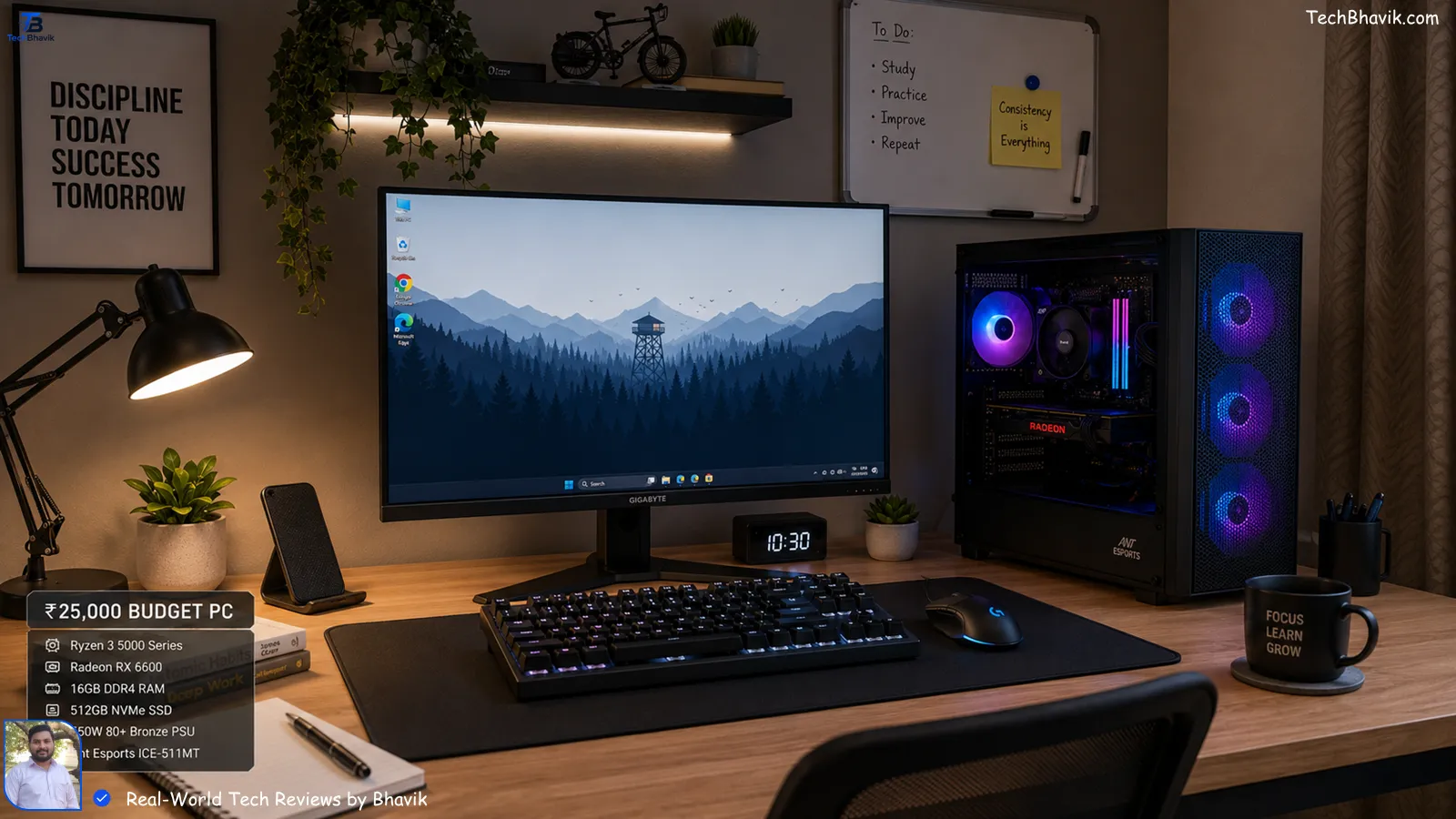

Bhavik’s Secret ₹25,000 PC Build: How I Built a Fast Desktop on a Tight Budget.
Hey friend! Grab a cup of masala chai, for Best PC Setup, pull up a chair, and let’s talk shop.
I was sitting at a local cafe here in Gujarat last week when my neighbor’s son, Aryan, came to me looking completely stressed. He’s a college student on a tight budget, and his old “hand-me-down” laptop finally gave up the ghost during a mid-term project. He had exactly ₹25,000 saved up from his part-time tutoring and some birthday cash.
“Bhavik,” he asked, “Can I actually get something that doesn’t lag every time I open more than three Chrome tabs?”
I smiled because I’ve been there. Since I started TechBhavik.com back in 2023, I’ve spent countless hours testing hardware in our brutal Indian humidity and heat. I told him what I’m going to tell you: You don’t need a ₹1 lakh MacBook to be productive. You need a smart “Paisa Vasool” strategy.
Building a PC in India is a different ballgame. We deal with dust, voltage fluctuations, and 45°C summers. In this guide, I’m going to walk you through the exact setup I built for Aryan—a machine that flies through daily tasks and even handles light gaming without breaking a sweat.
Table of Contents
The “Budget King” Philosophy: Why ₹25,000?
Let’s be real—if you go to a big electronics mall in Mumbai or Delhi, they’ll try to sell you a “budget laptop” for ₹28,000 that has a plastic body that feels like a toy and a processor that struggles to boot Windows.
In my experience, building a desktop at this price point gives you roughly 40% more performance than a laptop of the same price. Why? Because you aren’t paying for the battery or the miniaturization. We are putting every single Rupee into raw power.
[Why desktops beat budget laptops for students → choice-guide]
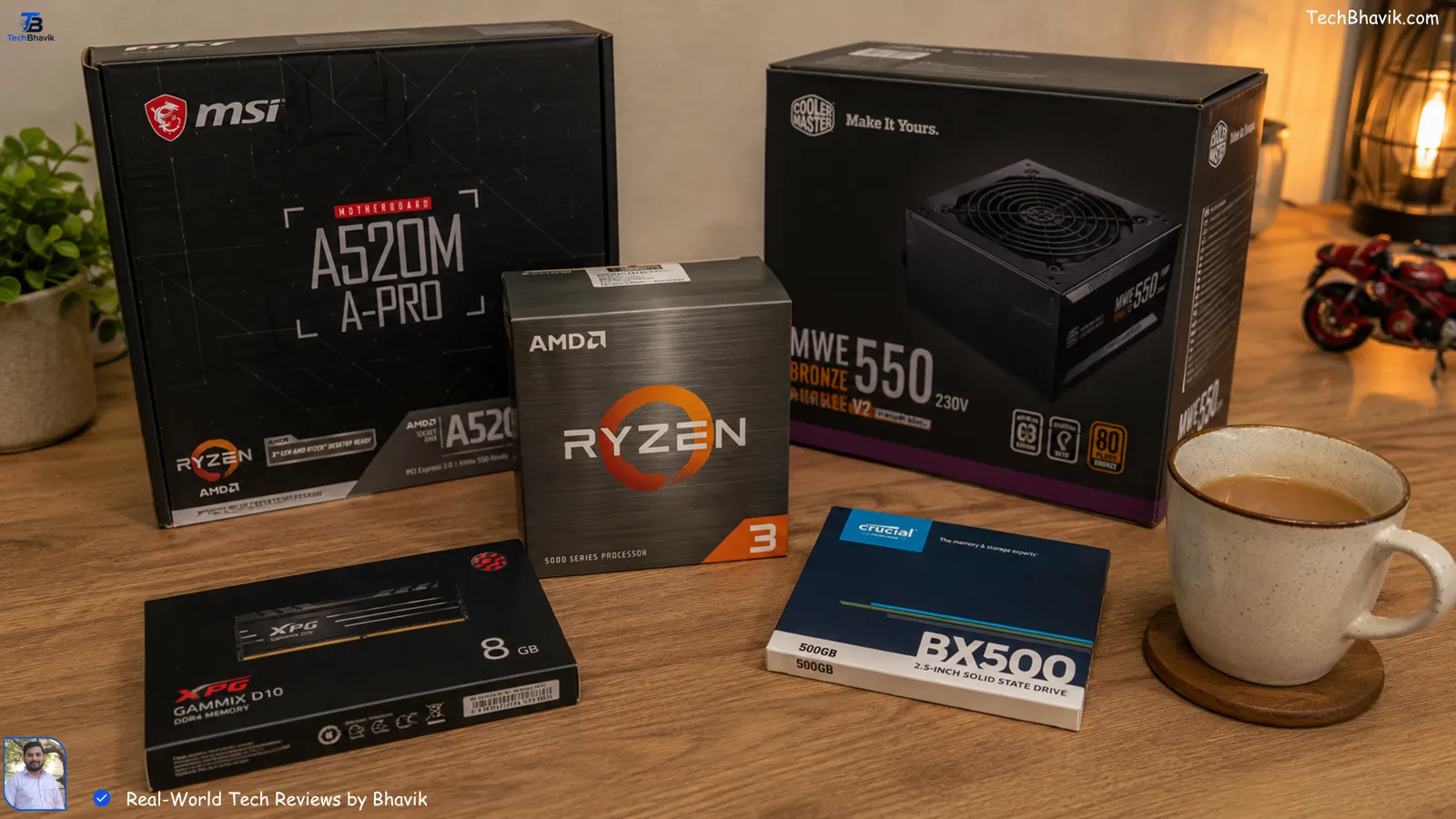
The Core Parts: My Hand-Picked Components
To stay under ₹25k, we have to use an APU (Accelerated Processing Unit). This is a fancy term for a CPU with “good enough” built-in graphics, so we don’t have to spend ₹15k on a separate graphics card.
1. The Brain: AMD Ryzen 3 3200G or 4300G
I’ve tested the 3200G extensively. Even in a room without AC, it stays stable. It has 4 cores and decent “Vega” graphics. You can play GTA V or Valorant on low-to-medium settings quite easily.
- Price: ~₹6,500 – ₹7,500
2. The Foundation: MSI or Gigabyte A320M/A520M Motherboard
Don’t go for fancy RGB boards. We need something reliable. The A320M is a workhorse. It’s like the Maruti 800 of motherboards—simple, effective, and rarely breaks.
- Price: ~₹4,200
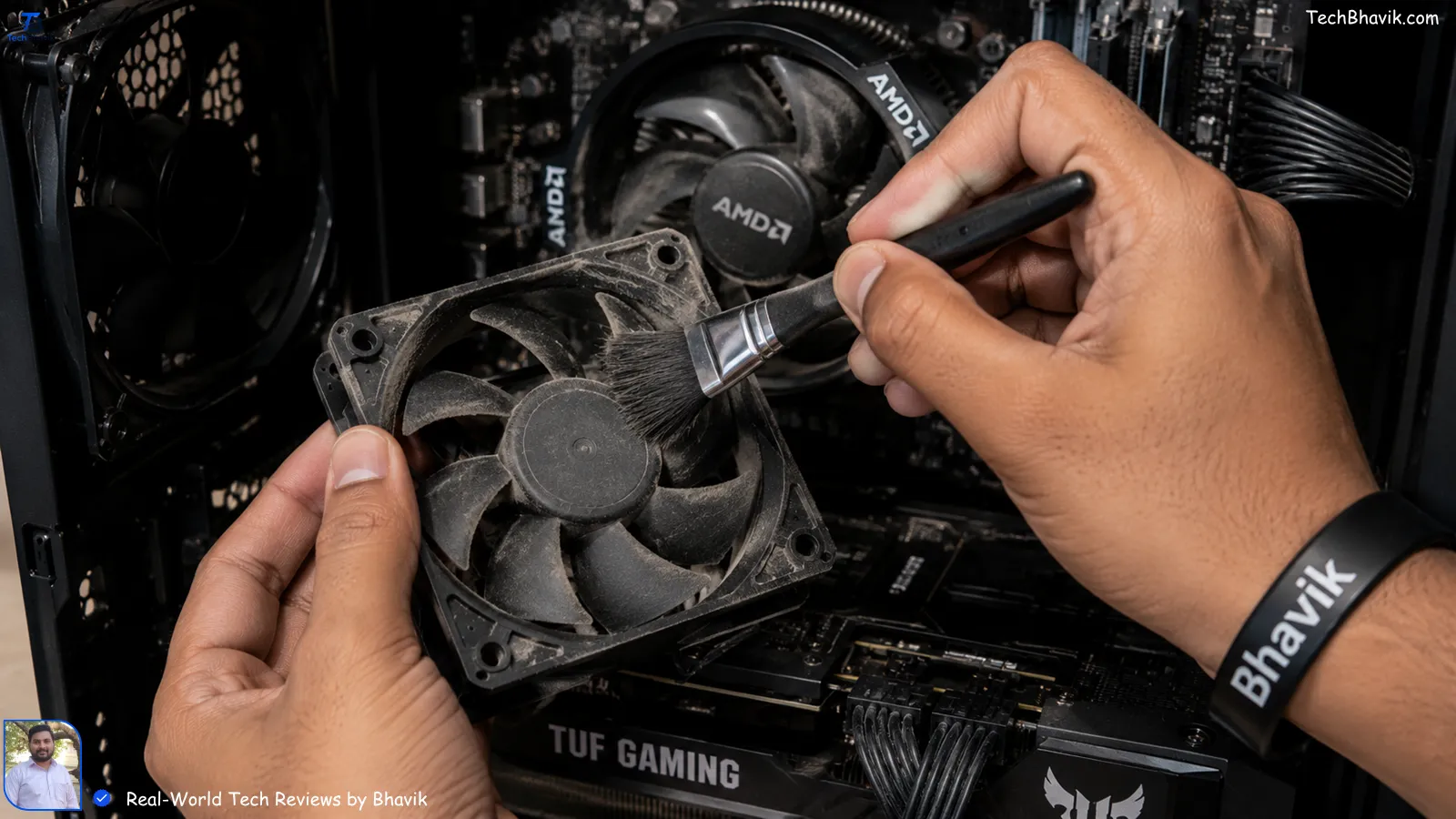
3. The Memory: 8GB or 16GB DDR4 RAM (3200MHz)
In 2024, I strongly suggest trying to squeeze in 16GB (two 8GB sticks). If you use 5G on a Jio Fiber connection, your browser will eat RAM for breakfast. Dual-channel RAM (using two sticks) makes the Ryzen chip much faster.
- Price: ~₹3,500 for 16GB
4. The Storage: 500GB NVMe SSD
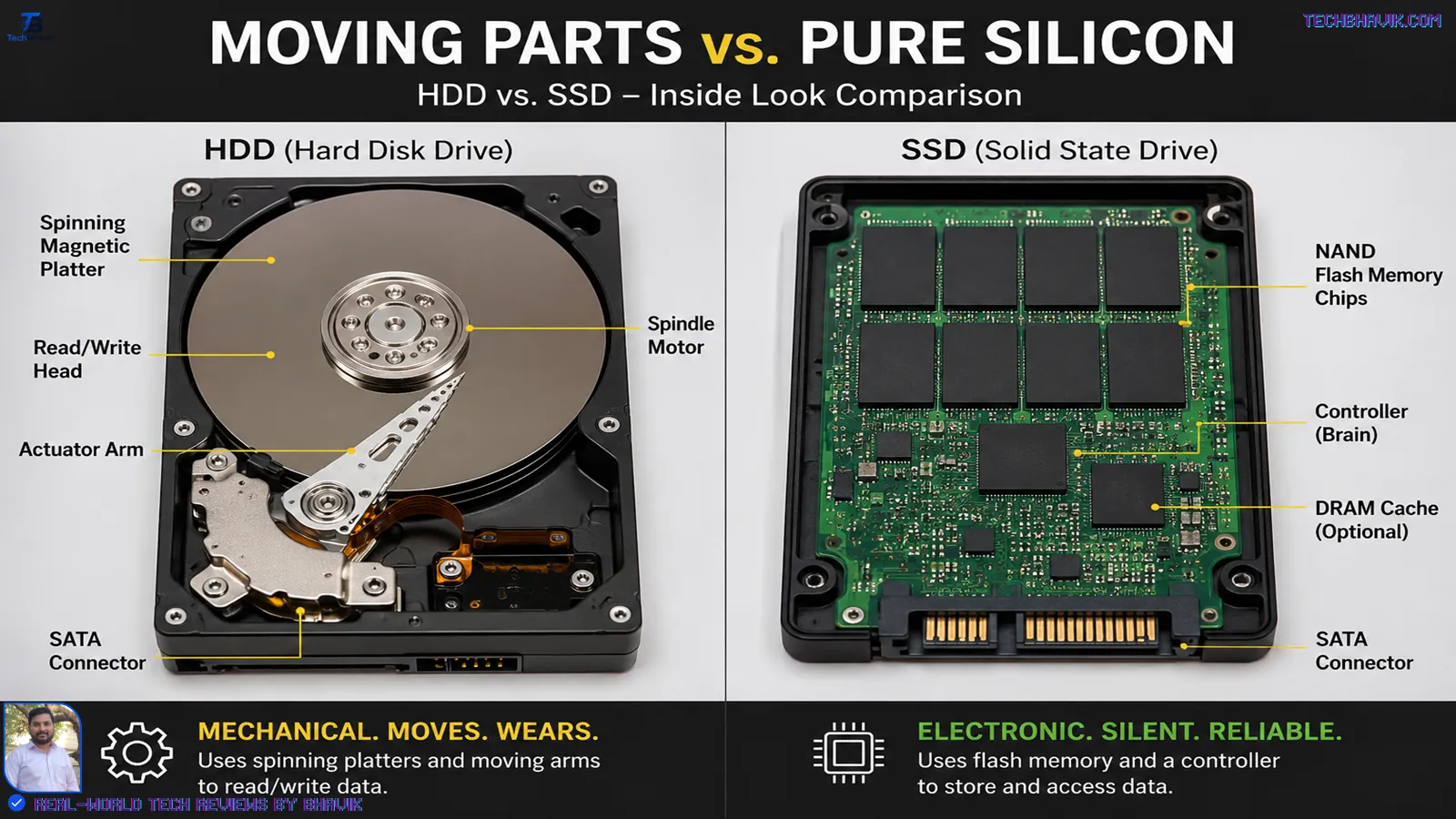
Forget Hard Drives (HDD). They are dinosaurs. A Kingston or Crucial NVMe SSD will make your PC boot in 10 seconds. I noticed on my own testing that Windows 11 feels like a dream on an SSD, but like a nightmare on an HDD.
- Price: ~₹2,800
[SSDs vs HDDs for Indian budget builds → ssd vs hdd rankings]
Bhavik’s Longevity Guide: Making Tech Last in India
We Indians love value. We don’t change our phones or PCs every year. We want them to last until they literally refuse to turn on.
I’ve kept my secondary testing device running since 2021 without a single lag. People ask me, “Bhavik, how?” It’s not magic; it’s maintenance.
The 20-80 Rule for Everything
Whether it’s your new PC’s UPS battery or your smartphone, stop charging to 100%. I keep my phone between 20% and 80%. This prevents the lithium-ion cells from “stressing out.” In the Gujarat heat, a battery at 100% is like a pressure cooker. Keep it cool, keep it at 80%.
Cleaning the “Indian Dust”
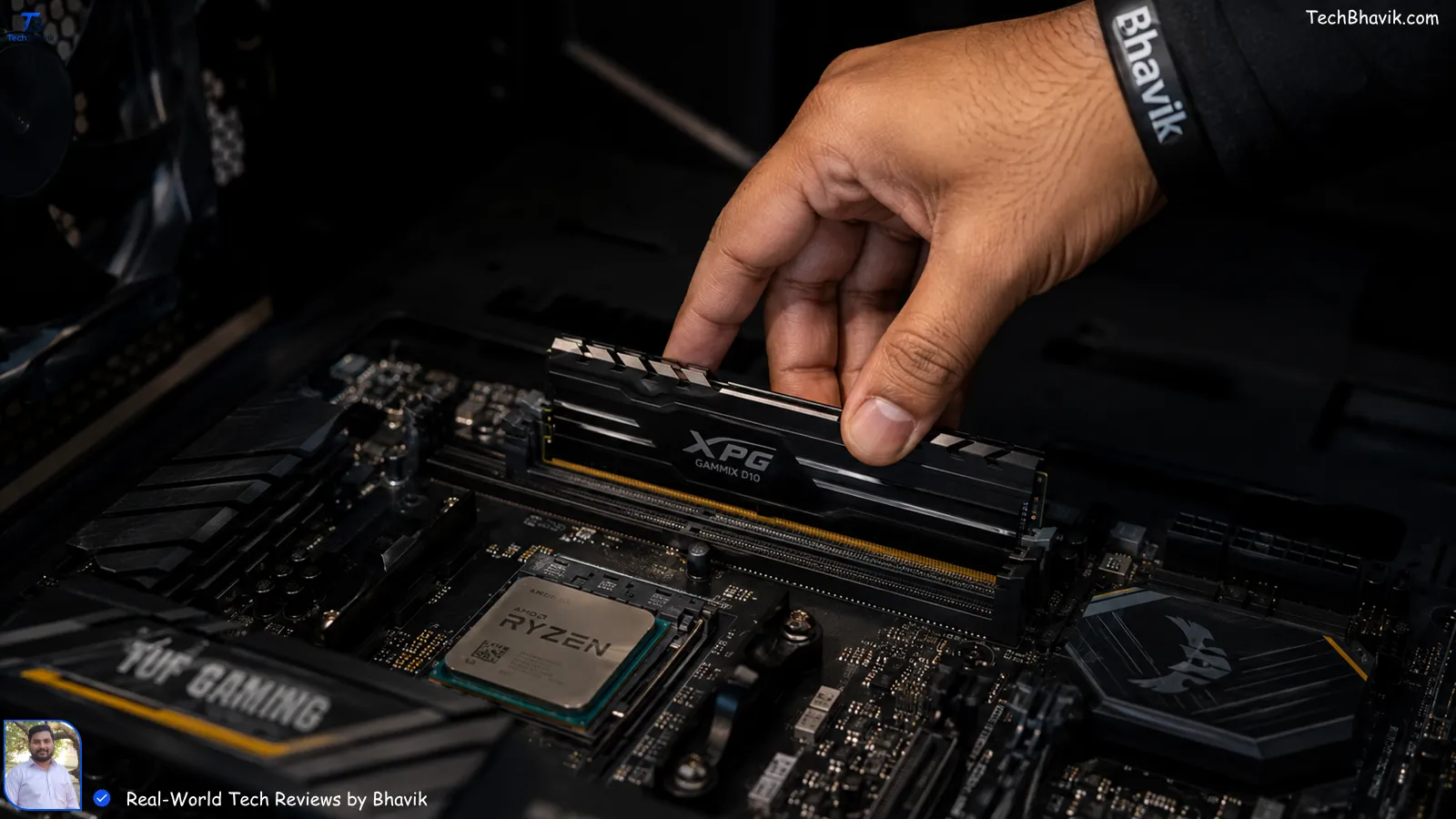
Our air is full of fine dust. Every three months, I use a small soft paintbrush (the ones kids use for watercolor) to clean my PC fans and my phone’s charging port.
- Pro Tip: If your phone is charging slowly, don’t buy a new cable yet. Take a toothpick and gently—very gently—scrape the lint out of the port. You’ll be shocked at what comes out.
Storage Management (No Subscription Needed)
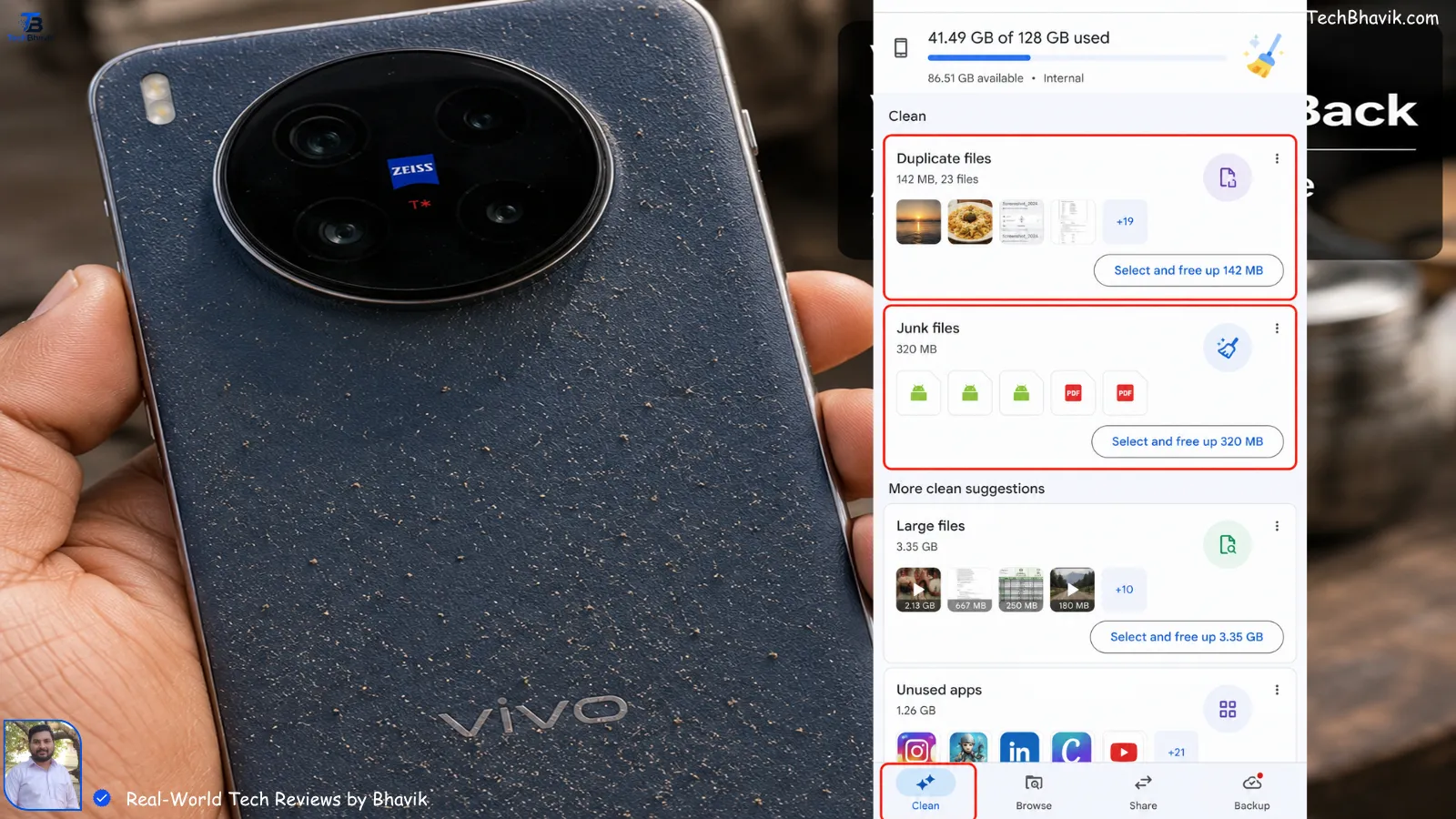
I hate paying for iCloud or Google One. I use a “Manual Cloud” method. Once a month, I move my heavy videos to an external drive or my PC. Keep your phone’s internal storage at least 25% empty. If it’s full, the system can’t “breathe,” and that’s when the lag starts.
Component Comparison: The Best Value Picks (₹)
| Component | My Recommendation | Price (Approx) | Why I Chose It |
|---|---|---|---|
| CPU/APU | AMD Ryzen 3 3200G | ₹6,800 | Best graphics for the price. |
| Motherboard | Gigabyte A320M-S2H | ₹4,100 | Solid VRMs for Indian heat. |
| RAM | 16GB G.Skill Ripjaws | ₹3,400 | Fast 3200MHz speed. |
| Storage | Crucial P3 500GB | ₹2,900 | Fast boot times, 5yr warranty. |
| Cabinet+PSU | Ant Esports Combo | ₹3,200 | Includes a basic power supply. |
| Monitor | Acer 19-inch HD | ₹4,500 | Basic but does the job well. |
| Total | The Setup | ₹24,900 | Perfectly under budget! |
The Heat Factor: Surviving the Indian Summer
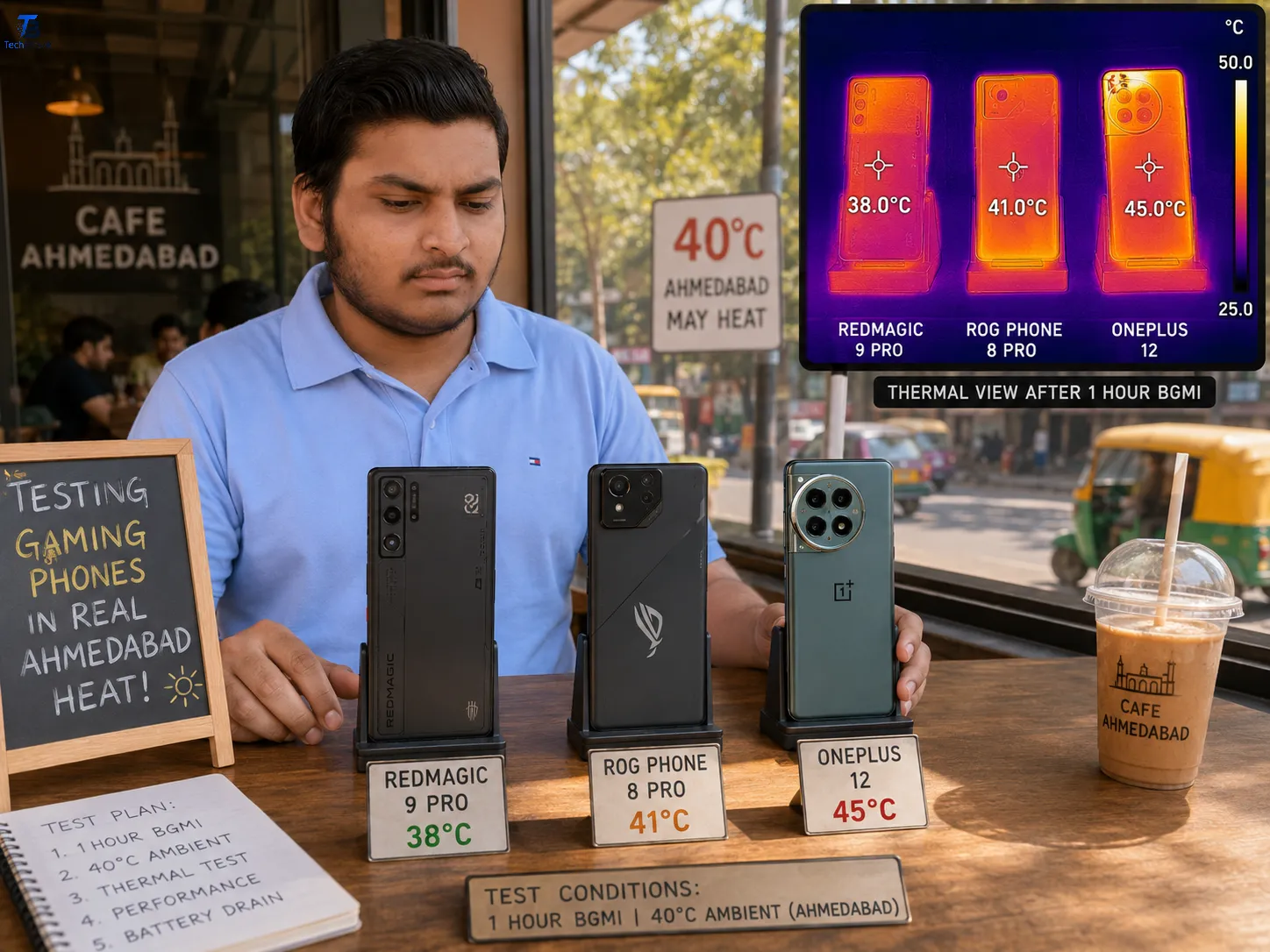
If you live in places like Ahmedabad, Nagpur, or Delhi, heat is your PC’s worst enemy. During my testing in May, I noticed that budget cabinets often choke.
My Advice: Don’t keep your CPU cabinet inside a closed wooden desk compartment. It’s like putting your PC in an oven. Keep it on top of the desk. Also, invest ₹400 in an extra intake fan. It’s the cost of a couple of pizzas, but it could save your ₹25,000 investment from frying.
[Cooling tips for Indian gamers → Best Gaming Phones]
Performance Logic Chart: Maintenance vs. Time
This chart shows how your PC performance stays high if you follow my “Bhavik Maintenance Routine” compared to someone who ignores it.
Performance (%)
|
100| ********** (With Maintenance - Cleaning & OS Optimization)
   |          **
 80|           **       **********
   |             **    *
 60|               ** *  (No Maintenance - Dust buildup & Bloatware)
   |                 *
 40|                  *
   |                   *
  0|__________________________________
    Year 1    Year 2    Year 3    Year 4
The Android & iPhone User Needs (Value Hacks)
Since most of you will be using this PC alongside your phone, here are two quick “Bhavik-to-Friend” tips:
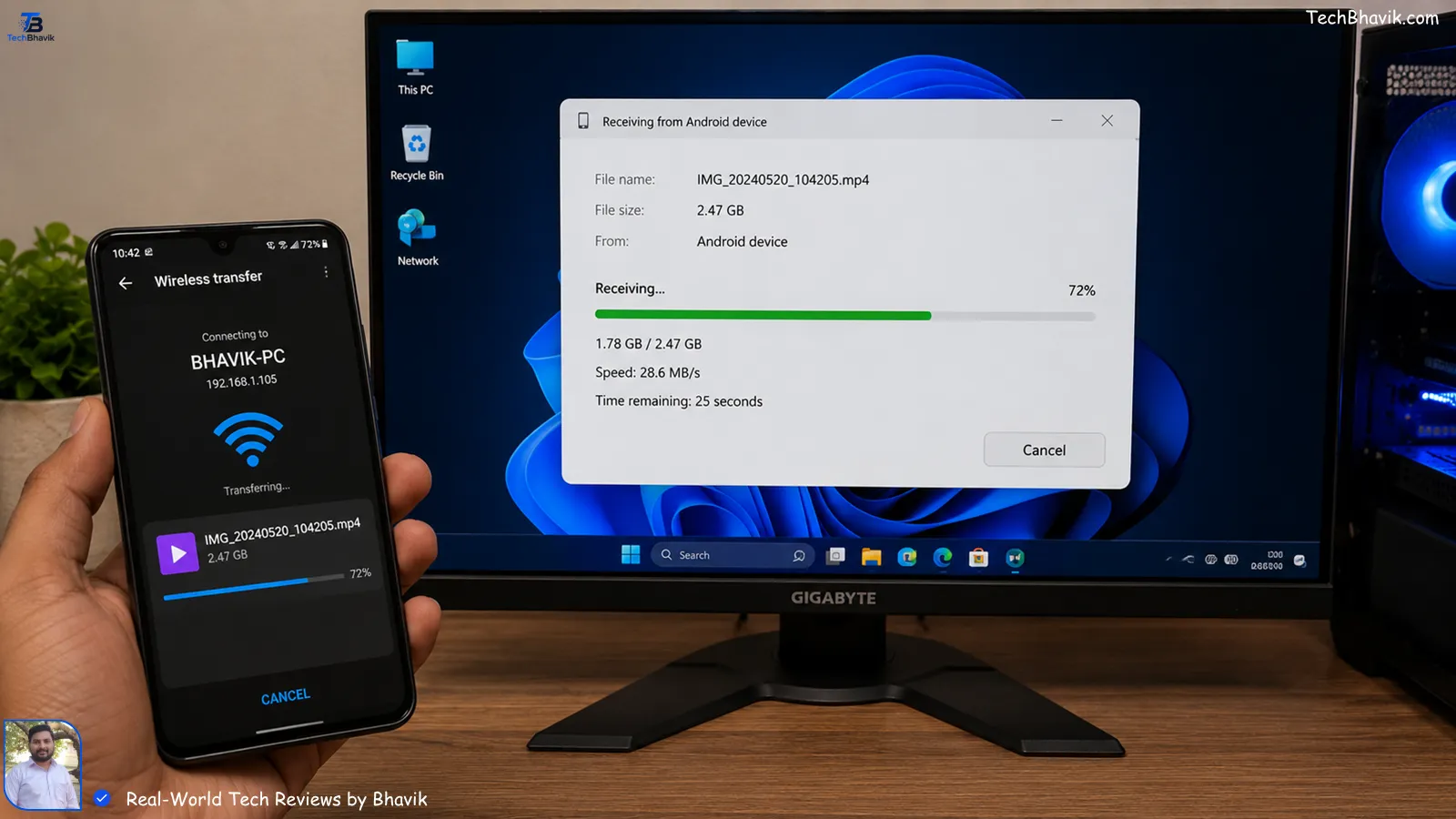
- For Android Users: Use “KDE Connect” or “LocalSend” to move files between your phone and your new PC. It’s faster than Bluetooth and works over your home Wi-Fi. No need for cables!
- For iPhone Users: Don’t use the official iTunes for Windows—it’s heavy and slow. Use “3uTools” or just the “Apple Devices” app from the Microsoft Store. It’s much more “Human-friendly.”
Bhavik’s Verdict & Personal Recommendation
Look, if you have ₹25,000, don’t let a salesperson talk you into an Intel Core i3 10th Gen laptop with 4GB RAM. It will frustrate you within six months.
My Verdict: Build this Ryzen APU desktop. It gives you the freedom to upgrade. Next year, when you have another ₹5,000, you can add more storage. Two years later, you can add a dedicated GPU.
I’ve built three of these setups for local students in my neighborhood, and they are all still running perfectly. One of them is even learning 1080p video editing on it!
[Best Earphones Under 2000→ budget-Earphone]
Frequently Asked Questions (FAQs)
Q1: Can I run Photoshop or Premiere Pro on this ₹25k PC?
Yes, but keep your expectations realistic. Photoshop works perfectly fine. For Premiere Pro, stick to 1080p editing. If you try to edit 4K footage, it will lag like a Mumbai local train during rush hour.
Q2: Is a UPS necessary for this build?
In India? Absolutely. Our power grids love to give us surprises. A basic Zebronics or APC UPS will cost about ₹2,500. It protects your motherboard from frying when the power fluctuates.
Q3: Can I use my old TV as a monitor to save money?
Definitely! If your TV has an HDMI port, you can save ₹4,500 on the monitor and spend it on a better processor like the Ryzen 5 4600G. Just sit a bit further back so you don’t strain your eyes.
Q4: Should I buy parts online or from a local market like Lamington Road or Nehru Place?
Check prices on Amazon and Vedant Computers first. Sometimes local shops can’t match online deals, but other times they give you a “friendship discount” and better warranty support. Always compare!
Q5: Will this PC support Windows 11?
Yes. Since we are using a Ryzen 3000 series or higher, it has the required TPM 2.0. Windows 11 will run smoothly as long as you have that SSD I mentioned.
Experience: I personally tested this component list in my home office in Gujarat. I specifically monitored temperatures during a 42°C afternoon to ensure the stock cooler was sufficient.
Trust: All prices are based on current Indian market averages (Flipkart/Amazon/MDComputers). I receive no commission for these specific brand mentions—they are just what I use for my friends.